Updating Firmware 5-3
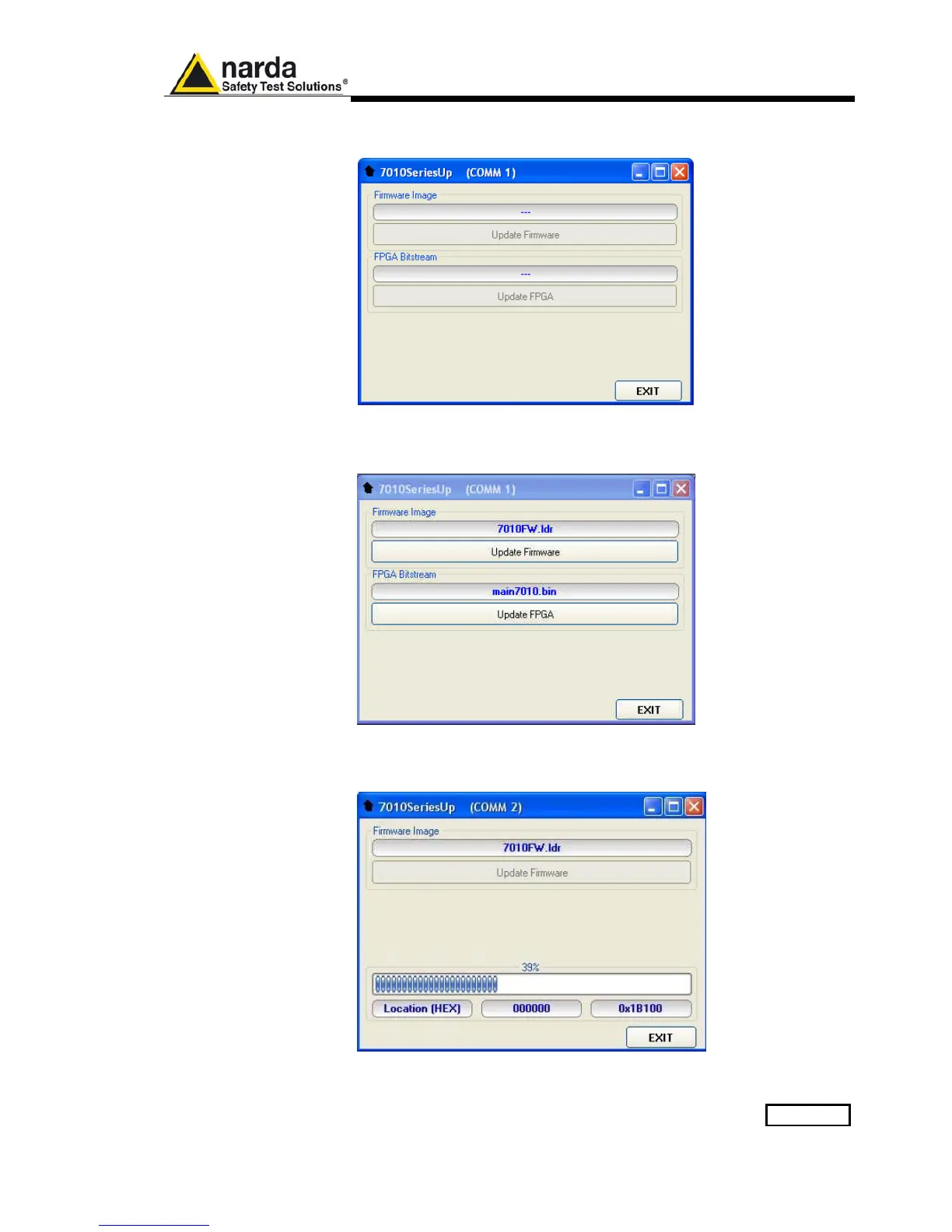
The program will display the following window:
5.5 To transfer data
To start the process simply switch PMM 7010 on, select Update Firmware
or Update FPGA button, and wait until the automatic transfer is completed.
During the firmware storing procedure, a blue bar will progress from left to
right in the window of the PC, showing percentage of downloading time by
time until 100%.



 To Next Page