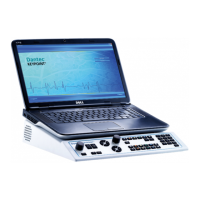
Dantec Keypoint Focus
19
Control Functions
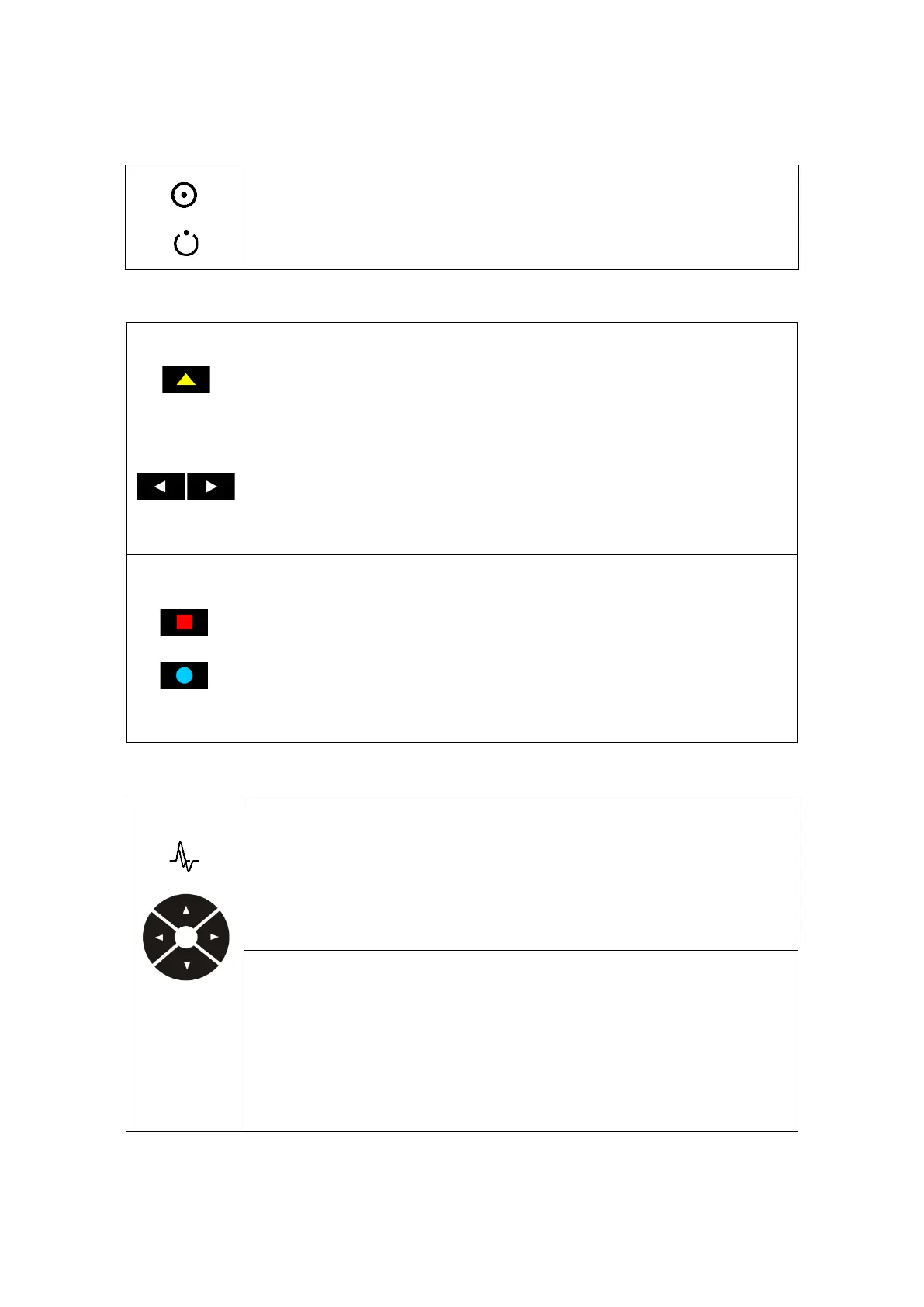
Power On / Stand By Indicators
Power On
Stand By
Software Navigation / Software Functions
Software Navigation Keys – Color Coded
The Software Navigation keys allow you to navigate through the application
tabs.
The 6 Software Navigation keys’ colors and functions correspond to those of
the Software Navigation buttons on the application.
The Left and Right arrow keys allow you to select tests.
Software Function Keys – Color Coded
The Software Function keys allow you to control the different software
functions on the application.
The 12 Software Function keys’ colors and functions correspond to those of
the Software Function buttons on the application.
Sweep Speed / Sensitivity Level
Sweep Speed Arrow Keys
The Right and Left arrow keys allow you to modify the sweep speed.
The Right arrow key increases the sweep speed.
The Left arrow key decreases the sweep speed.
Sensitivity Level Arrow Keys
The Up and Down arrow keys allow you to modify the level of sensitivity.
The Up arrow key increases the sensitivity level.
The Down arrow key decreases the sensitivity level.
Stimulation











 To Next Page