Hardware Instructions for Use
22
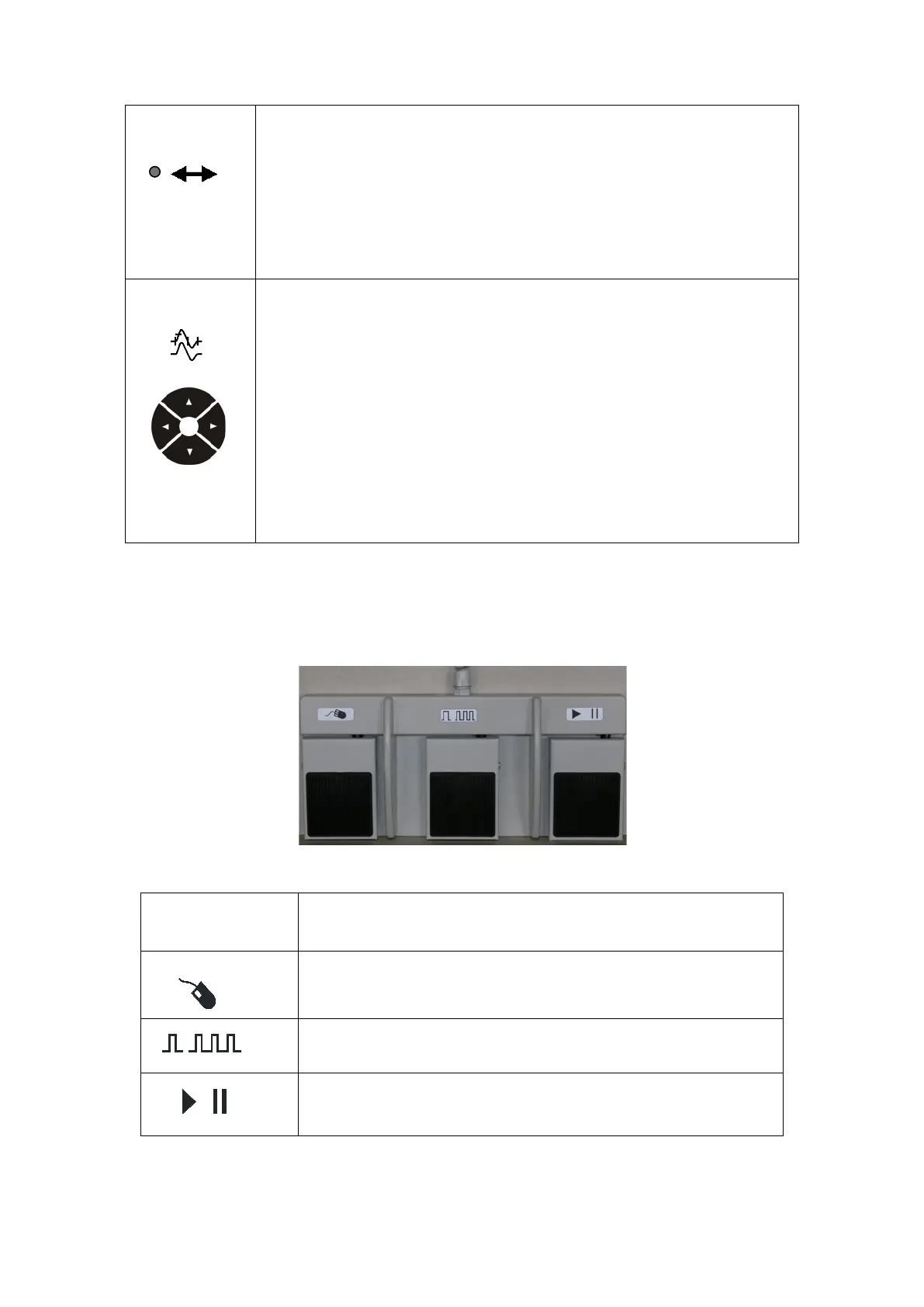
Cursor Mode Indicator
The green light (LED) indicator is on when the cursor mode is enabled.
When enabled, it allows you to move the Trace / Marker or the trigger
cursor with the use of the control knob –see the control knob function
above.
Trace / Marker / Trigger Arrow Keys
In NC; F-Wave; and H-Reflex Applications:
The Up and Down arrow keys select the active trace.
The Left and Right arrow keys select the active cursor.
In EMG Application:
The Up and Down arrow keys move the trigger cursor in small steps.
The Left and Right arrow keys move the trigger cursor to the left and to the
right.
Footswitch (optional)
Footswitches are available as a triple pedal model (A, B and C features), or as a mono pedal
model (B feature). –See also section Advanced Stimulation Handgrip in this manual.
Footswitch
Model with 3 Pedals
Degree of protection against harmful ingress of water
(A)
Application dependent
(B)
Press down for 1 second to start repetitive stimuli.
(C)
Run/Pause – Application dependent











 To Next Page