Hardware Instructions for Use
32
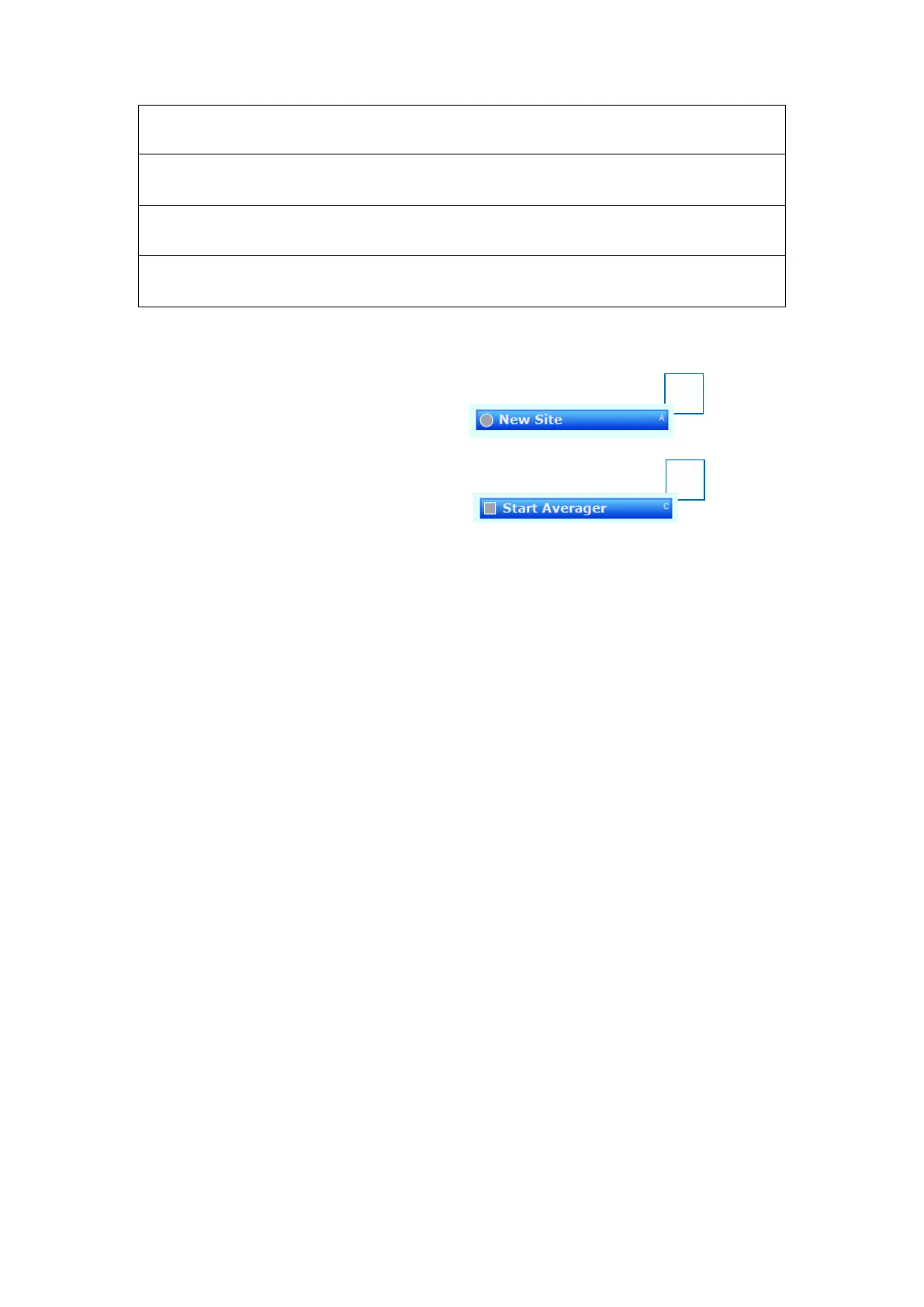
Note on Buttons A (5) and C (6).
Button A (5) has the same function as:
• The footswitch, pedal A;
• Button A on the Keypoint.NET application.
Button C (6) has the same function as:
• The footswitch, pedal C;
• Button C on the Keypoint.NET application.
Shortly press the button on the handle.
(5) Button A: Next Test – Active in Motor, Sensory, F wave and H Reflex
Press and hold down the button on the handle for at least 2 seconds.
(6) Button C: Start/Stop Averager – Active in Sensory Nerve testing
Shortly press the button on the handle.
(7) Polarity Button
Press the button to change polarity.











 To Next Page