Importer Plus Technical Instruction Manual Turning on the importer
Issue 0.02 2010-03-29 Page 6-1
Section 6: Turning on the importer
To turn on and boot up the Importer Plus, perform the following steps:
1. Connect ac power to the back of the Importer Plus. The Importer Plus will begin booting
up.
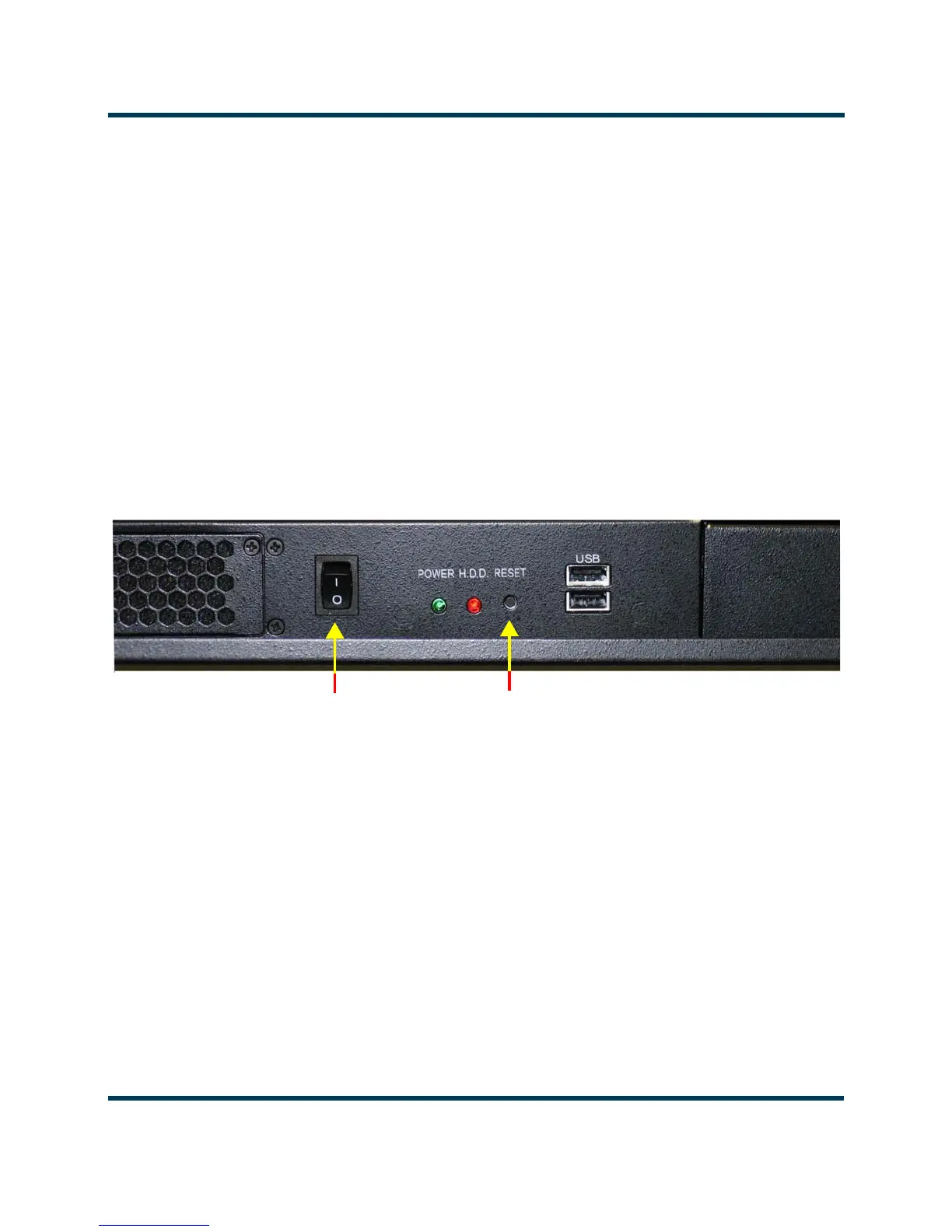
Note: There is a momentary I/O switch on the front panel that turns the Importer Plus on and off. When the
Importer Plus is on and the switch is pressed, Windows XP will routinely shut down and turn off the power
supply. When the Importer Plus has been shut down in this manner and the switch is pressed again, the
Importer Plus will turn on.
2. Ensure the monitor is turned on and that Windows XP starts up properly.
Figure 6.1: Importer Plus partial front view (shown without cover)
On/Off
(momentary)
Switch
Reset
Switch



 To Next Page