Importer Plus Technical Instruction Manual Pre-installation tasks
Issue 0.02 2010-03-29 Page 2-3
Planning the LAN connection
This section provides information about the LAN connection between the Importer Plus and the NE
IBOC, Exporter or Exporter Plus. Assess your existing network's capabilities, or establish a network
that meets the requirements of this section. This section includes the following topics:
• Managing network traffic
• STL capacity
• IP address information
Managing network traffic
Network traffic between the Importer Plus and NE IBOC, Exporter or Exporter Plus contains time
sensitive information, such as audio, and cannot tolerate variation in transport time. Use network
devices such as switches to intelligently route the network traffic. Avoid using network hubs, which
are slow in nature. The link between the Importer Plus and Exporter/NE IBOC is called I2E. The
link between the Exporter or Exporter Plus and FM exciter with Exgine option is called E2X.
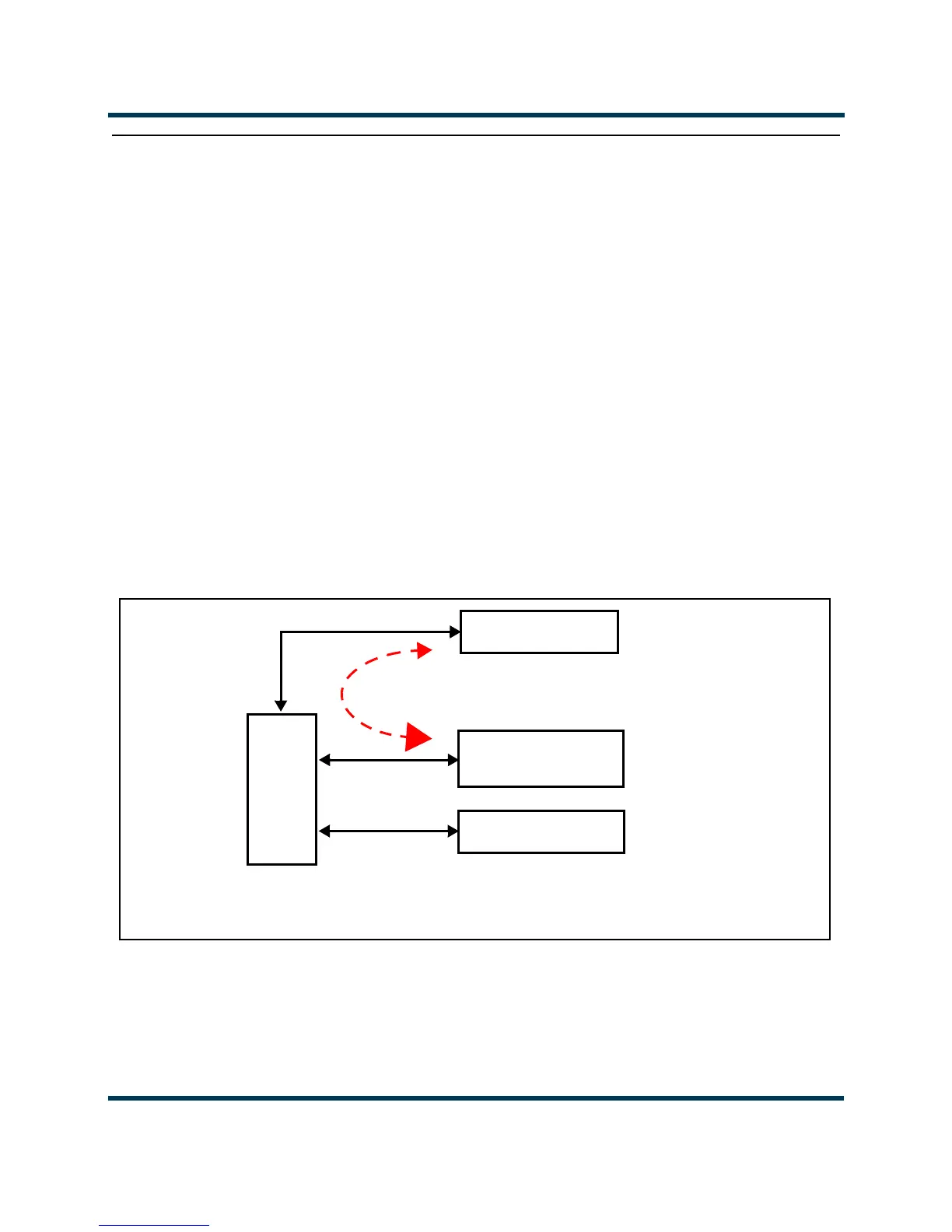
Figure 2.1, Figure 2.2 and Figure 2.3 show examples of LAN configurations using the Importer Plus
and Exporter at various locations.
Figure 2.1: Example of Importer Plus and Exporter at the Transmitter Site
Note: The FM exciter connects to the LAN when the exciter includes the Exgine option. Otherwise it can only connect
directly to an Exporter, Exporter Plus or NE IBOC.
4 Port
LAN
Switch
IMPORTER PLUS
Note: Dashed direction lines show logical data connections. Where data flows in both
directions, the larger arrowhead indicates the direction of the majority of the data.
I2E Link (< 150 kb/s)
EXPORTER/
NE IBOC
FM EXCITER



 To Next Page