Importer Plus Technical Instruction Manual Operating the Importer Plus
Issue 0.02 2010-03-29 Page 8-3
Control panel
The Importer Plus software consists of a number of modules. These modules may be started and run
individually, bu tthe preferred method is to run the
Importer Control Panel application. This manual
contains information on running the Importer Plus software through the Importer Control Panel.
For detailed information on the individual modules, see the HD Radio Importer User’s Manual.
Start up the Importer Control Panel as follows:
1. Ensure the Importer Plus is connected to the NE IBOC, Exporter or Exporter Plus via
Ethernet.
2. From the Windows desktop, double click the Importer Control Panel icon. The control
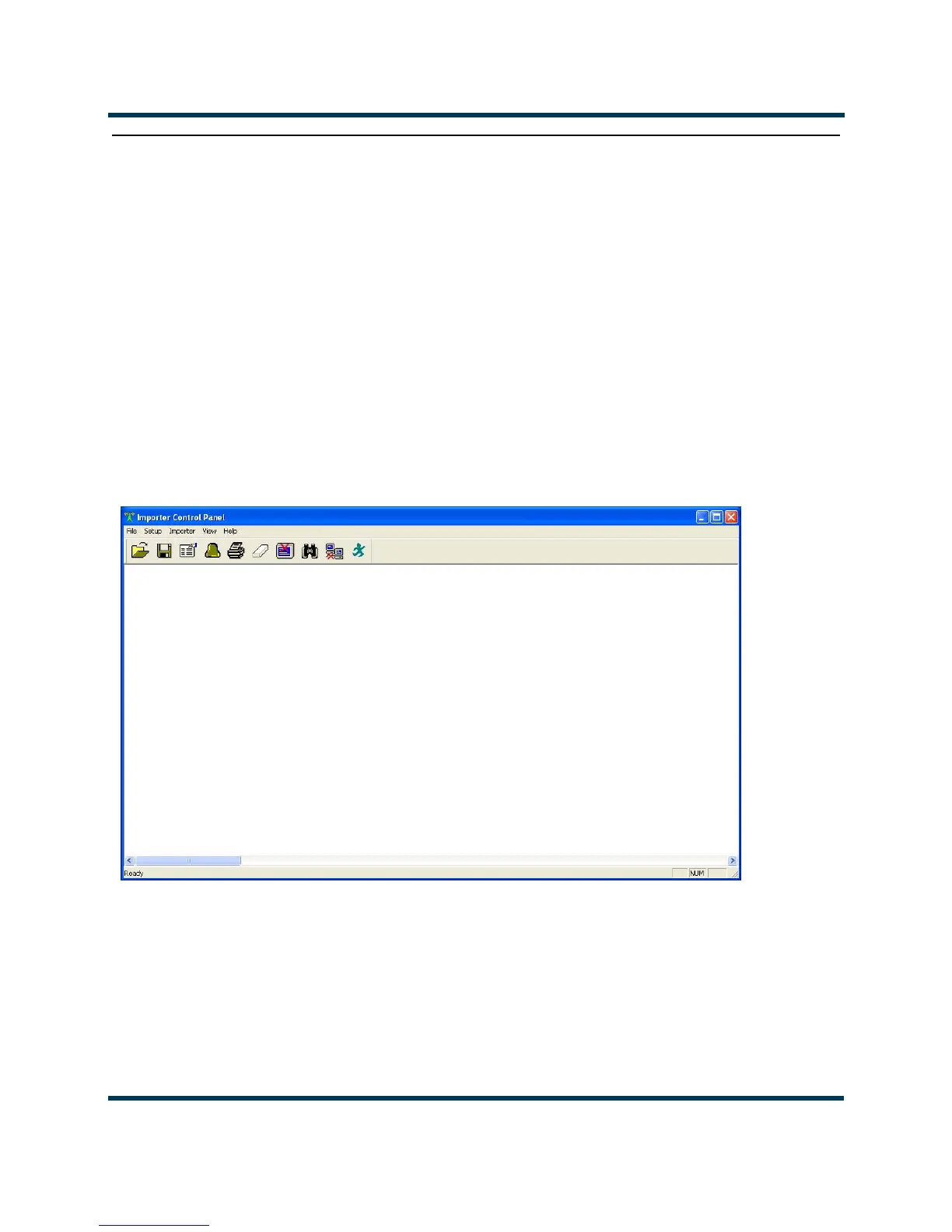
panel application will start. See Figure 8.2
Figure 8.2: Importer Control Panel
Control panel functions
The Importer Control Panel allows the user to start and stop the Importer Plus, set various Importer
Plus configuration options and control the Importer Plus’ logging functions.



 To Next Page