Importer Plus Technical Instruction Manual Operating the Importer Plus
Page 8-12 Issue 0.02 2010-03-29
Importer page
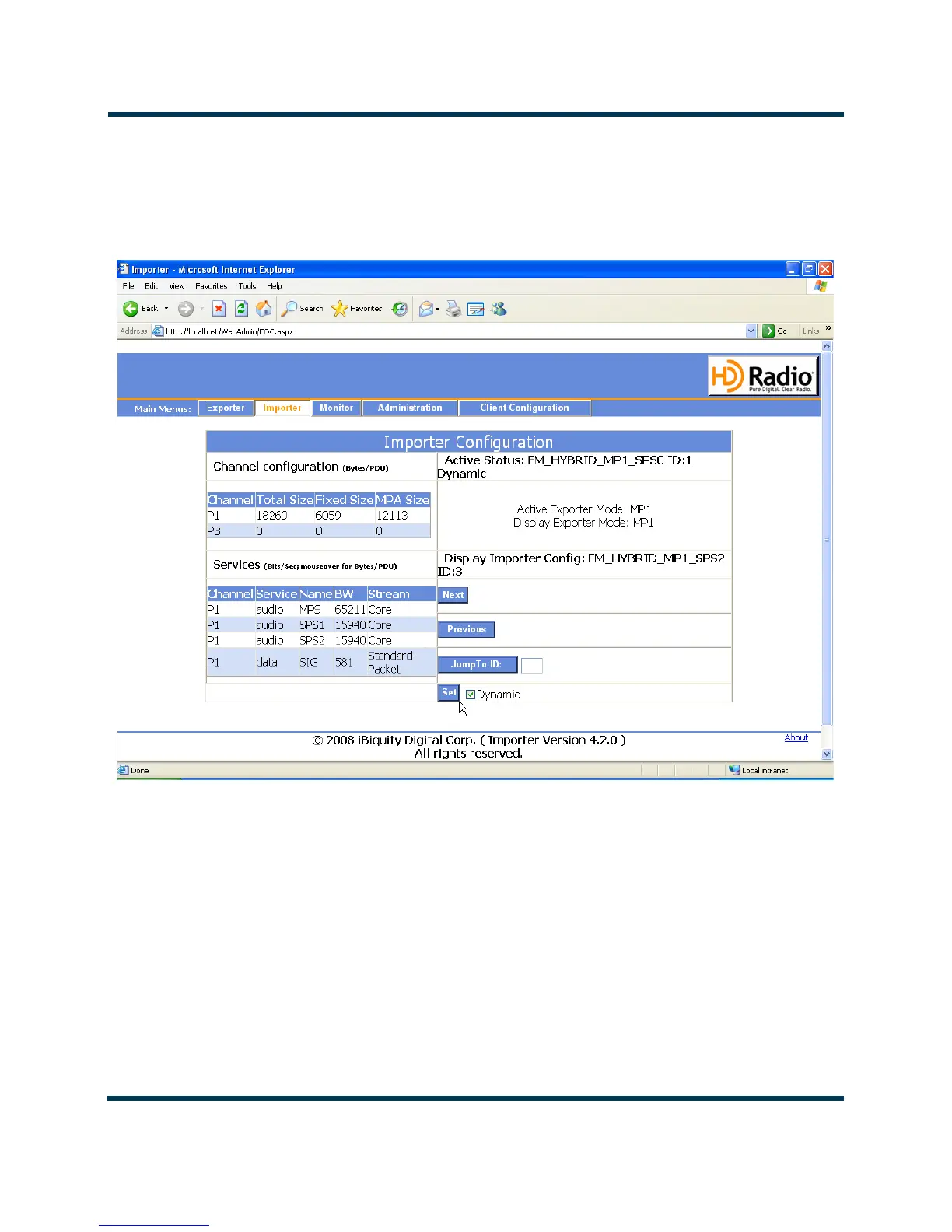
The Importer page (see Figure 8.11) displays current configuration and allows the user to change the
active configuration.
Figure 8.11: Importer page (view configurations)
The Next, Previous and Jump To ID buttons are used to cycle through all of the available
configurations. The
Set button is used to change the configuration.
Monitor page
The Monitor page is simply a placeholder for future features.



 To Next Page