Importer Plus Technical Instruction Manual Operating the Importer Plus
Issue 0.02 2010-03-29 Page 8-15
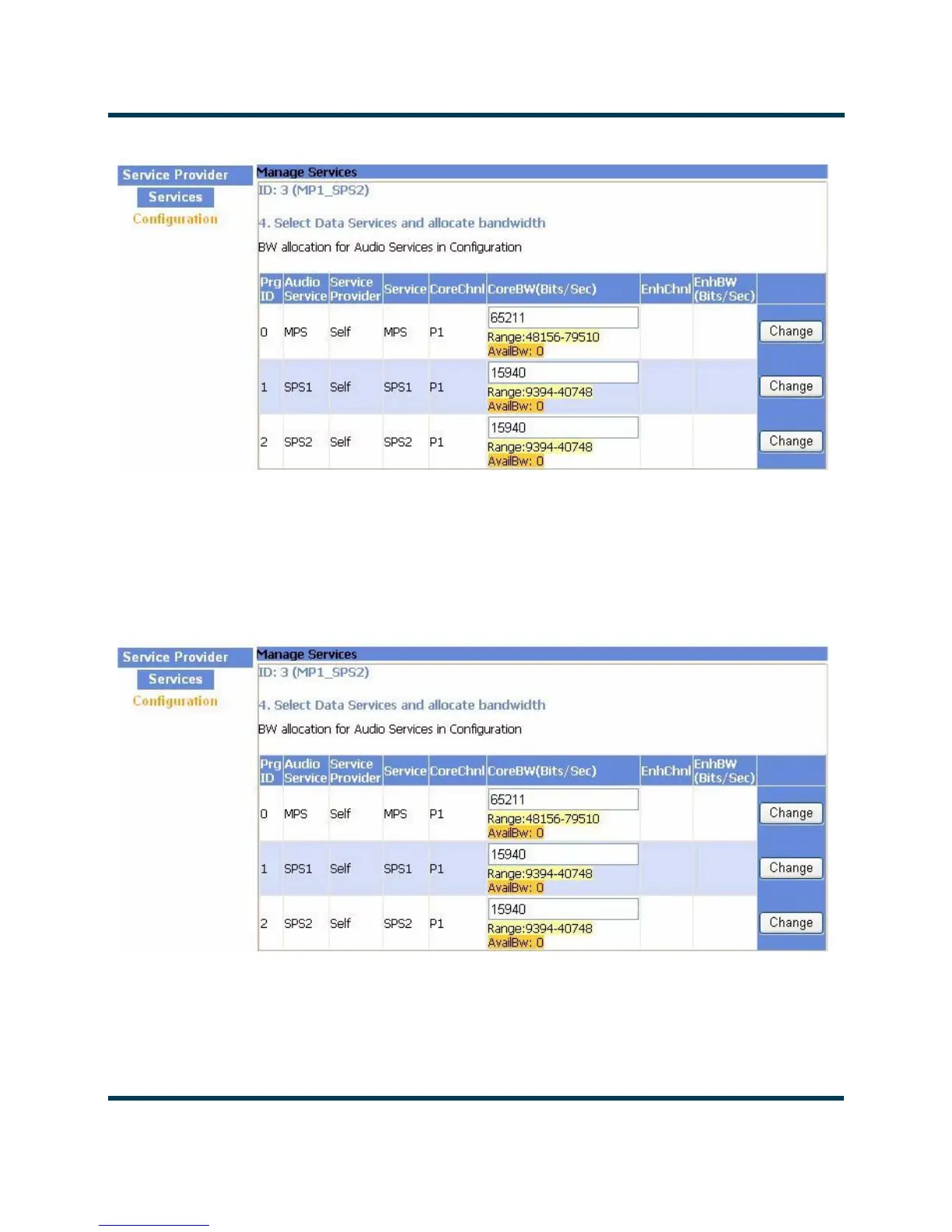
Figure 8.14: Bandwidth Allocation for Audio Services
3. Select the Change button associated with the service to be changed. Change the bandwidth
by editing the value in the CoreBW (Bits/Sec) column. Once a new value has been entered,
select the OK button. The available bandwidth (AvailBw) numbers for the various channels
will update (see Figure 8.15)
Figure 8.15: Available Bandwidth after Change
4. Select the Update Configuration button in the upper right portion of the page (see
Figure 8.16).



 To Next Page