40
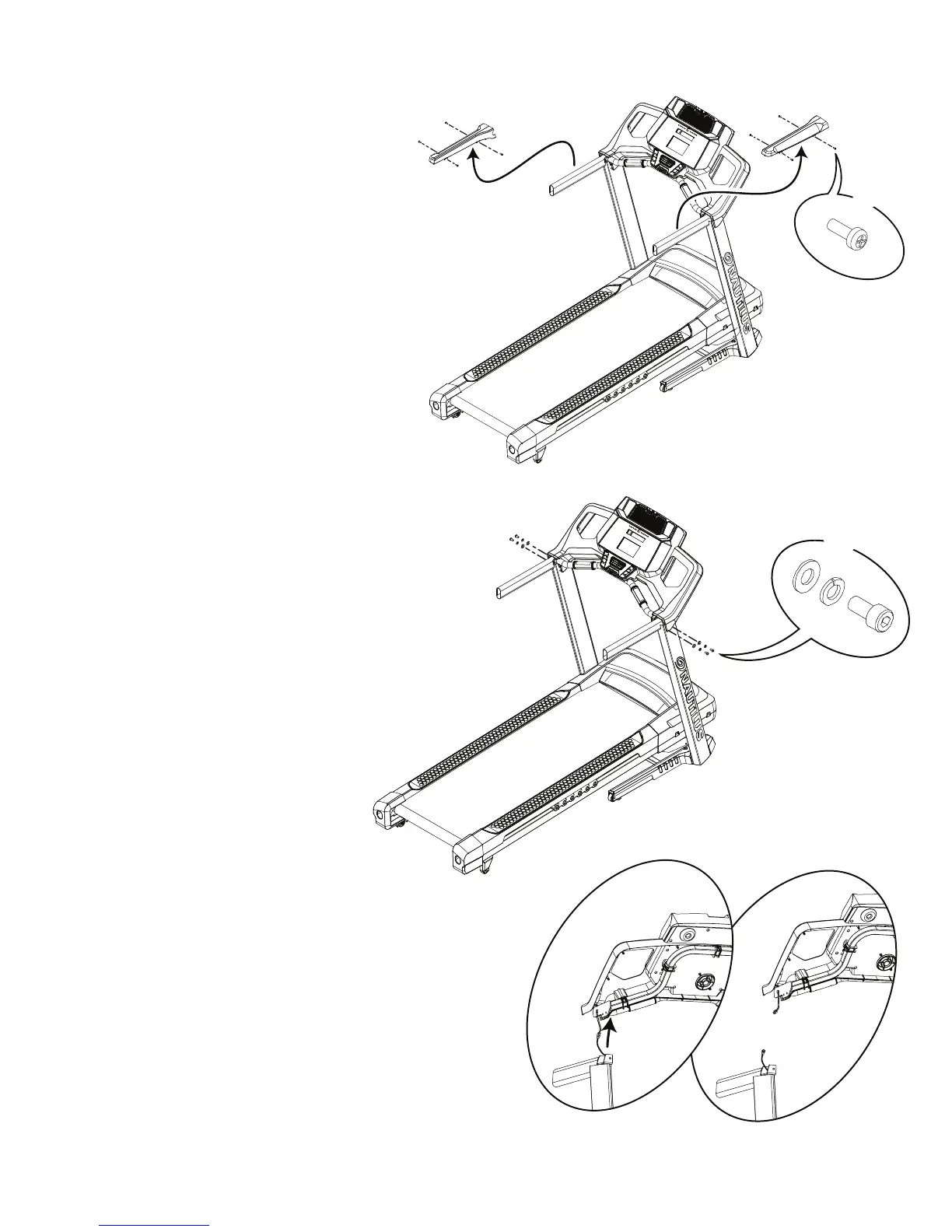
5.Usinga#2Phillipsscrewdriver,removethe8indicatedscrewsfrom
Upper Handlebar Shrouds.
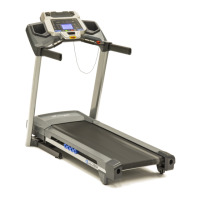
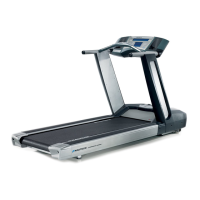
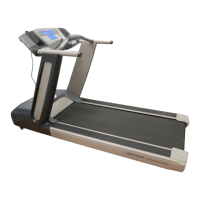
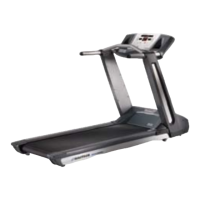
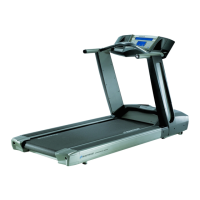
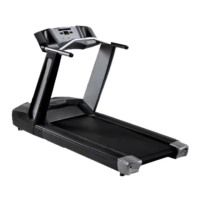
Note: there are no Upper Handlebar Shrouds on the Nautilus
™
T624/T684
and Schwinn
®
530machines.
6. Using a 6mm hex wrench, remove the indicated hardware from the
Uprights.
7. Slightly pull the right side of the Console upward enough to expose the
Input/Output (I/O) Cable from the Right Upright, and disconnect it. Do not
allow the I/O Cable to fall into the Right Upright. Secure it with A Zip-Tie,
rubber band or piece of wire.
Note: this step may take two people to safely hold the Console and
Handlebar Assembly and disconnect the cables. Do not crimp the Cables.
8. Fully remove the Console and Handlebar Assembly from the Uprights.
C
X8
F
B
X4
E


 To Next Page
 Loading...