41
9. With the new Console and Handlebar Assembly, connect the I/O Cables
and attach it to the Uprights.
Note: this step may take two people to safely hold the Console and
Handlebar Assembly and connect the Cables. Do not crimp the Cables.
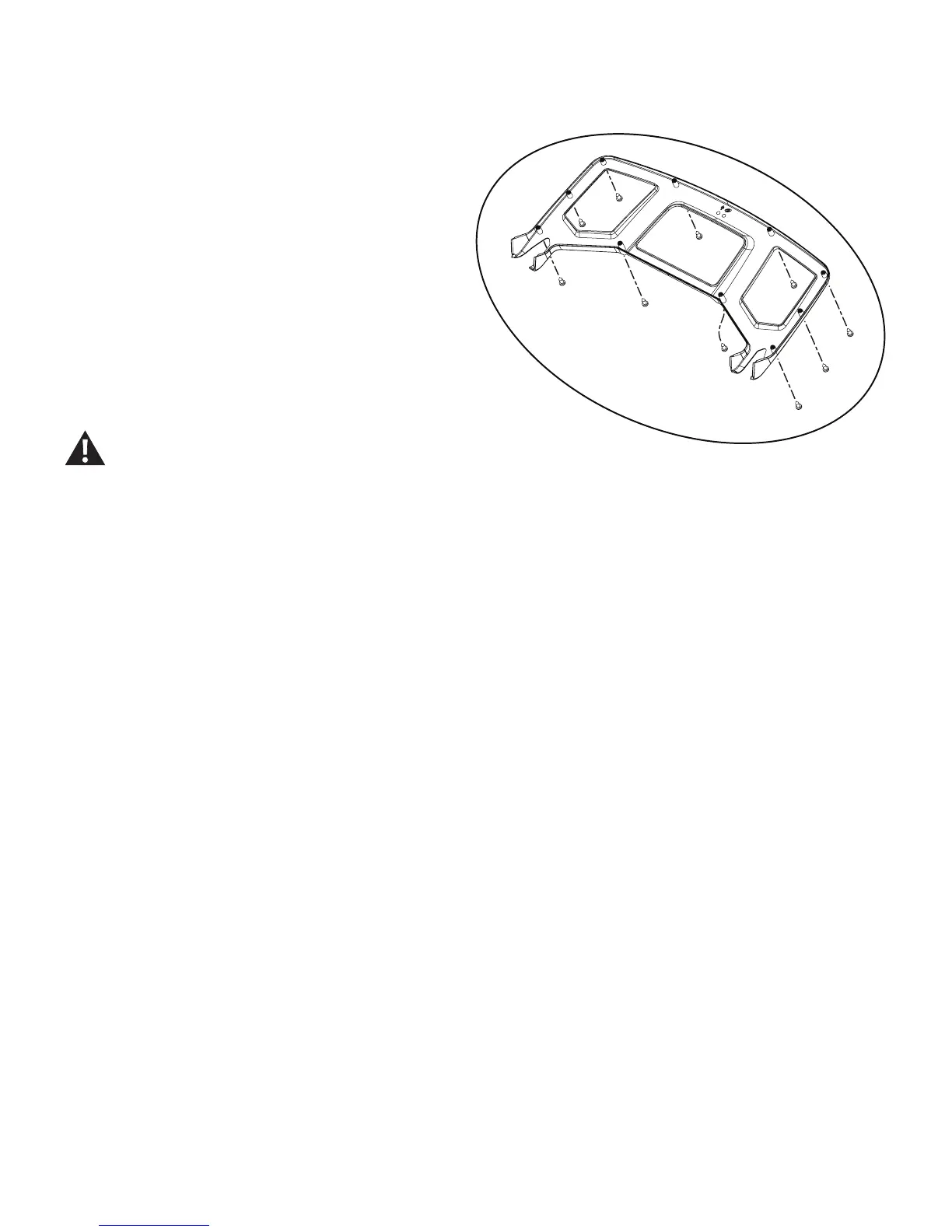
10. Re-install all remaining parts that were removed in reverse order.
Note: when re-attaching the Console Backing, be sure to attach the hard-
waremarkedwiththe(*)rst,thenthehardwarewiththe(**),followed
by the remaining hardware.
11. Final Inspection
Inspect your machine to ensure that all hardware is tight and components
are properly assembled.
Do not use until the machine has been fully assembled and
inspected for correct performance in accordance with the
Owner’s Manual.


 To Next Page
 Loading...