12
Part
2
-
Getting acquainted
Soft keys used
When you log in or when you press
CTRL
+
P7
as PUSH-keys
(while holding down
CTRL
press P7), the soft key
(CTRL+P7)
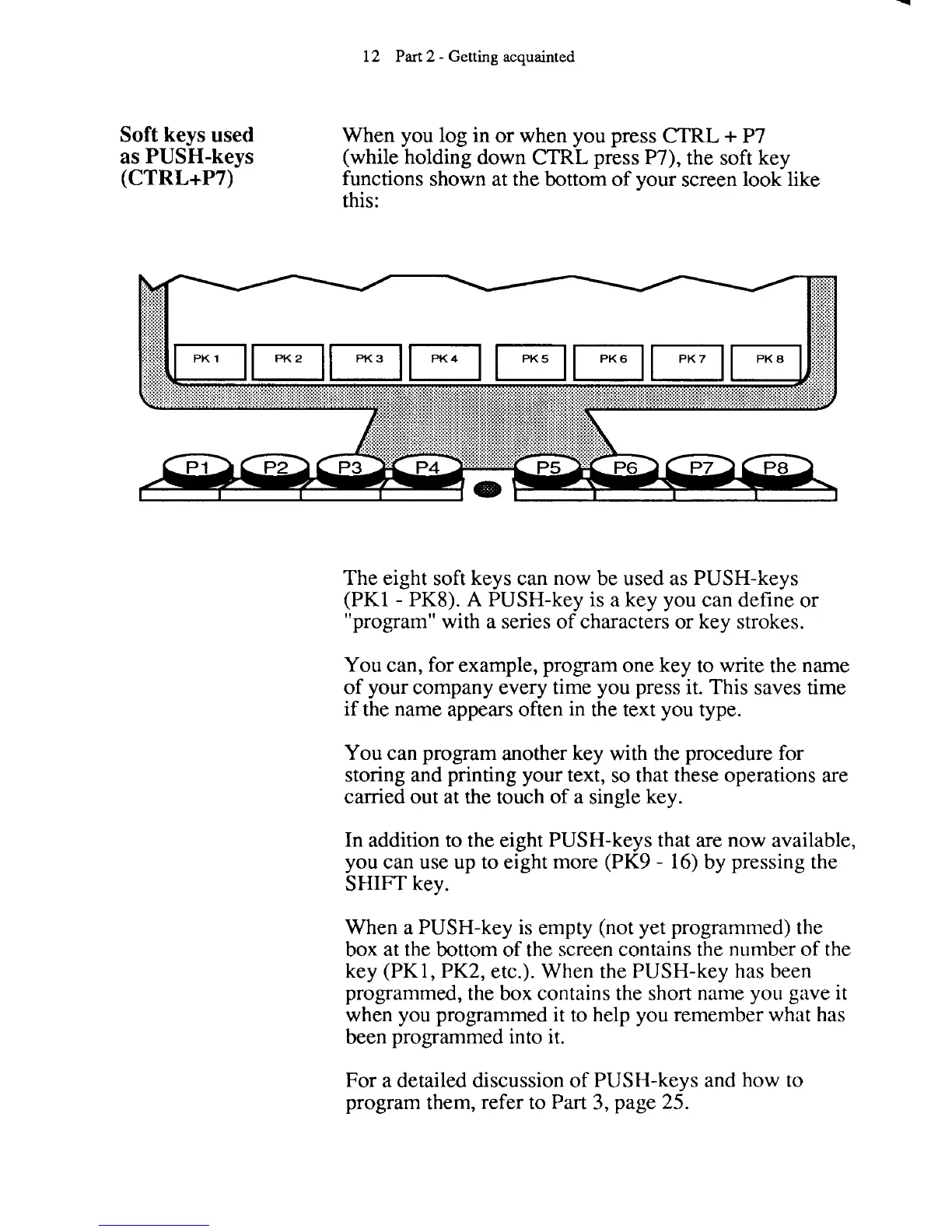
functions shown at the bottom of your screen look like
this:
The eight soft keys can now be used as PUSH-keys
(PK1
-
PKS).
A
PUSH-key is a key you can define or
"program" with a series of characters or key strokes.
You can, for example, program one key to write the name
of your company every time you press it. This saves time
if the name appears often in the text you type.
You can program another key with the procedure for
storing and printing your text, so that these operations are
carried out at the touch of a single key.
In addition to the eight PUSH-keys that are now available,
you can use up to
erght more (PK~
-
16) by pressing the
SHIFT key.
When a PUSH-key is empty (not yet programmed) the
box at the bottom of the screen contains the number of the
key
(PK1, PK2, etc.). When the PUSH-key has been
programmed, the box contains the short name you gave it
when you programmed it to help you remember what has
been programmed into it.
For a detailed discussion of PUSH-keys and how to
program them, refer to Part
3,
page
25.



 To Next Page