13
Part
2
-
Getting
acquainted
Soft
keys
used
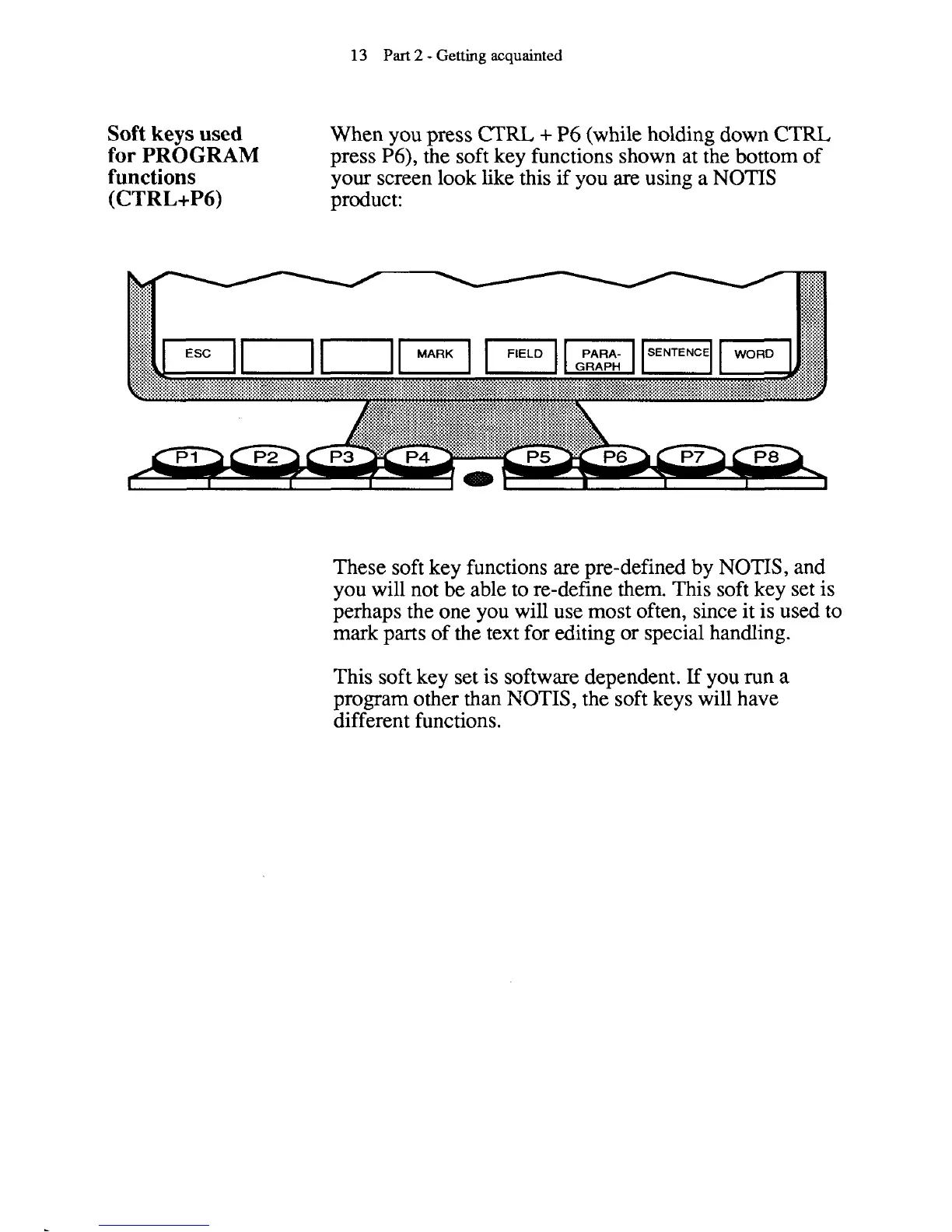
When you press
CTRL
+
P6 (while holding down
CTRL
for PROGRAM
press P6), the soft key functions shown at the bottom of
functions
your screen look like this
if
you are using a NOTIS
(CTRL+P6)
product:
These soft key functions are pre-defined by
NOTIS, and
you will not be able to re-define them. This soft key set is
perhaps the one you will use most often, since it is used to
mark parts of the text for editing or special handling.
This soft key set is software dependent. If you run
a
program other than NOTIS, the soft keys will have
different functions.



 To Next Page