6
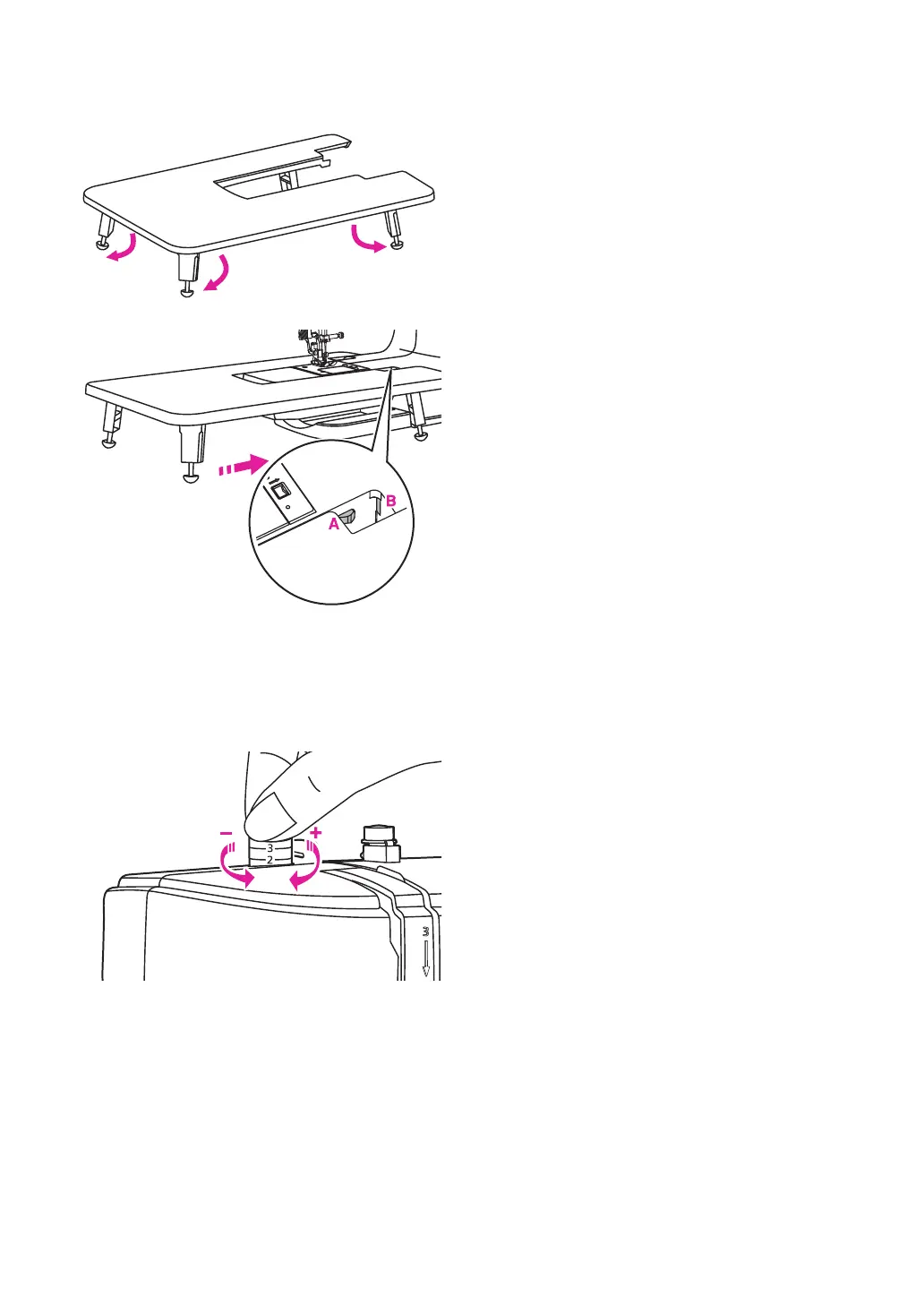
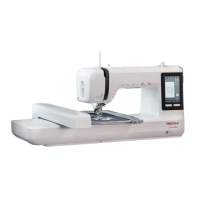
Install the extension table
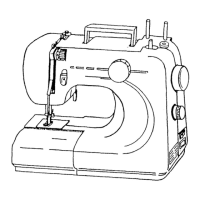
Adjusting the presser foot pressure
The presser foot pressure dial is on the top
left of the face plate.
The presser foot pressure of the machine
has been pre-set and requires no particular
adjustment for general sewing.
Basic presser foot pressure setting: "2".
For sewing with very thin fabric, reduce the
pressure by turning the dial counter-clockwise.
If kept turning the dial, it could be take out.
By that time, just turn the screw clockwise,
it could be locked back and readjust the
pressure.
For heavy fabric, increase the pressure by
turning it clockwise. Once dial could not be
moved any further, it has been reached the
bottom, please do not turn any more.
Pull the sewing table and accessory box off
by sliding it to the left.
Follow the arrow, and stretch the foot of the
extension table.
Snap (A) of the extension table into (B) of the
machine.


 To Next Page