35
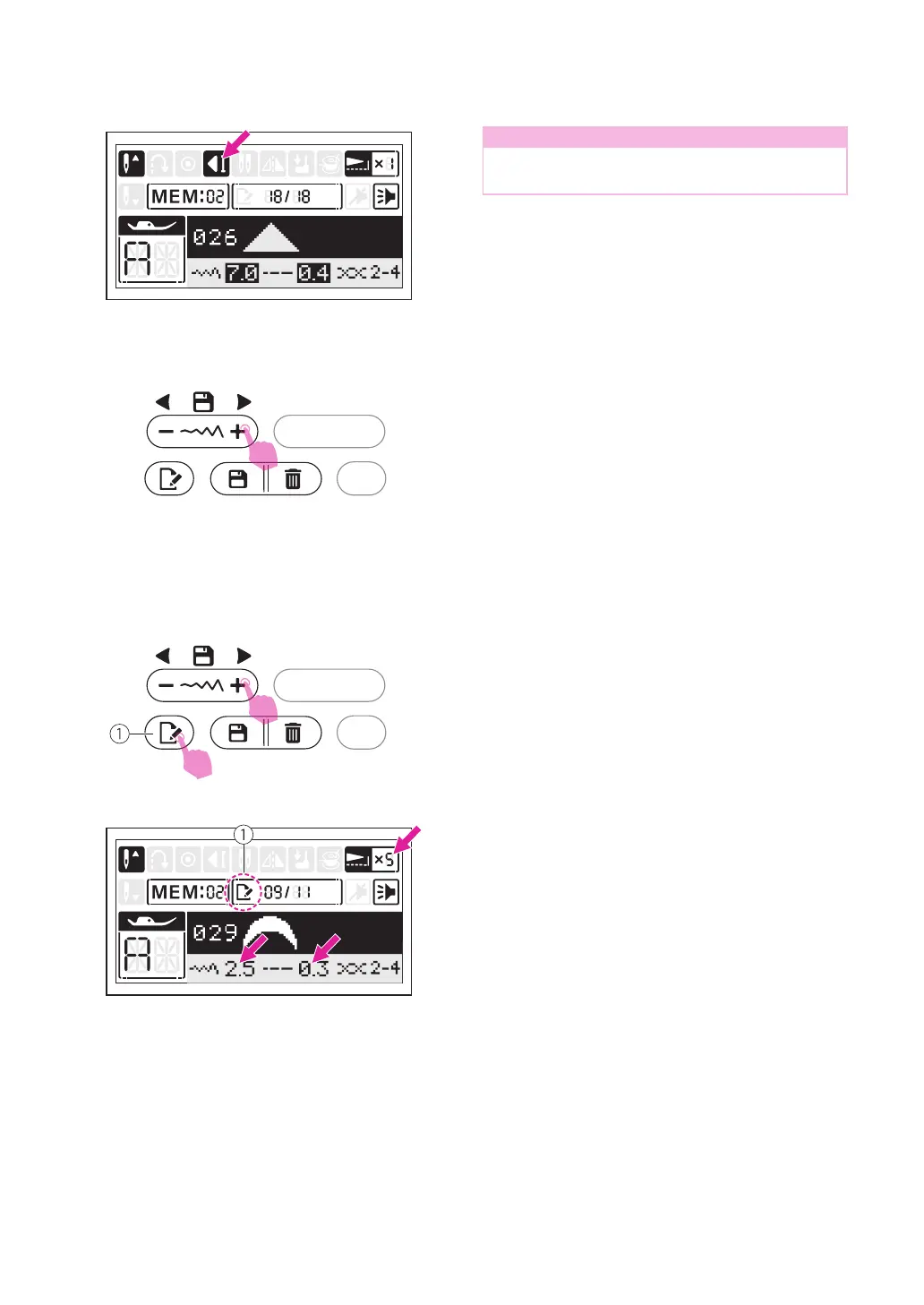
Note
The last stitch will be tied off automatically
under the memory mode.
v
Editing stitches
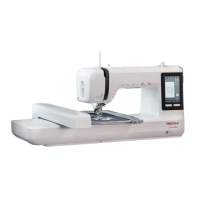
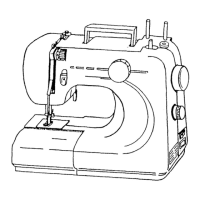
Use the stitch width adjustment button "+" or
"-" to select the stitch to edit. Press the edit
button to edit the stitch.
①
Edit button
The stitch length, stitch width, mirror and
elongation of the stitches can be adjusted
manually depending on each stitch settings.
For details on the stitches' limitation, please
refer to the " Operation buttons" chapter.
①
Edit mode
Press the edit button to leave the edit mode.
v
Inserting stitches
Use the stitch width adjustment button "+"
or "-" move prior to the stitch you left out.
Then select the pattern group and stitch you
would like to add, the stitch number you have
selected is displayed, then add the new stitch.


 To Next Page