33
Memory program
You can save frequent-use combining stitches for future use, such as names. Since stored
stitches are not lost after the sewing machine is turned off, they can be recalled at any
time.
Note
- Multiple stitches selecting from Regular Pattern Group, Quilting Pattern Group and
Alphabet Groups can be combined and sewn together.
- This machine has 2 modules of program memory and each module can retain 40 units of
stitches.
- Direct Pattern Group and Regular Pattern Group 009-025 can not be memorized.
v
Combine stitches
Turn the power switch to on ("I").
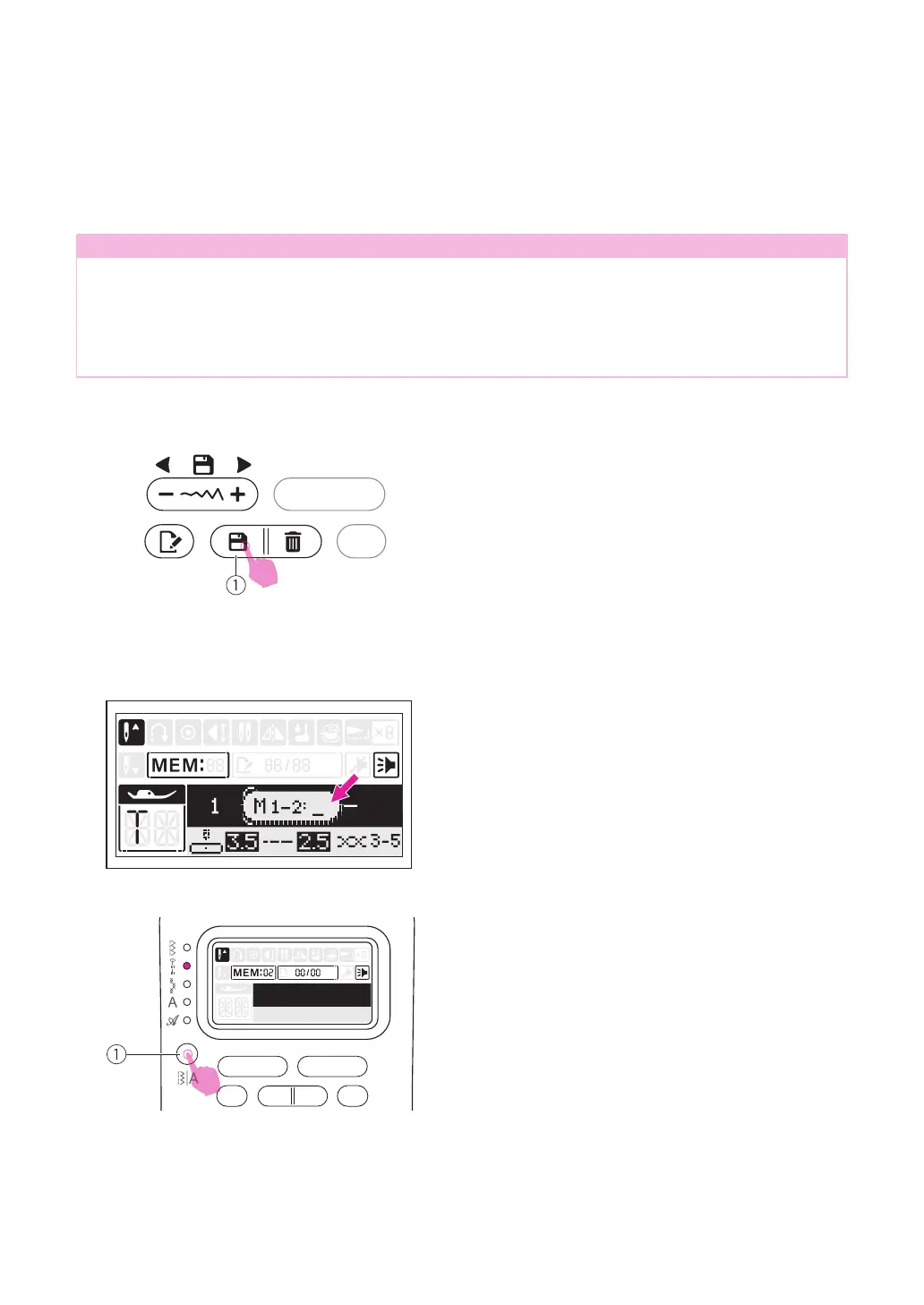
Press the memory button to enter the memory
mode.
①
Memory button
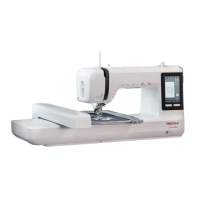
A sub-screen appears. Select a number 1 or 2
of the memory module in the cursor ashing.
The memory screen appears automatically.
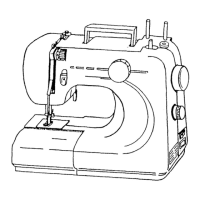
Press pattern group switch button to change
Regular Pattern Group, Quilting Pattern
Group or Alphabet Groups.
①
Pattern group switch button


 To Next Page