EasyManua.ls Logo

Necta Snakky Max - Programming Menu - Summary

Necta Snakky Max
72 pages
Print Icon
To Next Page IconTo Next Page
To Previous Page IconTo Previous Page
Loading...
© by NECTA VENDING SOLUTIONS SpA
0407 239 - 00
31
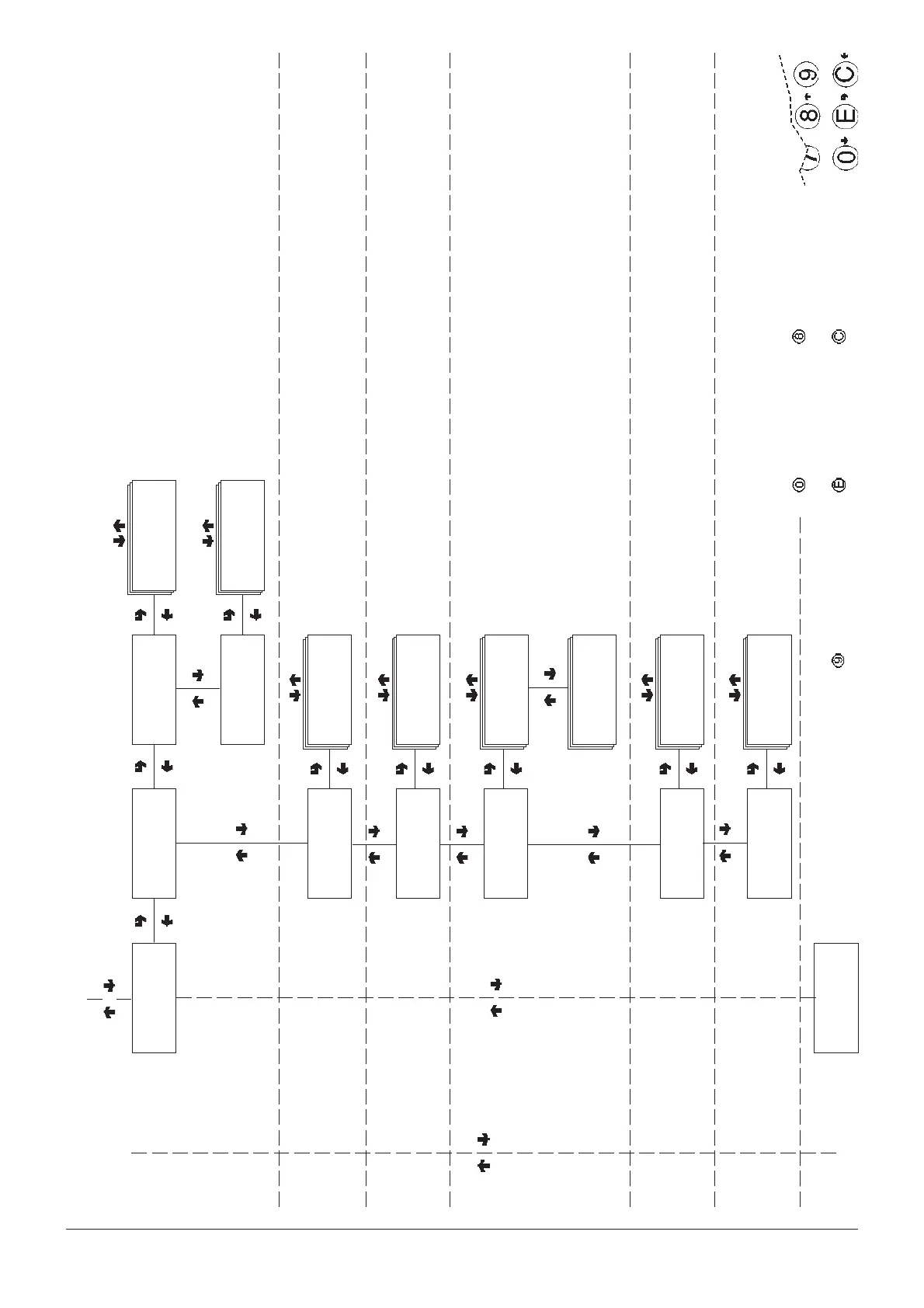
Filler menu - Summary
CONFIRM DATA/
CONFIRM FUNCTION
DELETE DATA/
EXIT FUNCTION
PREVIOUS FUNCTION/
DECREASE DATA UNIT (-
1)
NEXT FUNCTION/
INCREASE DATA UNIT (+1)
DIRECT ACCESS TO CHANGE
PRICE OF TIME BAND 0
Filler menu - Summary
Display sales by single
selection for each time band
and total
Display total sales by single
selection
RELATIVE STATISTICS
Display total sales in normal
operation and test mode
FILL >1.4.1
Display sel. counter
FILL >1.4.1.1
Disp. single counter
Selection ##
Time band # = ####
FILL >1.4.1.2
Disp. total counter
Selection ##
Total = ###
FILL >1.4
Display relative stats
FILL >1.4.2
Count. by time bands
Time band 0÷4
Counter = ###
Compressor
Counter = ###
FILL >1.4.3
Display failures
FILL >1.4.4.1
Disp. coin mech counter
FILL >1.4.4
Disp. coin mech data
FILL >1.4.4.2
Display cash counter
Monitored failures:
Compressor
Coin mechanism
RAM data
Probe
COIN MECHANISM DATA
(according to protocol used)
Validators and Executive
Cashed and sold
BDV Audit
MDB Audit
FILL >1.5
Delete relative stats
Err. before disp.
Counter = ###
FILL >1.4.5
Disp. phot. err. cnt.
Photocell errors:
Before dispensing
After dispensing
Product not detected
Select. N. ##
Counter = ###
FILL >1.4.6
Disp. mot. err. cnt.
Motor error

Related product manuals