EasyManua.ls Logo

Necta Snakky Max - Page 57

Necta Snakky Max
72 pages
Print Icon
To Next Page IconTo Next Page
To Previous Page IconTo Previous Page
Loading...
© by NECTA VENDING SOLUTIONS SpA
53
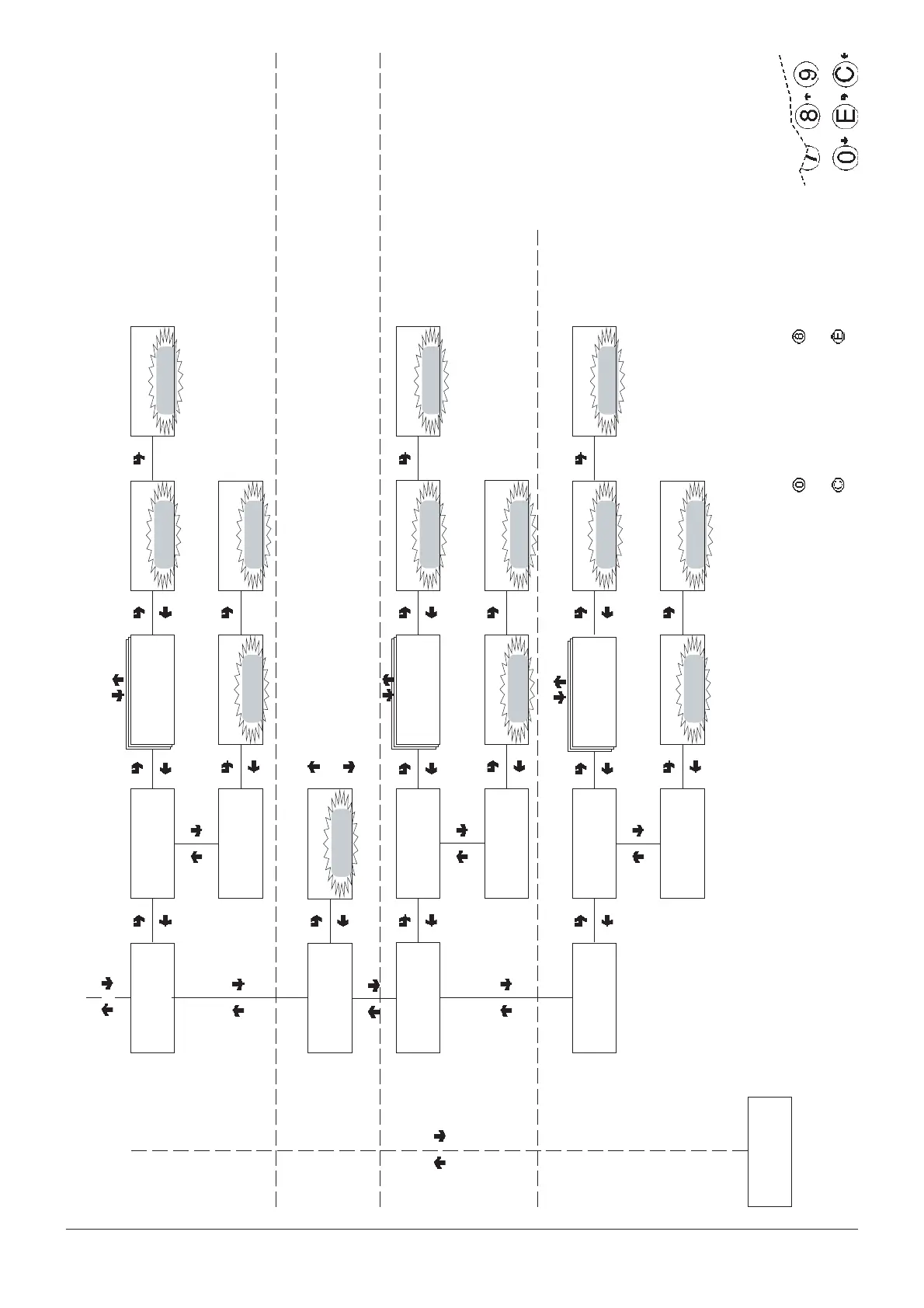
Technician menu - Summary
0407 239 - 00
CONFIRM DATA/
CONFIRM FUNCTION
DELETE DATA/
EXIT FUNCTION
PREVIOUS FUNCTION/
DECREASE DATA UNIT (-1)
NEXT FUNCTION/
INCREASE DATA UNIT (+1)
Delete data for:
Selections
Time bands
Failures
Coin mechanism data
Photocell errors
Motor errors
RELATIVE STATISTICS
TECH >3.4.1
Delete partial
TECH >3.4.1.1
Del. sel. counter
Confirm?
Del. sel. counter
Working...
Del. sel. counter
TECH >3.4.2
Delete total
Confirm?
Delete selections
Working...
Delete selections
TECH >3.4
Delete relative stats
TECH>3.5
Disp. cnt. at start
ON/OFF
Disp. cnt. at start
The number of selections
made are indicated on the
display at machine start-up
TOTAL STATISTICS
Print data for:
Selections
Time bands
Failures
Coin mechanism data
Photocell errors
Motor errors
Heading:
Current date
Machine model
Software edition
Operator code
Machine code
Installation date
RELATIVE STATISTICS
TECH >3.6.1
Partial printout
TECH >3.6.1.1
Selections
Confirm?
Print Selections
Printing...
Print Selections
TECH >3.6.2
Total printout
Confirm?
Total printout
Printing...
Total printout
TECH >3.7
Print relative stats
TECH >3.6
Print statistics
TECH >3.7.2
Total printout
Confirm?
Total printout
Printing...
Total printout
Printing...
Print Selections
Printing...
Confirm?
Print sel. counterTECH >3.7.1.1
Print sel. counter
TECH >3.7.1
Partial printout
TECH >4
Test

Related product manuals