Import coordinate: according to the PCB schematic, we get the coordinate of mark and write
down manually.
Mark point information;
Min-Max: Based on different size of mark point to find the correct position in case of any
confusion.
Light source: inner ring and outer ring. Use inner ring if the board holes work as fiducials , use
outer ring if light-spots work as fiducials.
Brightness:Default value
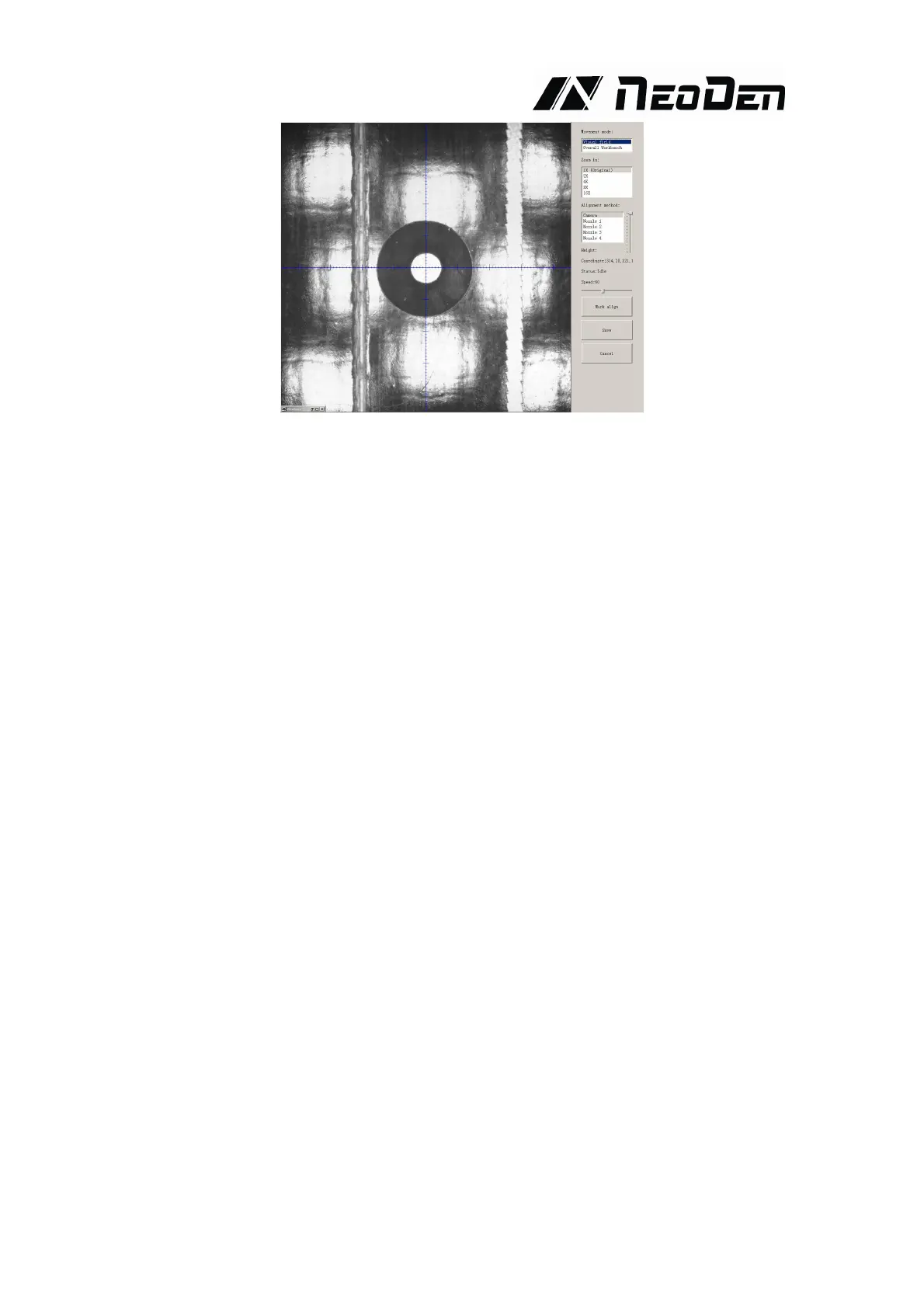
Manual programming: when it’s in Manual Programming status, the function “Alignment” of
Mark will be effective. Click on it, the camera will go and collect the coordinate of mark (see
image 3-2), save it and go back. (Note: if the mark point is far away, please use Overall
movement to find it)
No mark exists: Generally we will choose a component that is far away from the first
component as a mark, which will make placement effect better.
(4) Add mark point: the function of adding mark point
Delete mark point: the function of deleting mark point can be used when there is needless mark
point or error point.
Fig.3-2



 To Next Page