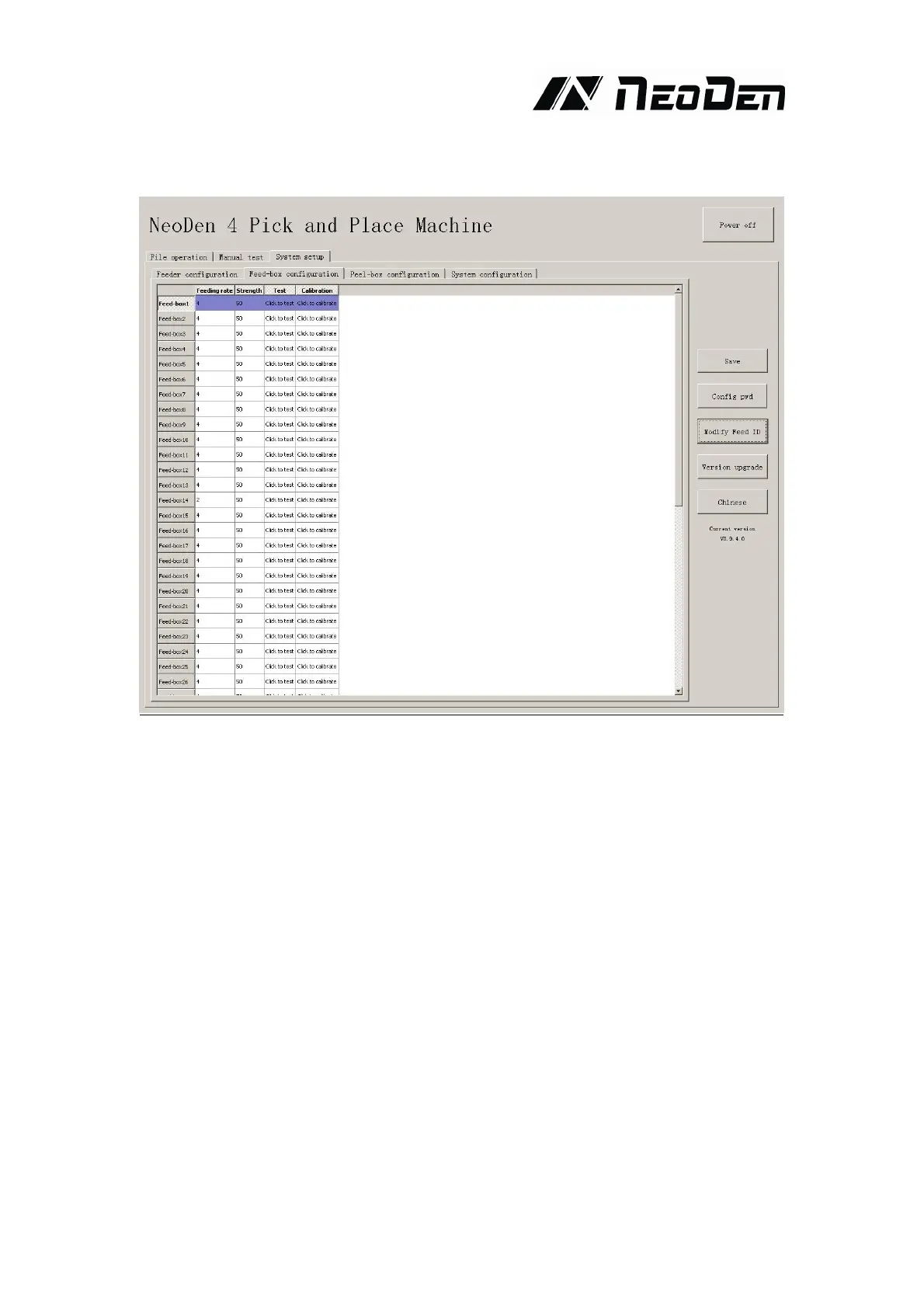
4.4.2. Feed setting
Function:Used to setting values for all stacks
Feed rate:The distance between two components,default value 4mm,for 0402,should set 2mm.
Strength Setting:Motor torque of feed for the stack(Normally no need to change).
Test:The machine will do feed test separate after clicking this item,peel box won’t work during
above test
Alignment:Click peel box,the motor idling several rings to do the initial position of the calibration.
Used if there are problems during peel operation,then can click this item to repair. Normally no
need to click.


 To Next Page