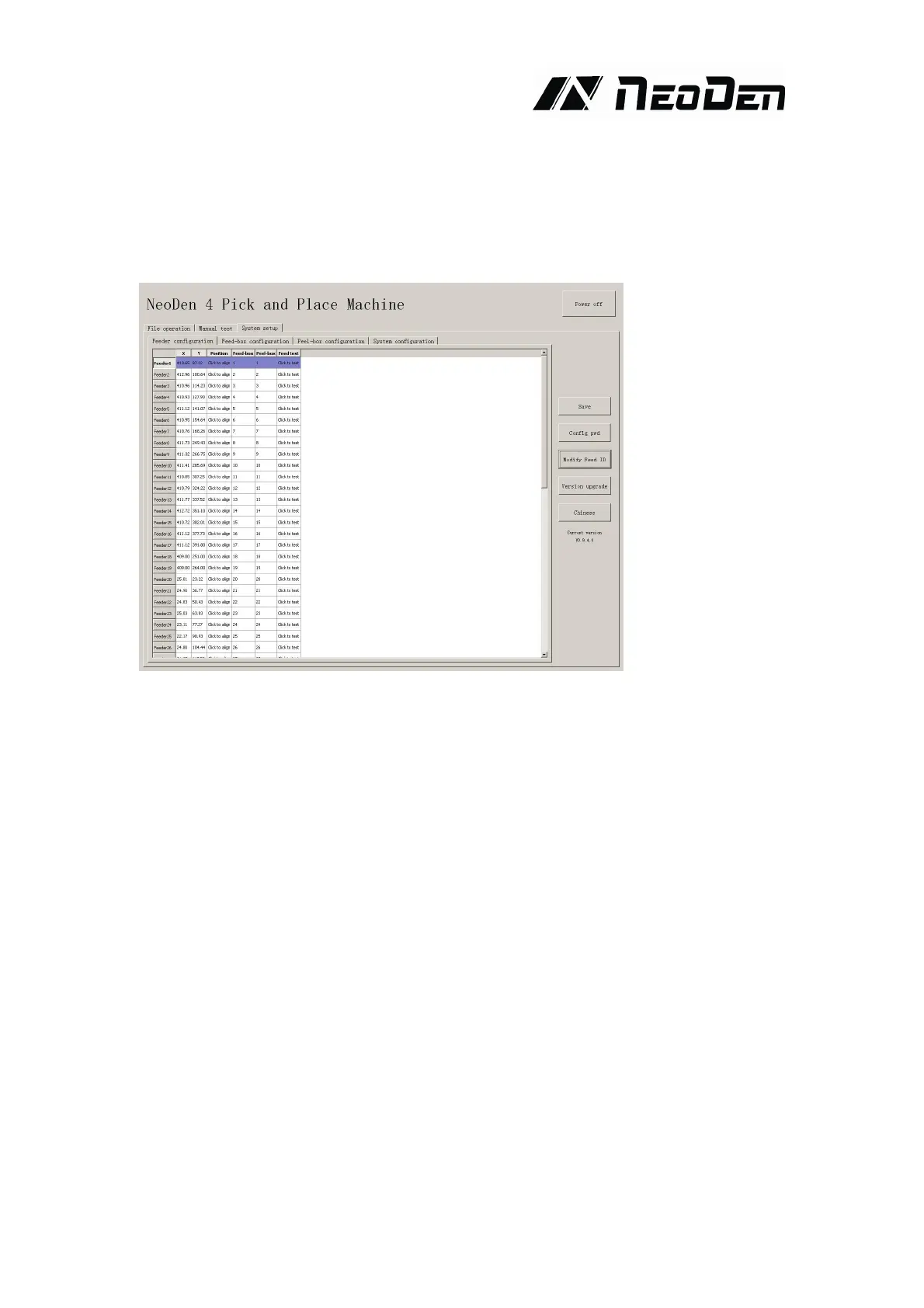
Version upgrade: After receiving our new version file, you can upload it with clicking
“version upgrade” to finish.
ENGLISH:Change to the English version.
4.4.1.Feeder configuration
As figure show: parameters setting for all feeders.
First list on left side is feeder No.
X,Y parameters is setting the feeder’s pick position.
Click button of “click of align” in the list of “position”, then go into interface as below,


 To Next Page