2. Operation Flow Chart
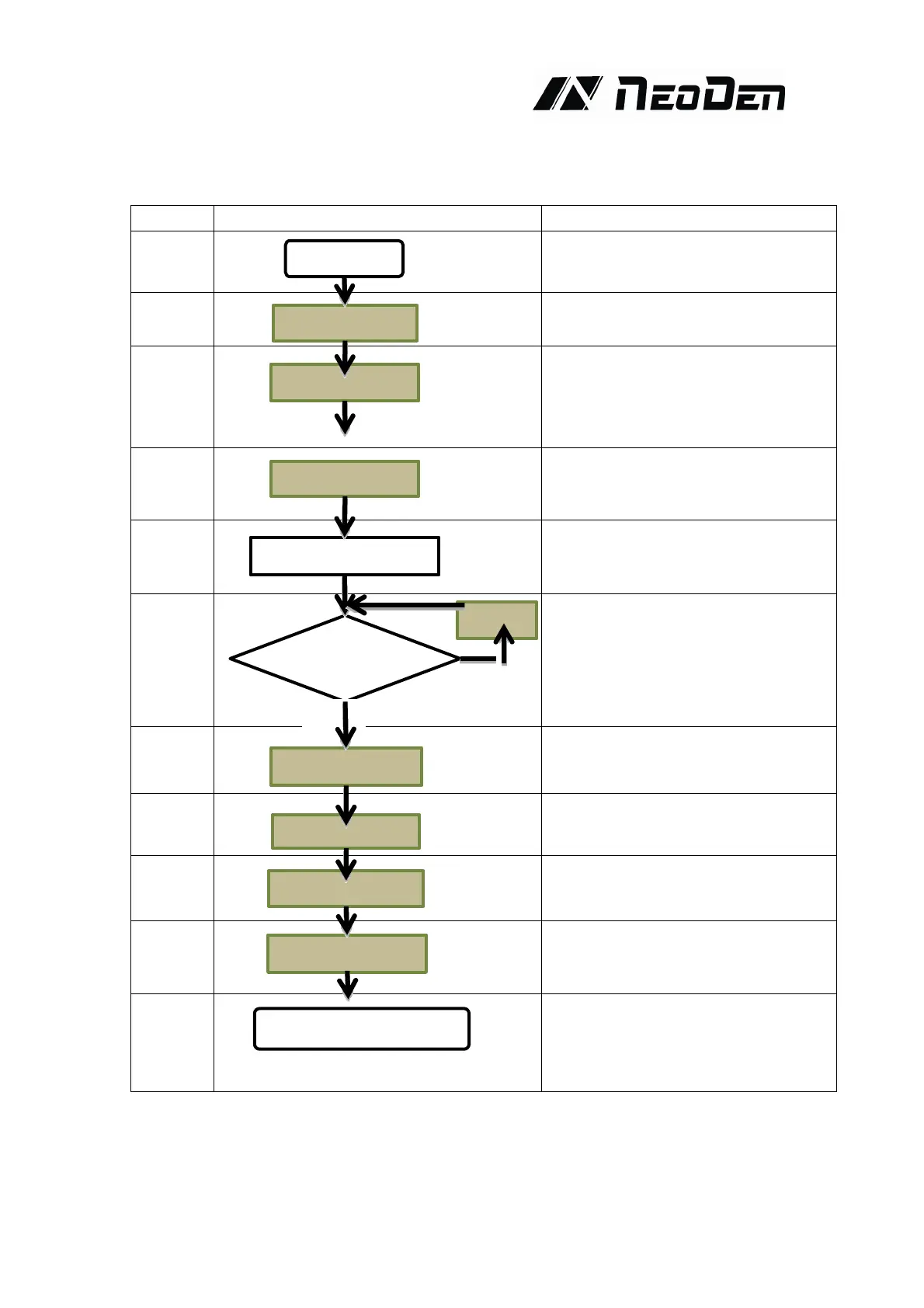
NO. Flow chart Note
1
Check the working environment
whether it is safe or not
2
3
The machine will start a 1-2 mins
self-inspection after boot-up. It enters
the operation page once finished.
4
5
Please check detailed programming
tutorial in P10.
6
After making a programming file, there
may exist several unpredictable
problems , such as rotation issues of
components, so a production testing is
necessary for solving issues.
7
Start to pick and place
8
9
Power off software
10
Power off after the software being
turned off, which decrease the damage
to the software
11
Keep the machine clean and nozzles
need to be washed regularly
Keep daily maintenance of nozzle
assures high utility.
Initialization
Edit
Test
Modify
Yes
No
Mounting
System power off
Power off
Cleaning and maintenance


 To Next Page