5.2.B Using USB Barcode Scanner
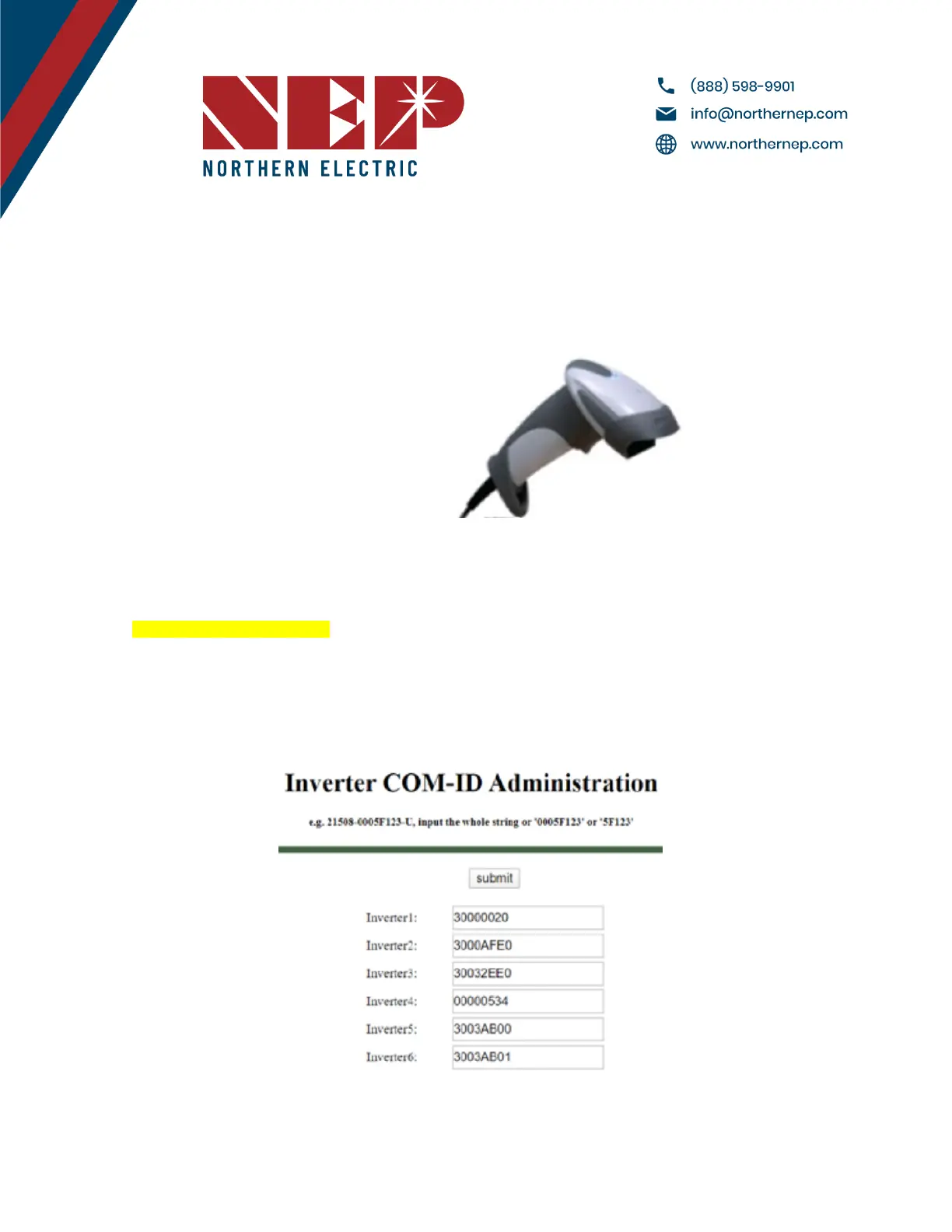
● NEP offers a barcode scanner that can simplify the process of inputting serial numbers. To use the scanner, plug
it into the gateway's USB port and navigate to the COM ID screen as in section 6.1.A. Scan the barcode of the
desired module into the Inverter1 cell, and repeat until all serial numbers have been input. Make sure to note
which module corresponds to each serial number for easier identification later on. Once all serials have been
input, the gateway will prompt for a reboot.
5.2.C Using Web Browser
● Another option for serial input is through a web browser. This method requires the gateway to be assigned an
IP address and connected to WiFi. To begin, access the web browser on your device (such as a phone or laptop)
and enter the gateway's IP address followed by "/module"
(e.g. http://192.168.99.1/module)
● Once on the module input screen, you can easily input the serial numbers using your keyboard. After inputting
all the necessary serial numbers, remember to reboot the gateway to ensure the changes are applied. To do
this, simply remove the power source and plug it back in. Finally, return to the module input screen on the
gateway to confirm that all the serial numbers were successfully entered.
Modified 04/13/2023 by JMB


 To Next Page