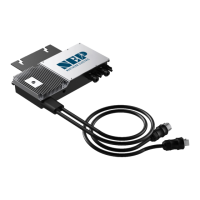
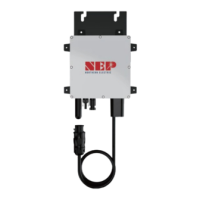
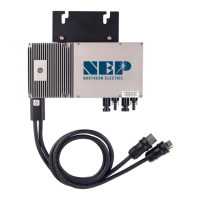
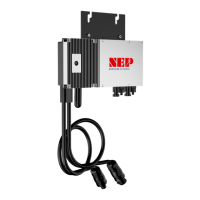
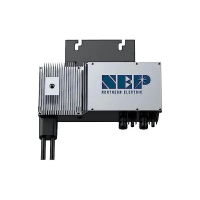
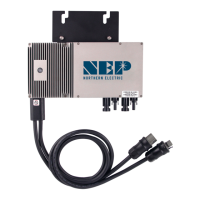
7.3 Disconnecting a BDM-800 from the PV Module
To safely disconnect the BDM-800 from the PV modules, follow these steps in order:
● Turn off the AC power by opening the branch circuit breaker.
● Disconnect the first AC connector in the branch circuit.
● Cover the module with an opaque cover to block sunlight.
● Using a DC current probe, verify that there is no current flowing in the DC wires between the PV module and
the BDM-800.
● Note that DC clamp-on meters should be zeroed first and may drift with time.
● Disconnect the PV module DC wire connectors from the BDM-800.
● Carefully remove the BDM-800 from the PV array racking.
7.4 Installing a Replacement BDM-800
● Securely mount the replacement BDM-800 on the PV module racking using the recommended
hardware from your racking vendor.
● Connect the AC cable of the replacement BDM-800 to the neighboring BDM-800 to complete the branch
circuit connections.
● Complete the connection map and connect the PV modules.
1. Ensure the connection map is complete.
2. Each BDM-800 has a removable serial number located on the mounting plate. Input this serial
number into a BDG-256 gateway and correspond it to a number in the connection map.
3. Connect the PV modules to the BDM-800.
● Install all BDM-800 and inter-wiring connections before installing the PV modules.
1. Install all BDM-800 and inter-wiring connections before installing the PV modules.
2. Connect the positive DC wire from the PV module to the negatively marked DC connector (male pin) of
the BDM-800. Then connect the negative DC wire from the PV module to the positively marked DC
connector (female socket) of the BDM-800. Repeat for all remaining PV modules using one BDM-800 for
each module.
● Replace the old PLC_ID in the BDG-256 gateway with the new PLC_ID of the replacement BDM-800.
Modified 04/13/2023 by JMB


 To Next Page