5.7 Verify and Map Site
● Once you have confirmed the creation of the site on the NEP website, navigate to your dashboard where you
should be able to see it.
● Click on the site to access its information and then click on "Open Viewer." The site's production data should
now be visible on the first page. Note that it may take up to two hours for the gateway and inverters to fully
register with the website.
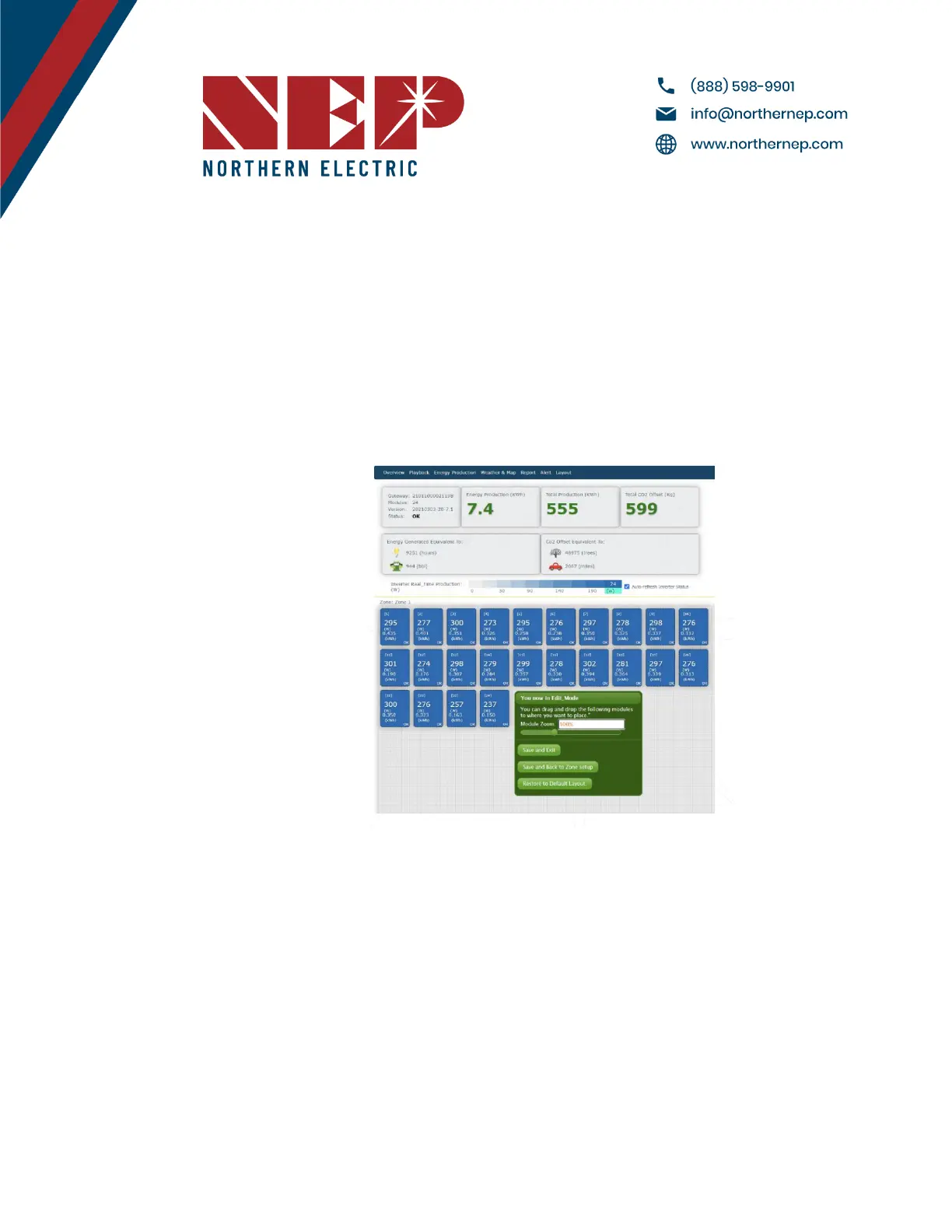
● To access the module view, click on the dial. Here, you should see each microinverter listed. If you cannot see
them, verify that the microinverters are listed on the device's ComID menu or allow more time for them to
register.
● You can customize the site layout by navigating to Layout > Manage Layout. From here, you can drag modules
as needed and change their orientation. You can also add different zones for various roofs or sections of the
same roof from the Layout tab.
5.8 Commission the Gateway and Confirm Site Setup
● Contact NEP Support by emailing support@northernep.com or calling (888) 598-9901 to schedule a
commissioning appointment for the gateway and to confirm that the site was set up correctly.
5.9 Grant Homeowner Access to Module View (Optional)
● Note that homeowners do not have access to the module view by default. If you would like to grant them
access, please contact NEP Support via email at support@northernep.com or call (888) 598-9901.
Modified 04/13/2023 by JMB


 To Next Page