GS700TS Smart Switch Software Administration Manual
Monitoring the Switch 7-6
v1.0, June 2009
2. Click REFRESH or CLEAR LOGS to refresh or reset the Memory Logs screen.
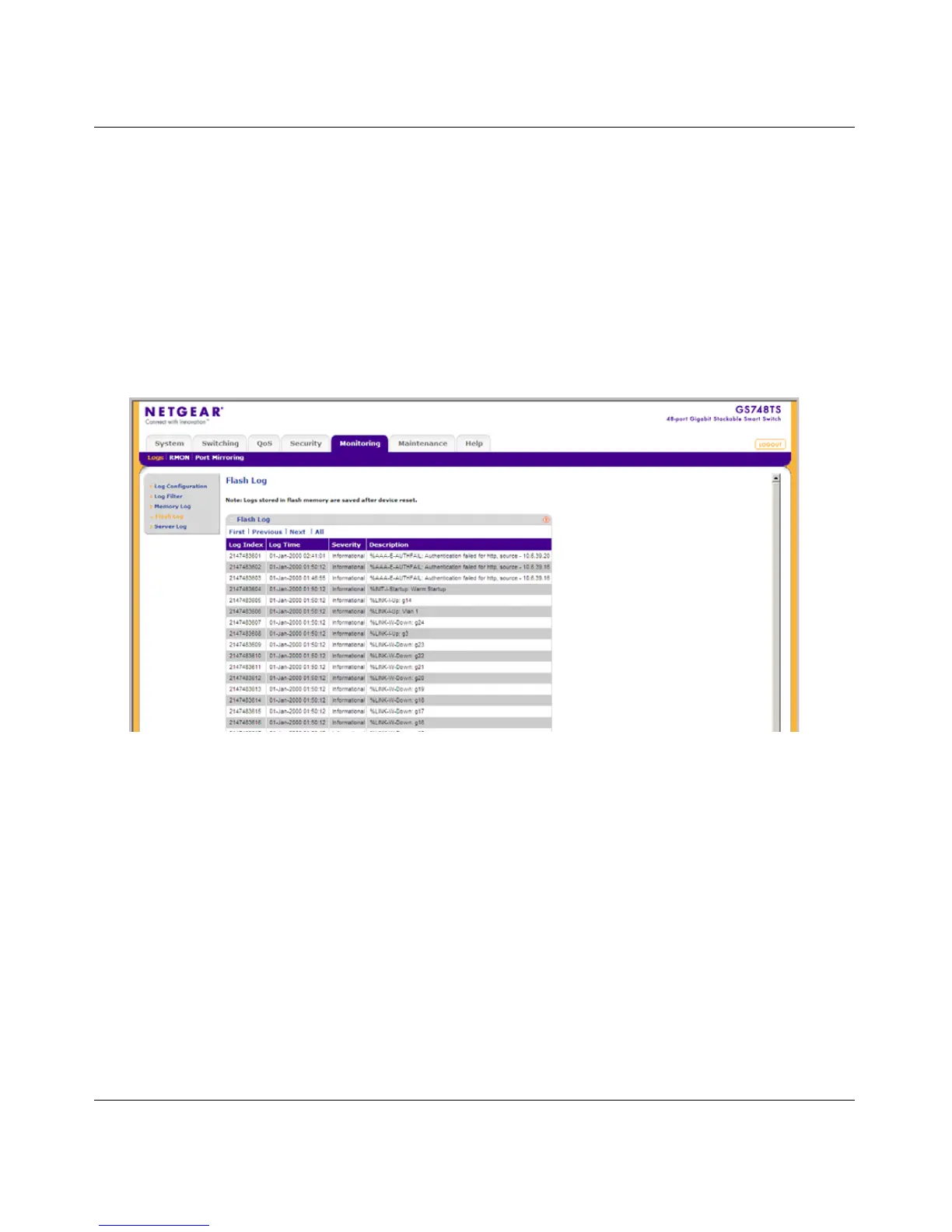
Flash Log
The Flash Log screen contains information about log entries saved to the log file in Flash,
including the time the log was generated, the log severity, and a description of the log message.
The message log is available after reboot.
To view the message logs in Flash:
1. Click Monitoring > Logs > Flash Log. The Flash Log screen displays:
The Flash Log screen contains the following fields:
• Log Index – Displays the log number.
• Log Time – Displays the time at which the log was generated.
• Severity – Displays the log severity and urgency level.
The following are the available log
severity levels:
– Emergency – Displays the highest warning level. If the device is down or not
functioning properly, an emergency log message is saved to the specified logging
location.
Figure 7-4



 To Next Page
 Loading...