FTP
FTP (File Transfer Protocol) is a network protocol used for file exchange. NetMan plus uses this
protocol for two purposes:
1. download of files of the inverter values and events history log archive (Datalog and
Eventlog)
2. download and upload of configuration files
In both cases a client FTP is required, configured with these parameters:
Host: hostname or NetMan plus IP address
User: “root”
Password: current password (default configuration: “password”)
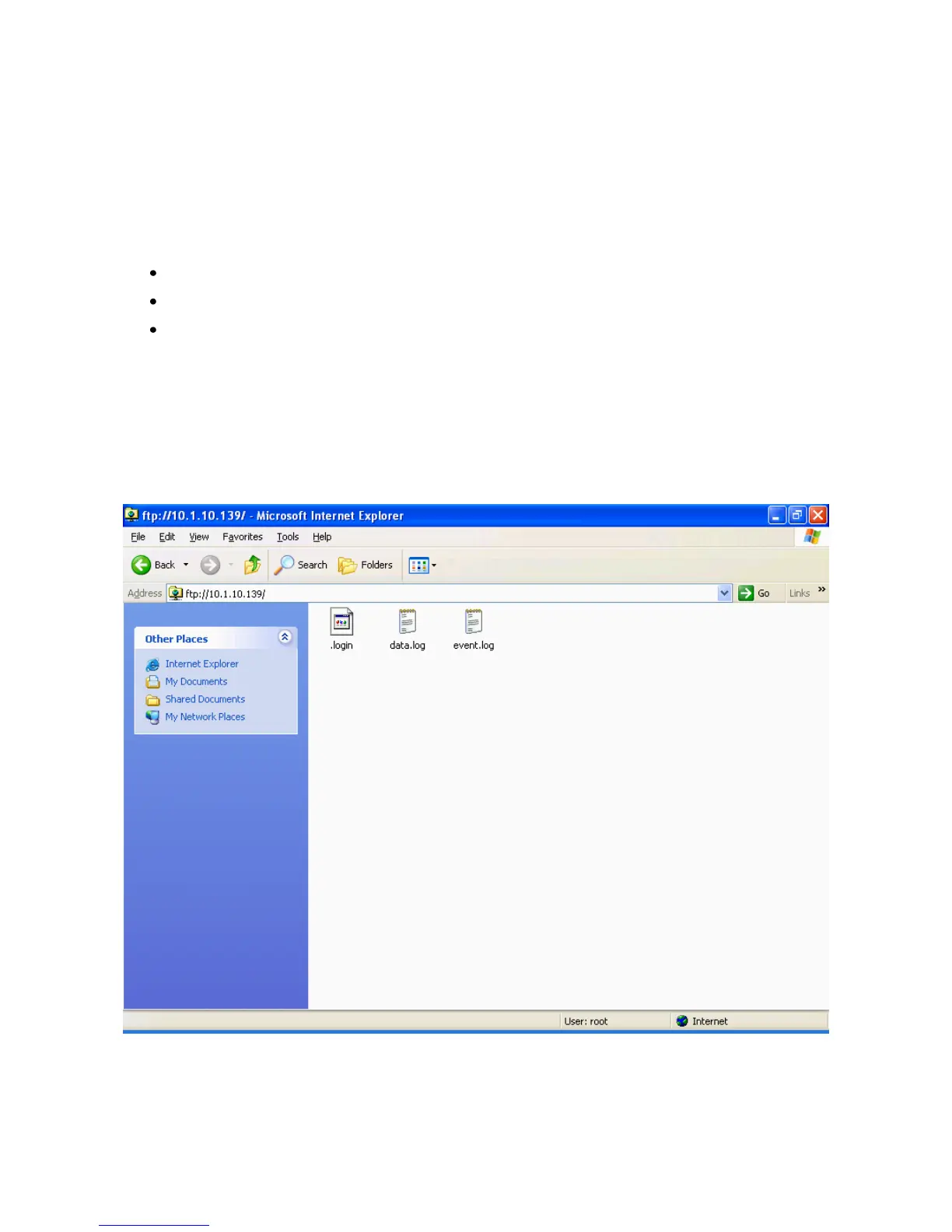
The connection can also be established using a web browser (all the most popular web browsers
are supported), by inserting the following address: ftp://root@<address.NetMan plus>, where
<address.NetMan plus> is replaced with the device‟s real address. In this case a screen like the
following will be displayed.
Example of FTP connection
NOTE: when an FTP connection is established, all HTTP connections are refused.



 To Next Page