Standard Functions
Newall Measurement Systems
21
STANDARD FUNCTIONS
The DP8 can store up to 199 SDM (Sub-Datum) positions, or machining steps, in non-volatile memory. The
positions remain in memory even if the power has been turned off.
Using SDM allows the operator to work to zero by calling up stored dimensions, instead of "working up" to
print dimensions. This eliminates the need to constantly refer to the print, and reduces the possibility of
scrapping parts due to mis-read dimensions. It also speeds up positioning because the operator works to
zero.
The SDMs are stored as co-ordinates relative to the absolute datum position. If the absolute datum position
changes, the SDMs will "shift" to the new datum.
SDMs provide the operator increased productivity in batch machining of parts. Once a repetitive sequence of
co-ordinates is entered into SDM, the co-ordinates can be recalled at any time. The positions remain in
memory until altered by the operator. Simply assign any SDM number 1 - 199 to each machining step. When
machining, call up each step (SDM) number and work to zero.
SDMs also reduce time for tool changes by giving the operator a fast and accurate method of returning to
locations for other operations.
SDMs also simplify machining parts with more than one datum point. The absolute zero or datum position is
determined and set. Then the secondary datum positions are entered into SDM. Once the SDM co-ordinates
are stored, the operator can display co-ordinates relative to the SDM, as well as to the absolute datum posi-
tion.
SDMs are stored by using one of the following two methods:
1
SDM NO. ?
1.2000
ABS
2.8000
sdm
sdm
zero
sdm
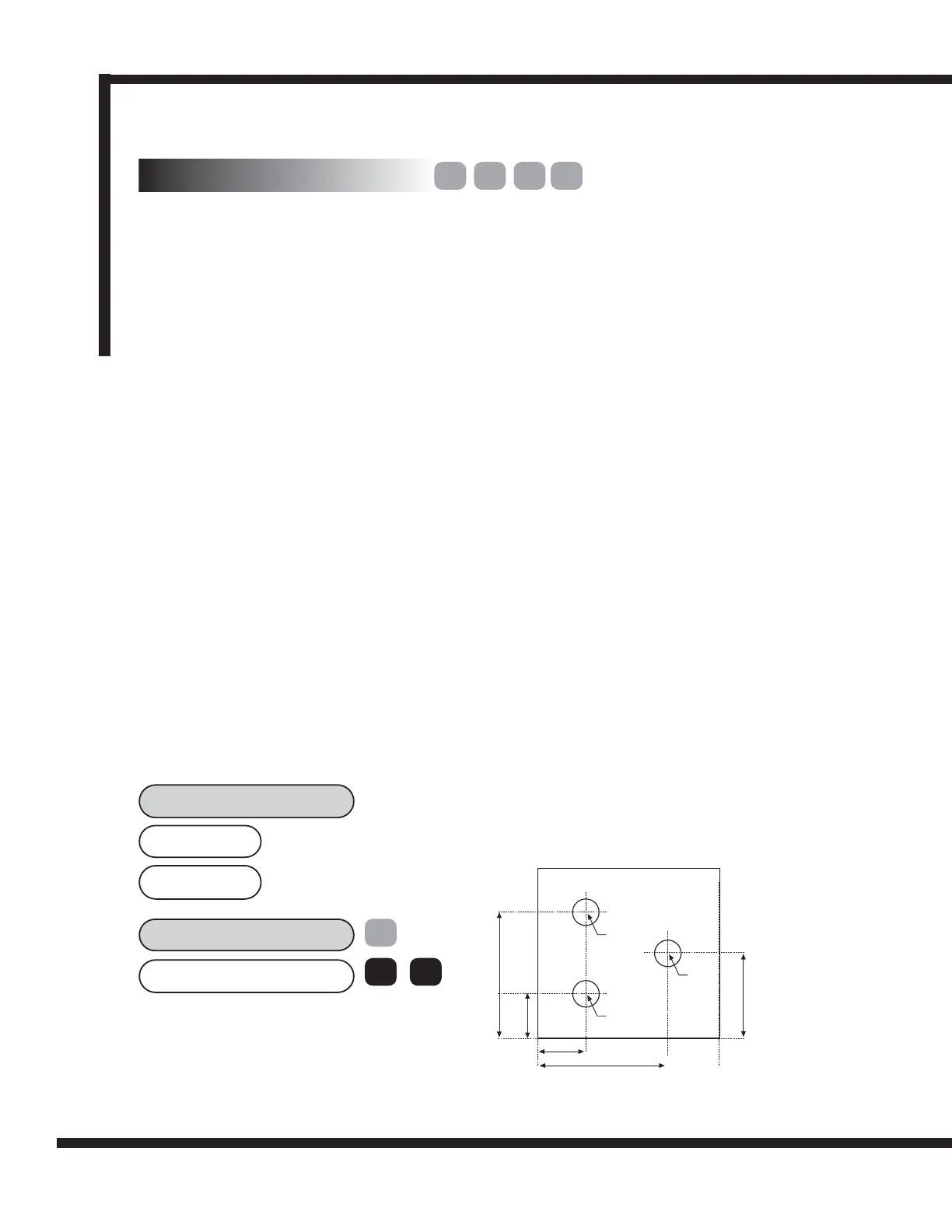
EXAMPLE:
Keystrokes for entering the following part dimension into
SDM are shown.
ent
1
SDM 1
SDM 2
SDM 3
2.800in
1.200in
1.200in
2.800in
2.000in
del.
ins.
5.4.1 Method 1 (Teach Mode)
Using this method, move the machine to the position to be stored as the SDM. Use this method to avoid
entering print dimensions via the keypad. The operator "works up" to the dimensions on the print the first
time. Each position is stored in SDM by pressing the Teach key [ SDM ZERO ], once an SDM number has
been selected.
5.4 Sub datums (SDM)
X
Y
Y
X



 To Next Page