Object
recognition
switch
Slide the turn on or off the object recognition function.
Click to add a new page. Click and hold for two seconds to set the
color and the pattern of the new page.
Click to back to the previous page.
Click to go to the next page.
Click to show the page thumbnails.
Click to hide or show the smart bar.
Click the icon to enter discussion mode.
Click to take a screenshot, and save the data in the display’s internal
storage.
4.6.1 Whiteboard Functions
New Page and Settings
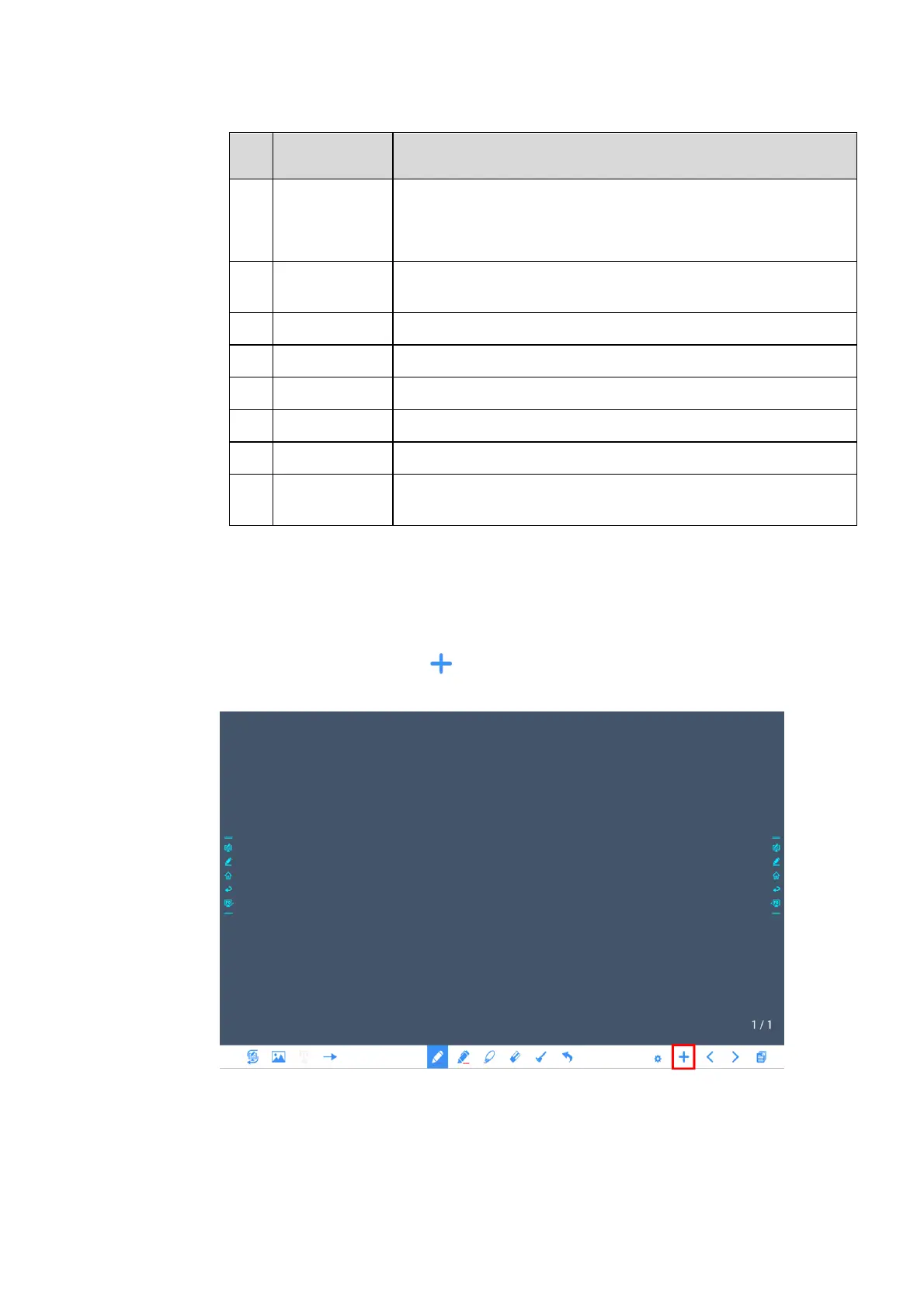
Create a new page
In discussion mode, click to create a new page. Up to 20 pages can be created. See the
following figure:
Page settings


 To Next Page
 Loading...








