Copyright © 2008 NEXCOM International Co., Ltd. All Rights Reserved.
23
Chapter 3: System Setup
NDiS 161 User Manual
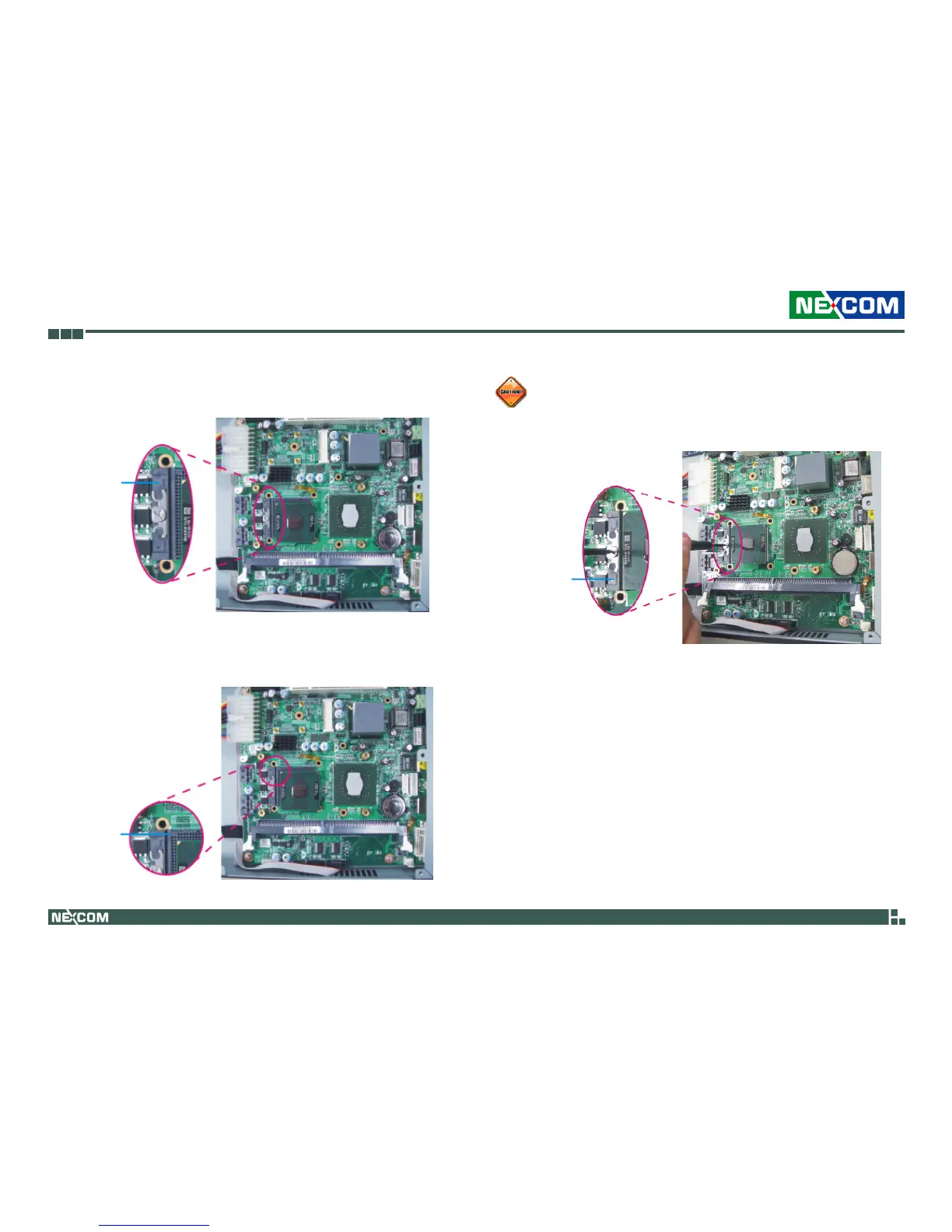
4. Before you install the CPU, make sure the screw is in the “Open” posi-
tion.
Open
5. Position the CPU above the socket then insert it into the socket until it
is seated in place. The CPU will fit in only one orientation and can easily
be inserted without exerting any force.
Do not force the CPU into the socket. Forcing the CPU into the
socket may bend the pins and damage the CPU.
Pin 1 of
the socket
6. Turn the screw to the Closed position to lock the CPU in place.
Closed



 To Next Page