Copyright © 2008 NEXCOM International Co., Ltd. All Rights Reserved.
33
Chapter 4: IEGD Driver Installation
NDiS 161 User Manual
Ch a p t e r 4: IeGD Dr I v e r In s t a l l a t I o n
NDiS 161DV System Graphics Driver
Installation
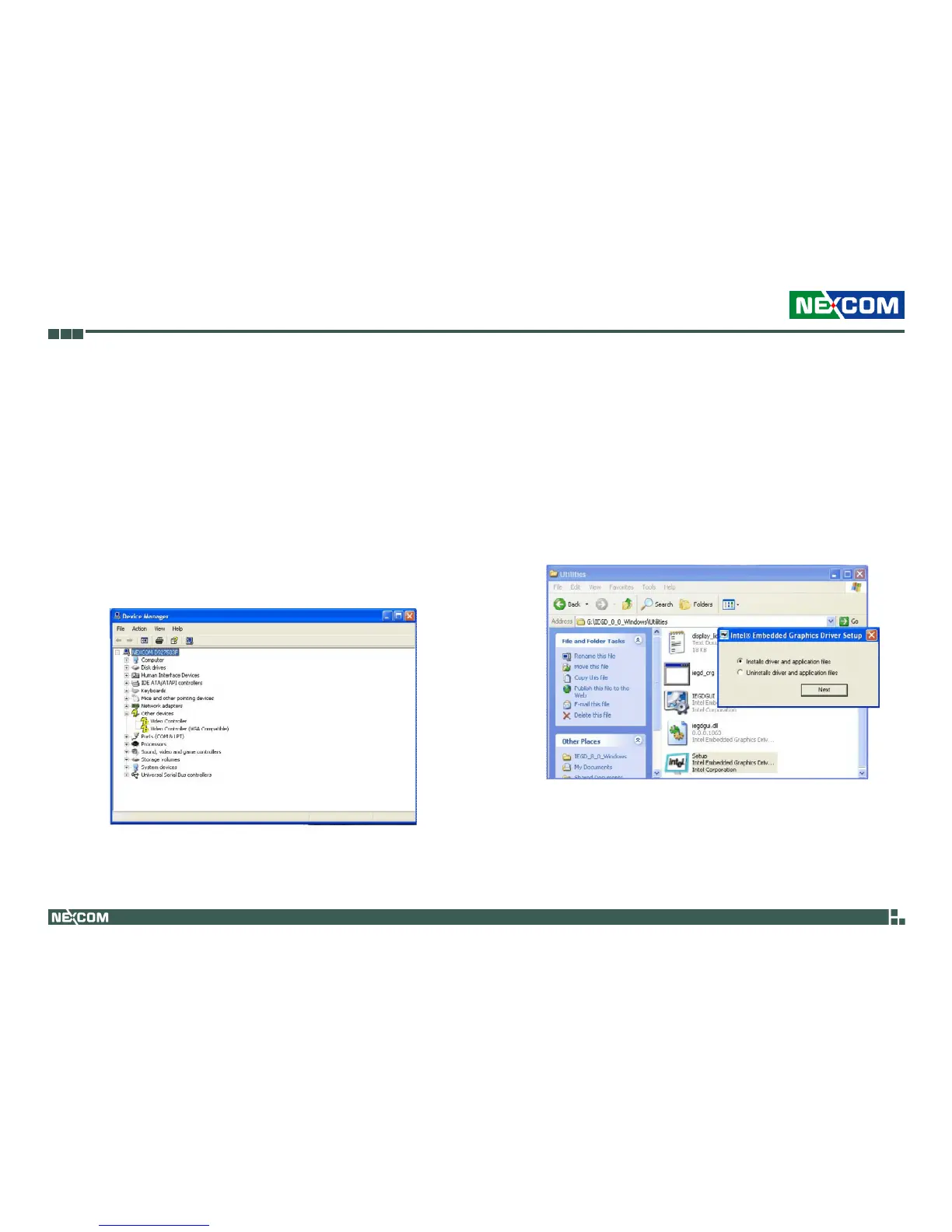
1. Prior to installing the dual display driver, make sure to first uninstall any
existing graphics drivers.
When you reboot the system, in Device Manager, yellow mark will ap-
pear next to the Video Controller.
2. Insert the provided CD into a CD-ROM drive.
3. In the “VGA\Clone_CRT+SDVO_C” and/or “VGA\Twin_CRT+SDVO_C”
folder, double-click their respective Setup file to install the driver.
Select “Installs driver and application files” then click Next.



 To Next Page