Copyright © 2013 NEXCOM International Co., Ltd. All Rights Reserved.
43
NDiS B533 User Manual
Chapter 4: BIOS Setup
Advanced Boot Security Save & ExitMain
Version 2.15.1236. Copyright (C) 2012 American Megatrends, Inc.
Aptio Setup Utility - Copyright (C) 2012 American Megatrends, Inc.
→←: Select Screen
↑↓: Select Item
Enter: Select
+/-: Change Opt.
F1: General Help
F2: Previous Values
F3: Optimized Defaults
F4: Save & Exit
ESC: Exit
Enable or disable SATA Device.
SATA Controller(s)
SATA Mode Selection
Serial ATA Port 0
Software Preserve
Port 0
Spin Up Device
Serial ATA Port 1
Software Preserve
Port 1
Spin Up Device
[Enabled]
[AHCI]
Empty
Unknown
[Enabled]
[Disabled]
Empty
Unknown
[Enabled]
[Disabled]
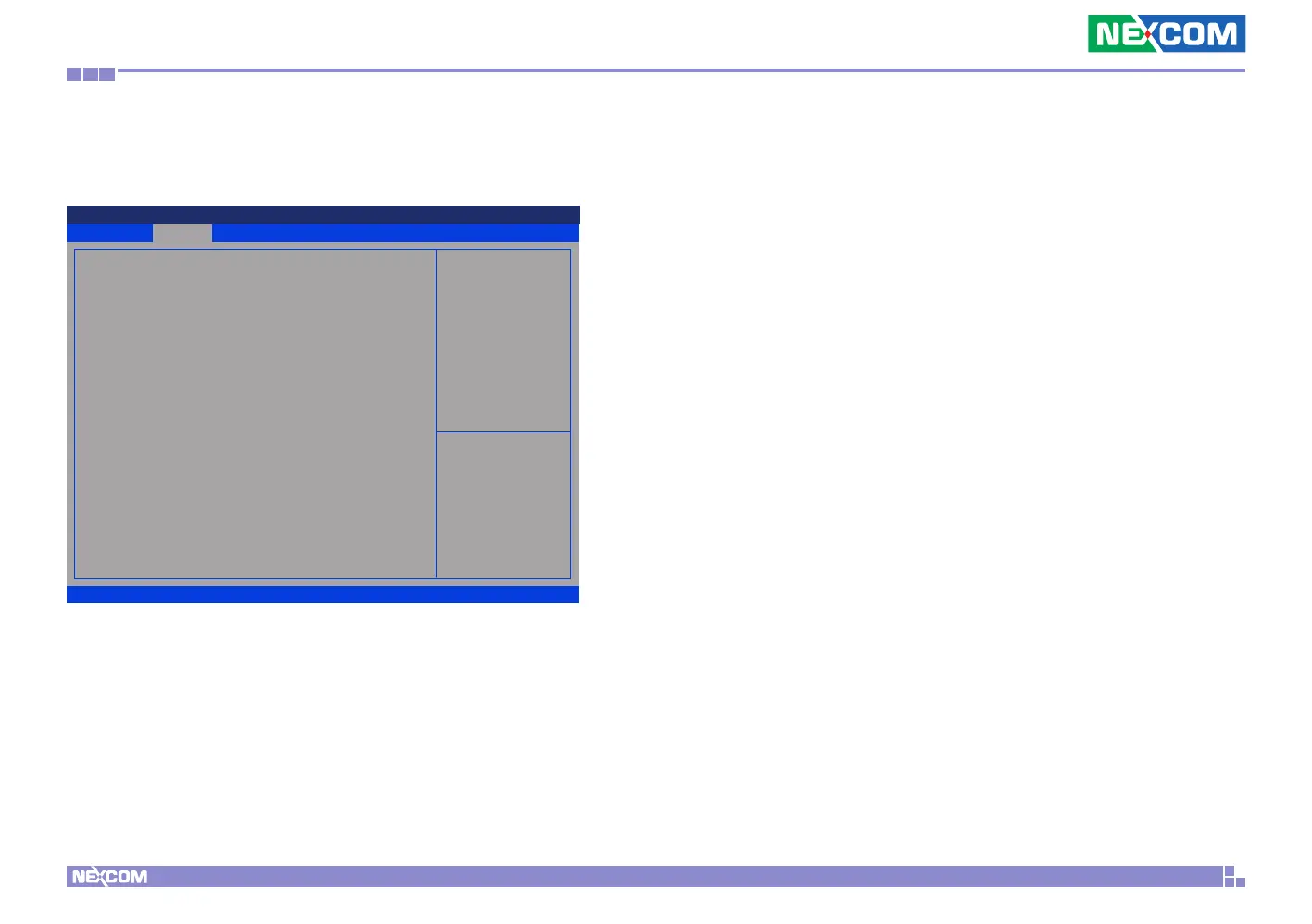
SATA Configuration
This section is used to configure the SATA drives.
SATA Controller(s)
Enables or disables the SATA controller.
SATA Mode Selection
Configures the SATA as IDE or AHCI mode.
IDE This option configures the Serial ATA drives as Parallel ATA
physical storage device.
AHCI This option configures the Serial ATA drives to use AHCI
(Advanced Host Controller Interface). AHCI allows the storage
driver to enable the advanced Serial ATA features which will
increase storage performance.
Port 0 and Port 1
Enables or disables Serial ATA port 0 to port 2.
Spin Up Device
Enables or disables staggered spin up on devices connected to Serial ATA
port 0 to port 2.


 To Next Page