CMS100 Product Manual, Issue 8
www.nexo.com Page 19
3. USER GUIDE
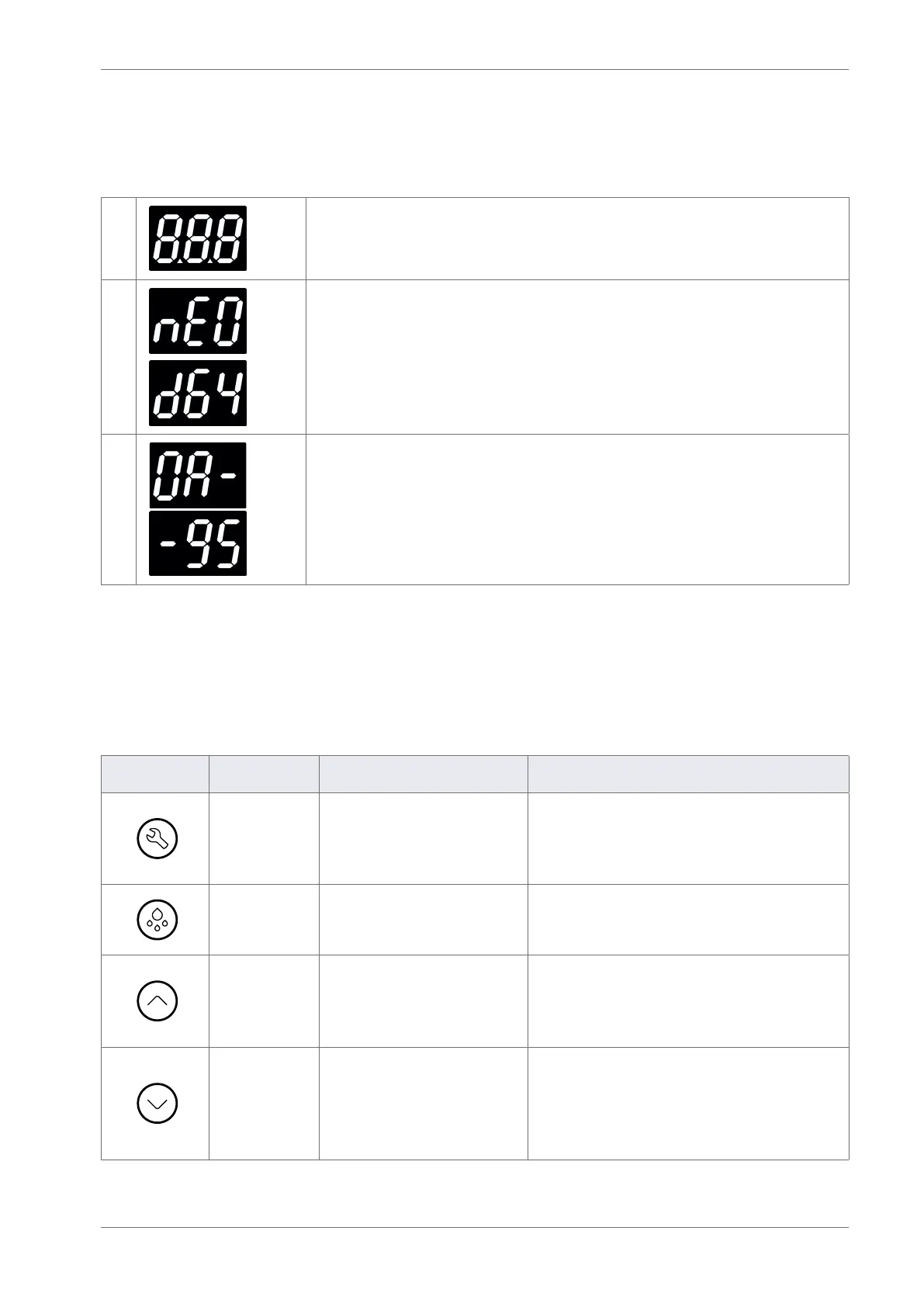
3.1 Power-up sequence
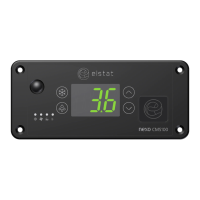
1 8. 8. 8. to conrm that all segments of the display are functioning correctly
2
Platform type and rmware version. (example)
3
Checksum of the parameter set. (example)
The display then shows the appropriate display code. For example, the temperature or USE.
3.2 Function buttons
The controller buttons access the menus to view parameter values, reset the controller, and to run test
routines.
Button Name Function - end user Function - service engineer
Set
Accept/forward - selects
menu options and
parameters.
• Use as part of the controller password.
• Selects menu options.
• Selects parameters for change.
• Use in the test routine.
Defrost
Activates a manual defrost
(only applicable if temp is
below termination temp).
• Use as part of the controller password.
• Use to de-select menu options (return).
• Use in the test routine.
Up
Scrolls up menus.
Increases parameter values.
• Use as part of the controller password.
• Increases the parameter values.
• Scrolls up through parameters
• Use in the test routine.
Down
Scrolls down menus.
Decreases parameter
values.
Cancels the rSF, d0 and Ht
alarms.
• Use as part of the controller password.
• Scrolls down menus.
• Decreases parameter values.
• Scrolls down through parameters
• Use in the test routine.


 To Next Page