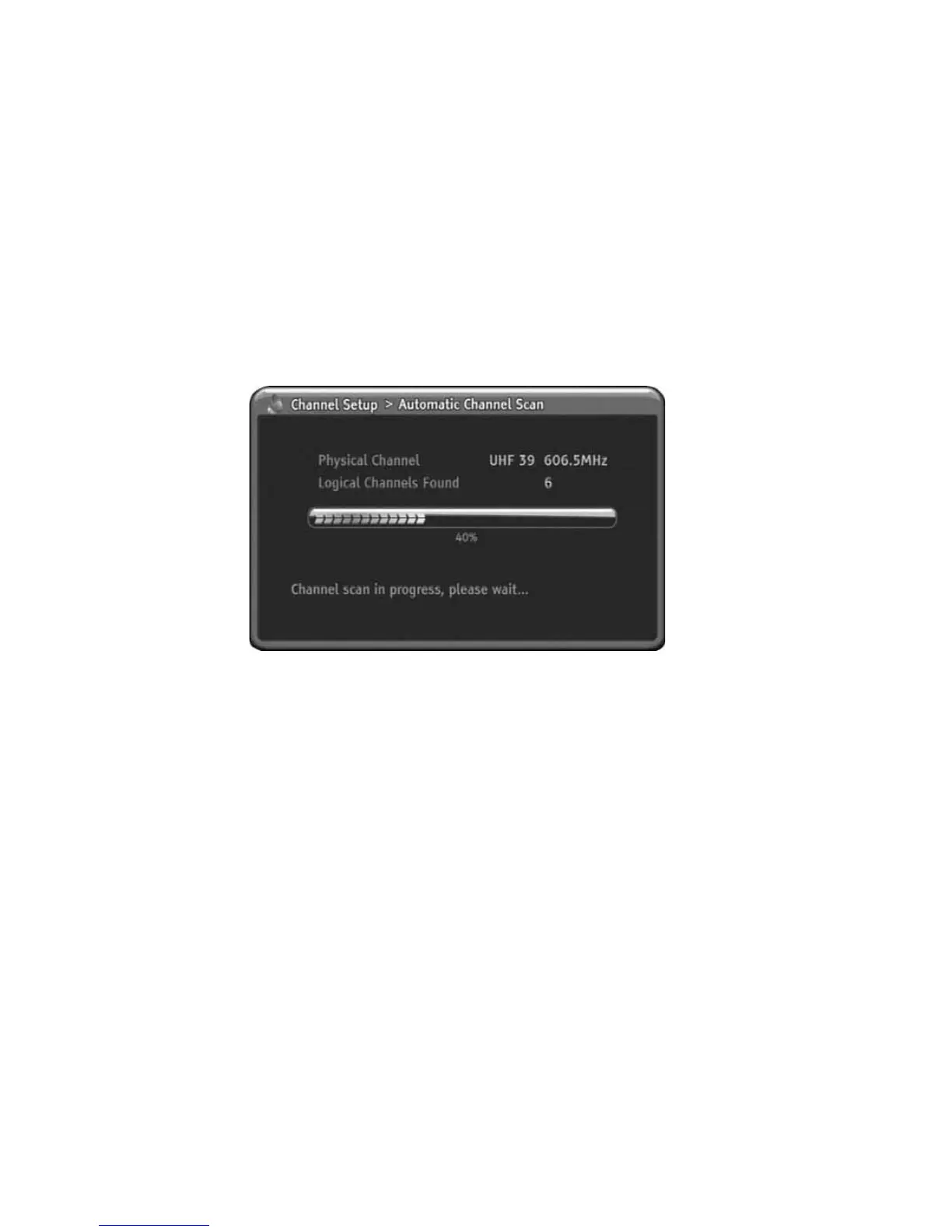
Automatic Channel Scan
From here, the HD-STB will perform automatic scan the whole channel frequency
for available digital channels. It will take several minutes. In the process of
Automatic Channel Scan, the searched channel will memorize to the internal
memory. After that, you can assign these channels to Favourite Channel List.
1) Press MENU to display the menu.
2) Press DOWN to select the Channel Setup menu.
3) Press OK or RIGHT to enter Channel Setup menu.
4) Press DOWN to select Automatic Channel Scan.
5) Press OK or RIGHT to go to Sub menu.
6) Press OK to Start Automatic Scan procedure.
7) The Automatic Scan procedure will take several minutes.
8) After finished the Automatic Scan procedure, the searched program will
automatic memorize in the internal memory.
9) The menu will be exit automatically.
Manual Channel Scan
You can manually find the program in one of the specific channels. When you
perform Manual Channel Scan you need to select the local broadcaster digital
channel number. In this process, the HD-STB will try to find available digital
program in the selected channel number. After finished Manual Channel Scan, the
HD-STB will memorize to the internal memory.
1) Press MENU to display the menu.
2) Press DOWN to select the Channel Setup menu.
3) Press OK or RIGHT to enter Channel Setup menu.
4) Press DOWN to select manual Channel Scan.
5) Press OK or RIGHT to go to Sub menu.
6) For select Physical Channel, Press RIGHT or OK to display physical
channel table.
7) Press UP/DOWN or PgUp/PgDn to select physical channel number.
8) Press OK or RIGHT to select the channel you want to manual scan.
9) Press LEFT to return.
10) Press DOWN to select Start Manual Scan.
11) Press OK to Start Manual Scan. Also the progress bar will display
scanning progress.
12) After finished the Manual Channel Scan, the searched program will
automatically memorized to the internal memory. Press MENU to go
back.
22
Using the MENU System



 To Next Page