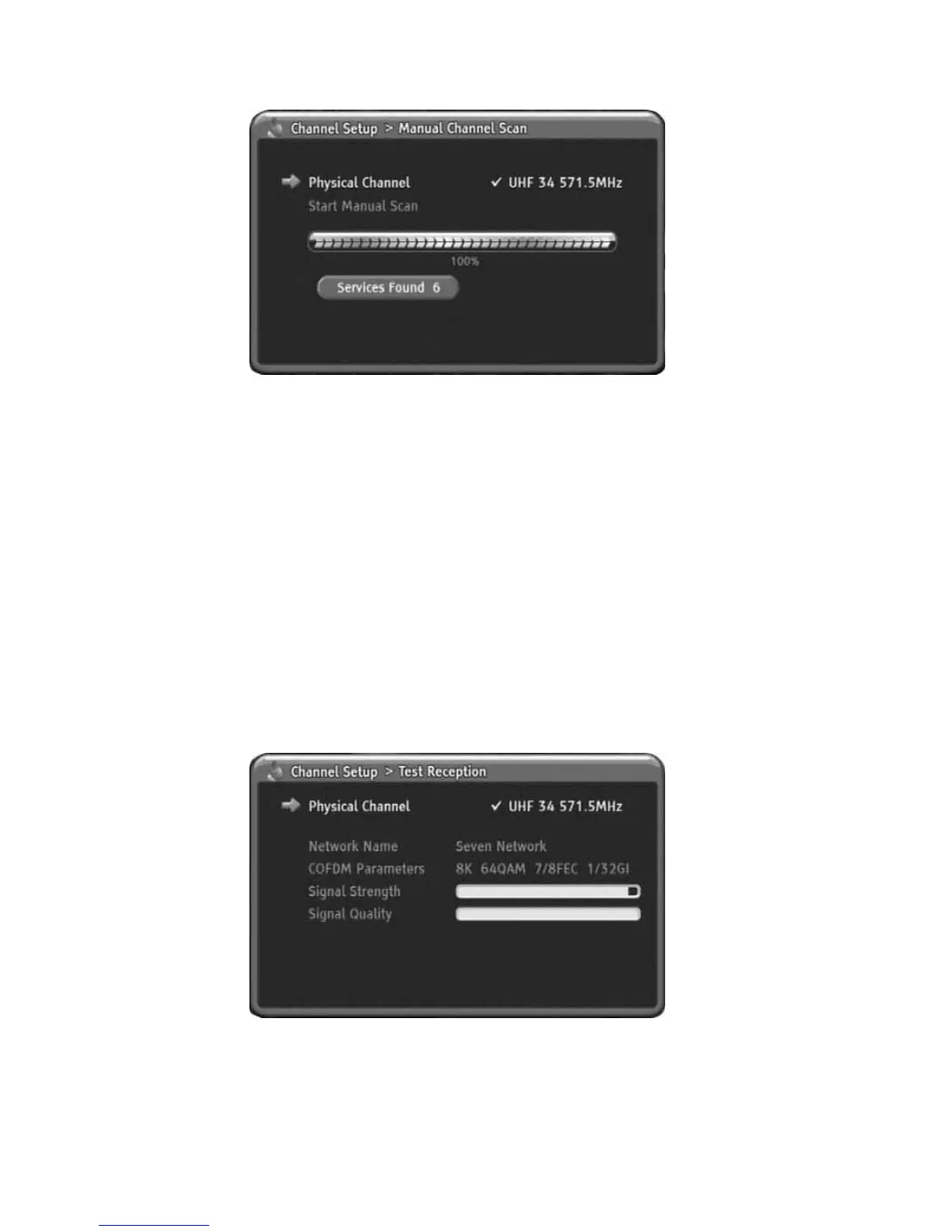
Test Reception
You can review your aerial signal strength using this menu.
In this menu, you can check up the Network Name, COFDM Parameters, Signal
Strength and Signal Quality.
1) Press MENU to display the menu.
2) Press DOWN to select the Channel Setup menu.
3) Press OK or RIGHT to enter Channel Setup menu.
4) Press DOWN to select Test Reception.
5) Press OK or RIGHT to go to Sub menu.
6) For change physical channel, Press OK or RIGHT again to display
physical channel list.
7) Press UP/DOWN or PgUp/PgDn to select the physical channel you want
to check up the signal strength.
8) Press OK or RIGHT to change physical channel.
9) Press LEFT to return. You can check up and review the signal strength,
quality and signal related information.
10) Press MENU to go back.
23
Using the MENU System



 To Next Page