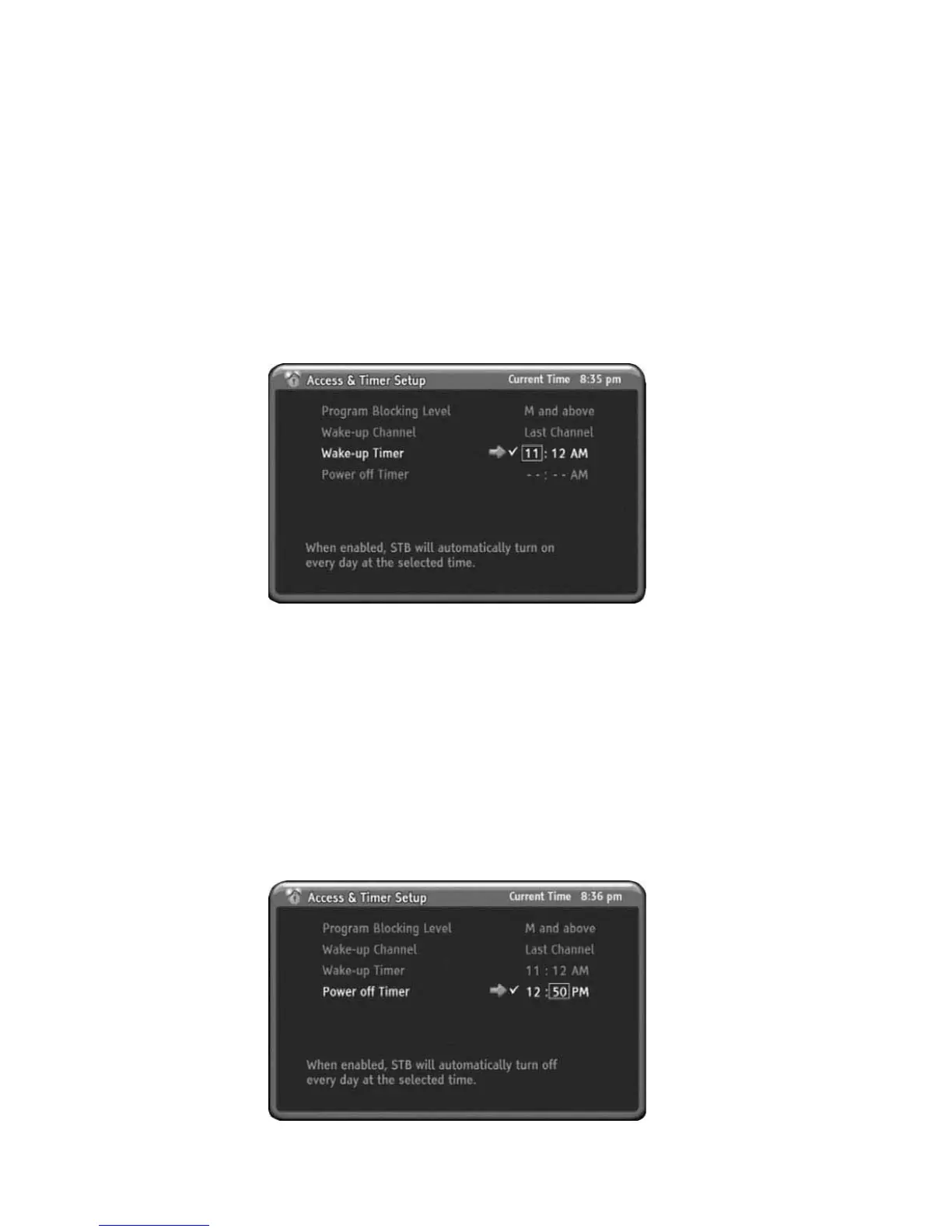
Wake-up Timer
You can setup the Wake-up Timer for automatic turn on the HD-STB.
When the setting up time is reached, the HD-STB will automatic turn on and display
setting up channel. This Wake-up Timer is operating daily. You can refer current
time upper side right of the OSD.
1) Press MENU to display the menu.
2) Press DOWN to select the Access & Timer Setup menu.
3) Press OK or RIGHT to select Access & Timer Setup menu.
4) Press DOWN to select Wake-up Timer menu.
5) Press OK or RIGHT to go to Sub menu.
6) Press UP or DOWN button enabling sub menu.
7) Use UP/DOWN or numeric button to change time.
8) Press LEFT or RIGHT to move each item.
9) After finished setup, press MENU or LEFT to go back.
Power-off Timer
You can setup the Power-off Timer for automatic turn off the HD-STB.
When the setting up time is reached, the HD-STB will automatic turn off.
This Power off Timer is operating daily.
1) Press MENU to display the menu.
2) Press DOWN to select the Access & Timer Setup menu.
3) Press OK or RIGHT to select Access & Timer Setup menu.
4) Press DOWN to select Power-off Timer menu.
5) Press OK or RIGHT to go to Sub menu.
6) Press UP or DOWN button enabling sub menu.
7) Use UP/DOWN or numeric button to change time.
8) Press LEFT or RIGHT to move each item.
9) After finished setup, press MENU or LEFT to go back.
25
Using the MENU System



 To Next Page