SMTP server: the address of the mail server, which can be an IP address
and a domain name (domain name needs the confirmation of the
correct DNS setup to be resolved correctly).
SMTP Port: Port number of the mail server.
Anonymity Logion: Port number of the mail server..
Username: User name of the sender’s mail.
Password: Password of the corresponding user name.
Sender: Setting the EMAIL address of the mail sender.
Recipient: The warning information can be sent to the designated
receiver via mail.
Theme: The theme of the mail can be set by yourself.
Message Interval: Interval for sending the alarm mail.
Encryption: Enabling SecureSocketLayer port when logging in the mail
server.
Attach File: When motion detection cooperation is enabled, picture
file would be uploaded at the same time if warning information
appears.
Default: Setting all the parameters in the Email Setup interface to be
default.
Apply: Saving the parameters in the Email Setup interface.
3.5.2.4 P2P Config
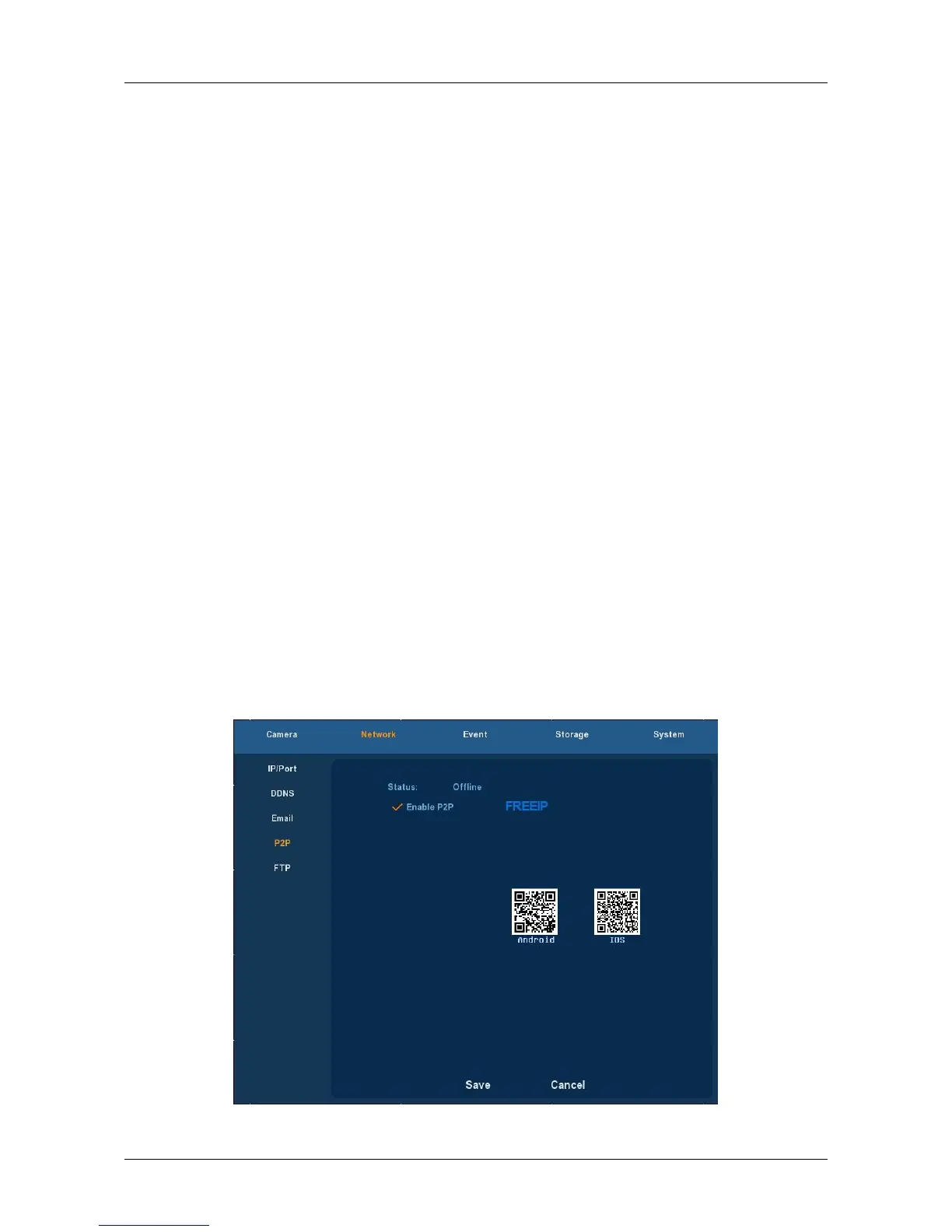
Choose ”Menu→Setup→Network→P2P” in the Menu interface, the P2P
interface is displayed, as Figure 3-20 shows. P2P is used for remote
monitoring of the mobile phone client, by scanning the two-dimensional
code can add NVR to the mobile phone client, convenient monitoring.
Figure 3-20



 To Next Page