25
18 - GLOSSARY
17 - PROGRAMMING QUICK START
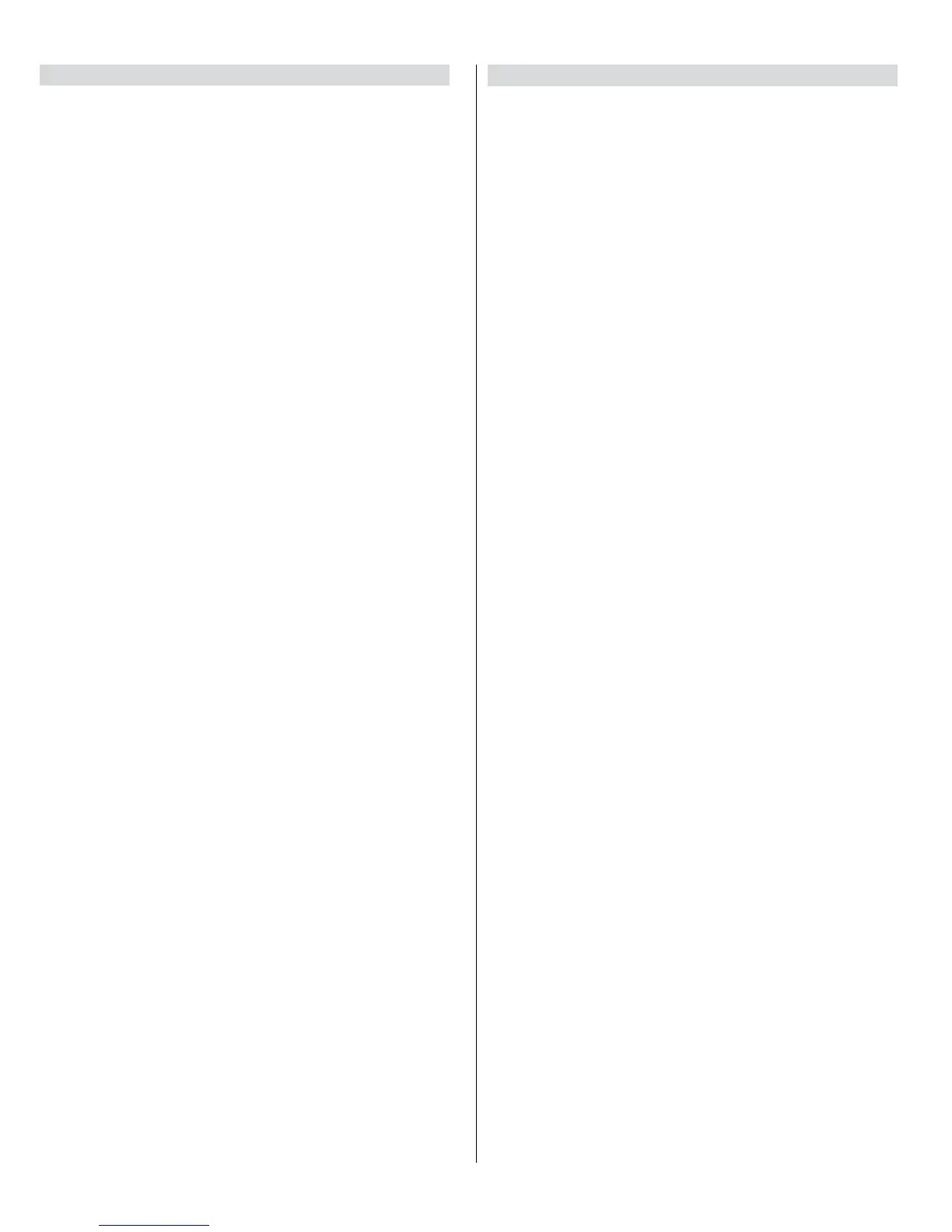
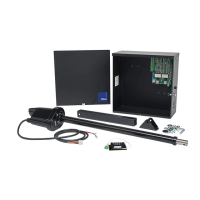
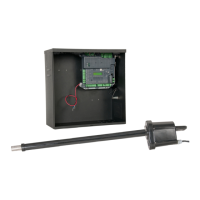
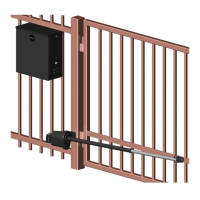
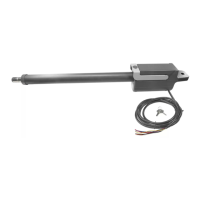
17.1 Learning the T524V actuator
1. Install electrical power to the gate opener unit.
2. Install all gate accessories such as Photo Eye’s, Sensors, Loops and other
safety devices.
3. Turn on the electrical power to the unit.
4. Using the MANUAL RELEASE HANDLE, disengage the drive motor.
5. Move the gate manually (with your hands) to ensure that the gate travels to
the fully open and fully closed positions with no binding or problems. Gate
should move freely.
6. Using the MANUAL RELEASE HANDLE, reengage the drive system and
stow the handle.
7. Using the open button on the front of the Control board, hold the button
down until the gate reaches the fully open position. If the gate moves in
the opposite direction swap the RED and BLACK motor leads at the 3pin
motor power connector on the control board.
8. Adjust the Mechanical Stop against the pin for the gate bracket.
9. Using the CLOSE button on the front of the Control Board, hold the button
down until the gate reaches the fully closed position.
10. Adjust the Mechanical Stop against the pin for the gate bracket.
11. The control board is already in the “LEARNING MODE” when shipped. If
not in LEARNING MODE, press FUNCTION, then press LEARN, then press
SWING, then select LIGHT, AVERAGE < or HEAVY, then press ENTER to
start the gate learning process.
12. The gate will open partially then stop. This is being done, so that the
control board can sense the type and operational condition of the drive
motor. The gate will then run to the closing limit, so that it can properly
sense where it is located.
13. The control board will then OPEN the gate slowly to establish travel and
limits.
14. Once the gate reaches the fully OPENED limit switch, the control board will
now increase gate travel speed to the highest speed allotted, and will now
travel to the fully CLOSED position at full speed.
15. The gate opener is now programmed for basic usage.
17.2 - Putting the controller into learning mode
Steps on how to place the Apollo 1050 control board into learning mode.
1. Press Function
2. Press OK
3. Select Swing
4. Select weight of gate (LIGHT, AVERAGE, or HEAVY)
5. Press Enter Unit should now be in LEARNING MODE
LOCK Ceases all operator function except HIGH PRIORITY inputs.
COMMERCIAL / GENERAL ACCESS VEHICULAR GATE OPERATOR
CLASS II A vehicular gate operator (or system) intended for use in a
commercial location or building such as a multifamily housing unit (ve
or more single family units), hotels, garages, retail store, or other building
servicing the general public.
ENTRAPMENT The condition when an object is caught or held in a position
that increases the risk of injury.
FORCE STATIC Constant load threshold for sensitivity setting.
FORCE DYNAMIC Impact sensitivity setting.
GATE A moving barrier such as a swinging, sliding, raising, lowering, or the
like, barrier, that is a standalone passage barrier or is that portion of a wall
or fence system that controls entrance and/or egress by persons or vehicles
and completes the perimeter of a dened area.
(STEP H) HIGH PRIORITY Step by step control.
INHERENT ENTRAPMENT SENSOR SYSTEM An automatic sensor
system which senses entrapment of a solid object and is incorporated as a
permanent and integral part of the operator.
INDUSTRIAL / LIMITED ACCESS VEHICULAR GATE OPERATOR
CLASS III A vehicular gate operator (or system) intended for use in an
industrial location or building such as a factory or loading dock area or other
locations not intended to service the general public.
RESTRICTED ACCESS VEHICULAR GATE OPERATORCLASS IV A
vehicular gate operator (or system) intended for use in a guarded industrial
location or building such as an airport security area or other restricted access
locations not servicing the general public, in which unauthorized access is
prevented via supervision by security personnel.
RESIDENTIAL VEHICULAR GATE OPERATOR CLASS I A vehicular gate
operator (or system) intended for use in a home of one to four single family
dwelling, or garage or parking area associated therewith.
STEP BY STEP Command that opens-stops-closes-stops the gate with
each press of the button.
SYSTEM In the context of these requirements, a system refers to a group of
interacting devices intended to perform a common function.
UNLOCK Resumes normal operation after a blocked condition.
WIRED CONTROL A control implemented in a form of xed physical
interconnections between the control, the associated devices, and an
operator to perform predetermined functions in response to input signals.
WIRELESS CONTROL A control implemented in means other than
xed physical interconnections (such as radio waves or infrared beams)
between the control, the associated devices, and an operator to perform
predetermined functions in response to input signals.



 To Next Page