7
GETTING STARTED
AV Mode
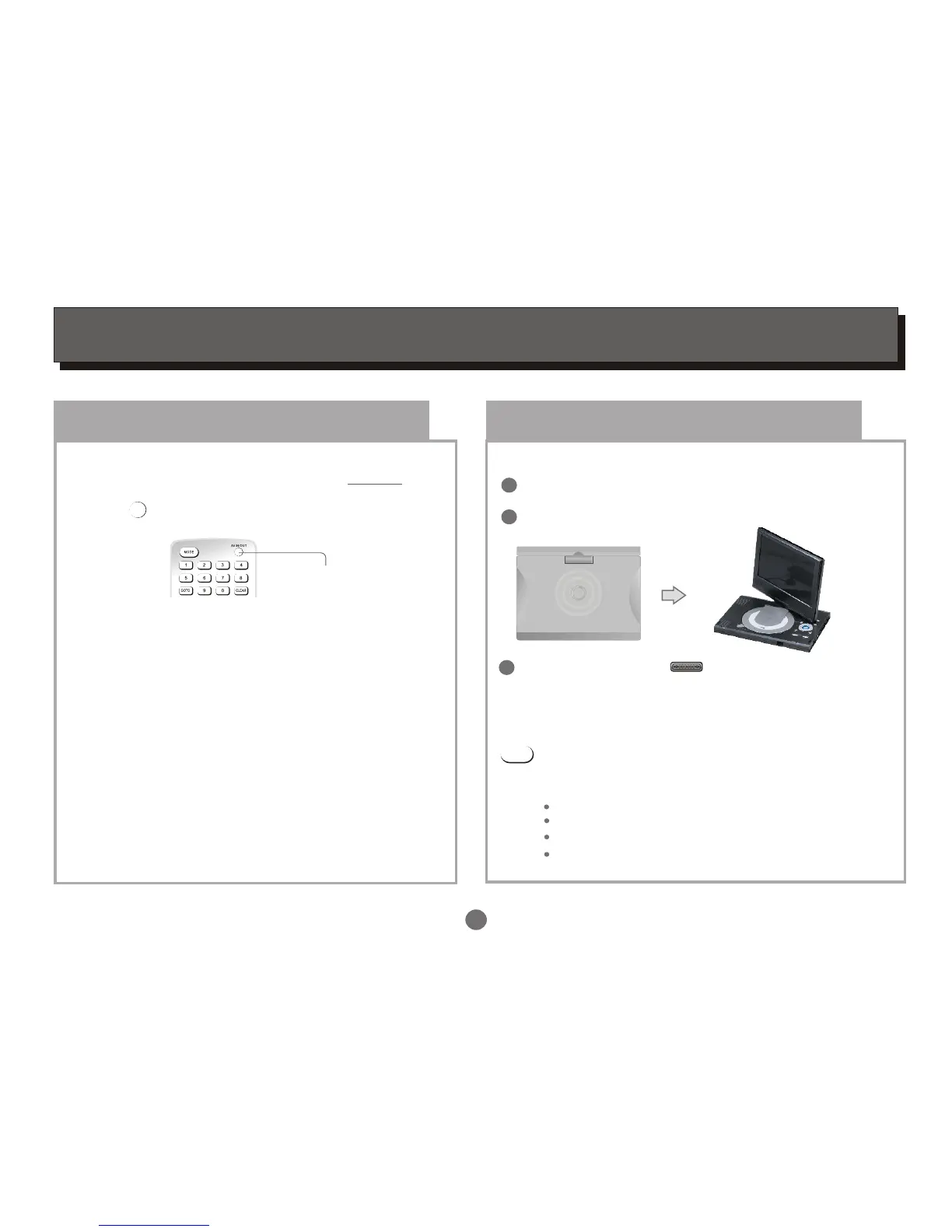
The player is equipped with two AV modes: AV IN and
AV OUT. Factory default of the unit is to AV OUT.
Press to switch between these two modes.
AV IN/OUT
AV IN/OUT
There will be Video or Audio output in this mode.
The unit will receive Video and Audio from the
external source.
Set up the system
Select the corresponding setting of TV set(AV1,AV2,
etc.) And the amplifier, until the DVD power on screen.
AV IN mode:
AV OUT mode:
Choose mode
Switch on the player
Connect with the adaptor.
Open the top cover of unit to suitable angle.
1
2
ON/OFF
Push ON/OFF button on the side to the left to turn
on the unit.
3
Select DVD or USB or Card or DVB mode
Press MODE button on the remote to select DVD,
USB or Card or DVB, then the corresponding logo
will display on the TV screen:
MODE
DVD mode
USB mode
Card mode
DVB mode


 To Next Page