Manual Scan
Status Found Channels
Freq:474000KHz
Add
Find TV No: 03
Find Radio No: 00
TV 01 BBC ONE
TV 02 BBC CHOICE
TV 03 BBC TWO
Manual Scan
Status Found Channels
Freq:474000KHz
Scan
GETTING STARTED
10
2
3
4
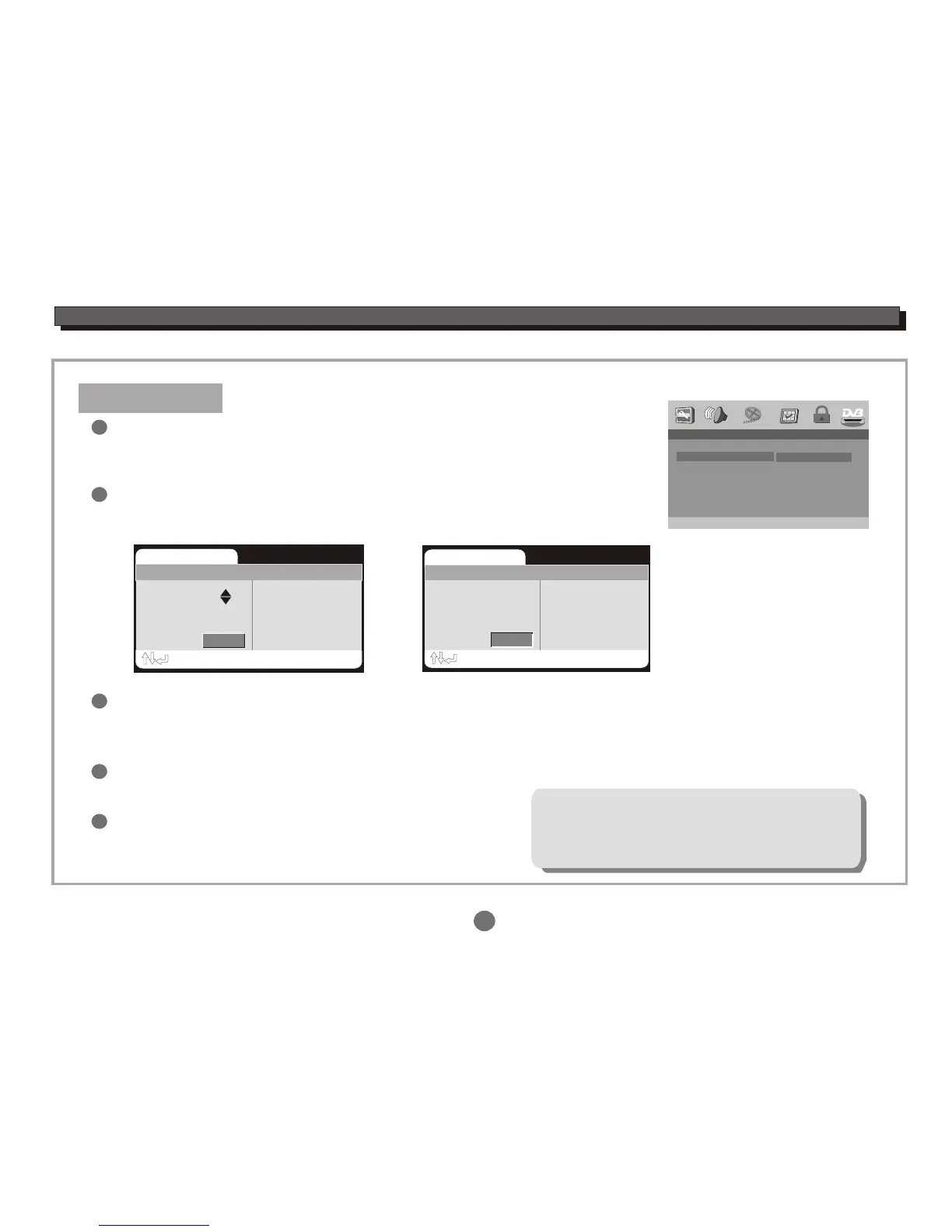
Hight the Start item,press the ENTER button to enter the manual scan
setting menu.
Press the UP or DOWN cursor button to select the frequency you want, then press the ENTER button to start
channels scan. Then the unit will scan for all the digital TV and Radio stations available in your area and list
them above Found Channels.
When all the digital TV and Radio stations have been found, highlight Add icon,press the ENTER button to
add channels.
Press the RETURN button to exit.
5
Make sure area you choose is correct before
auto scan! Otherwise you may not search
any channels.
Manual Scan
In Channel Setup menu,
press the UP or DOWN cursor button to highlight the Manual Scan,
and press the ENTER button to select.
1
-- Channel Setup--
Auto Scan
Manual Scan
Adjust Channel
Channel Remap
Reserve Channel
Manual Scan
Start
00:00


 To Next Page