8
GETTING STARTED
DVD Mode
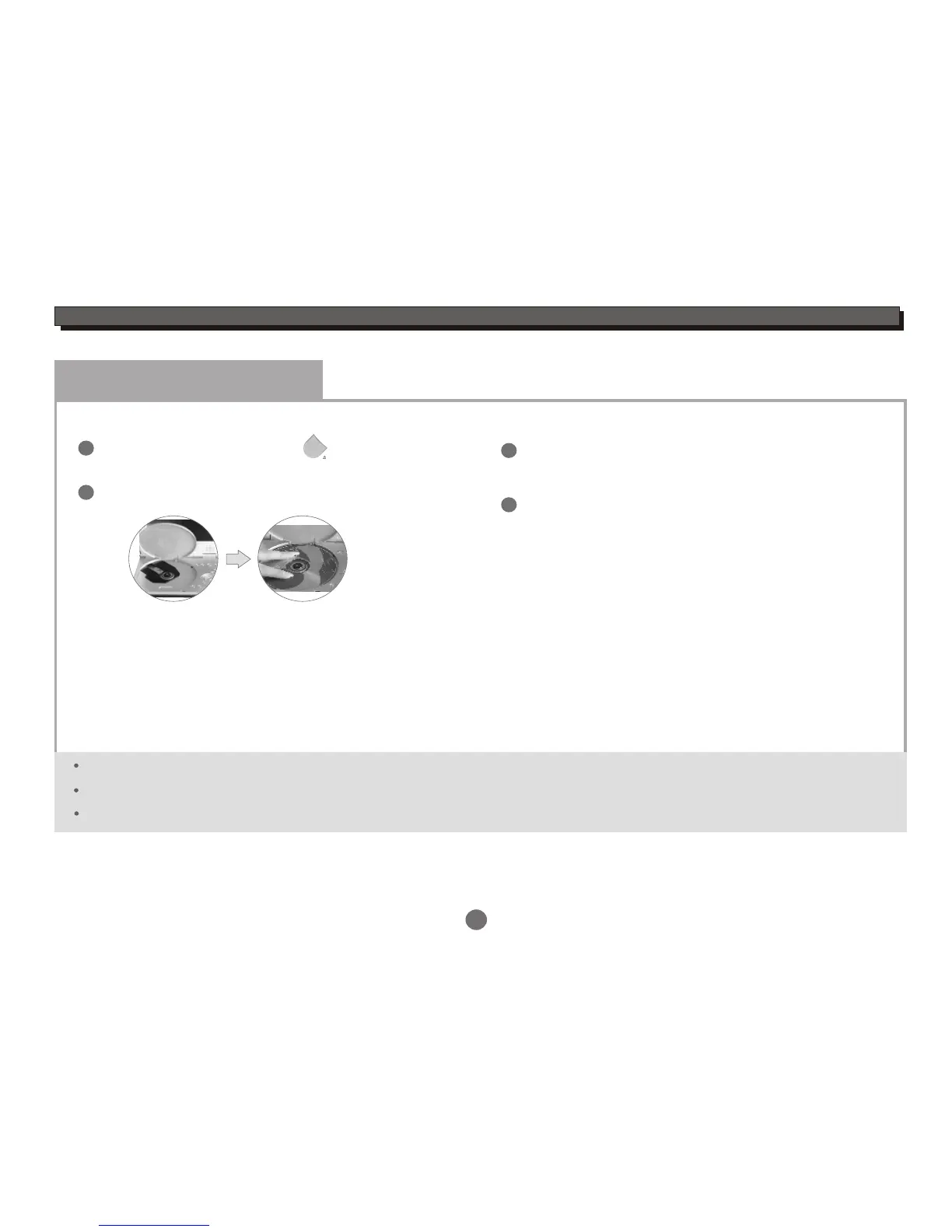
Press " PUSH OPEN" button on the panel to
open the disc tray.
Load a disc and close the disc tray.
Load a disc
1
2
3
Automatic Play
The unit will take a few seconds to download the disc
initial data,display the disc type logo in the left upper
corner of the TV screen,and then start playing
automatically.
Please remove the protected card on the loader if you use the unit first.
The label side must be upturned when you load a disc.
Please press the disc until the disc is fixed by loader when you load a disc.
If a DVD Disc Menu appears on screen
Press PLAY/PAUSE button on the remote (or on the
unit) to start playback.
or
Press CURSOR buttons to select the desired feature
in the menu,and then press ENTER button to confirm
a selection.
1
2
PUSH OPEN


 To Next Page