23
00:00
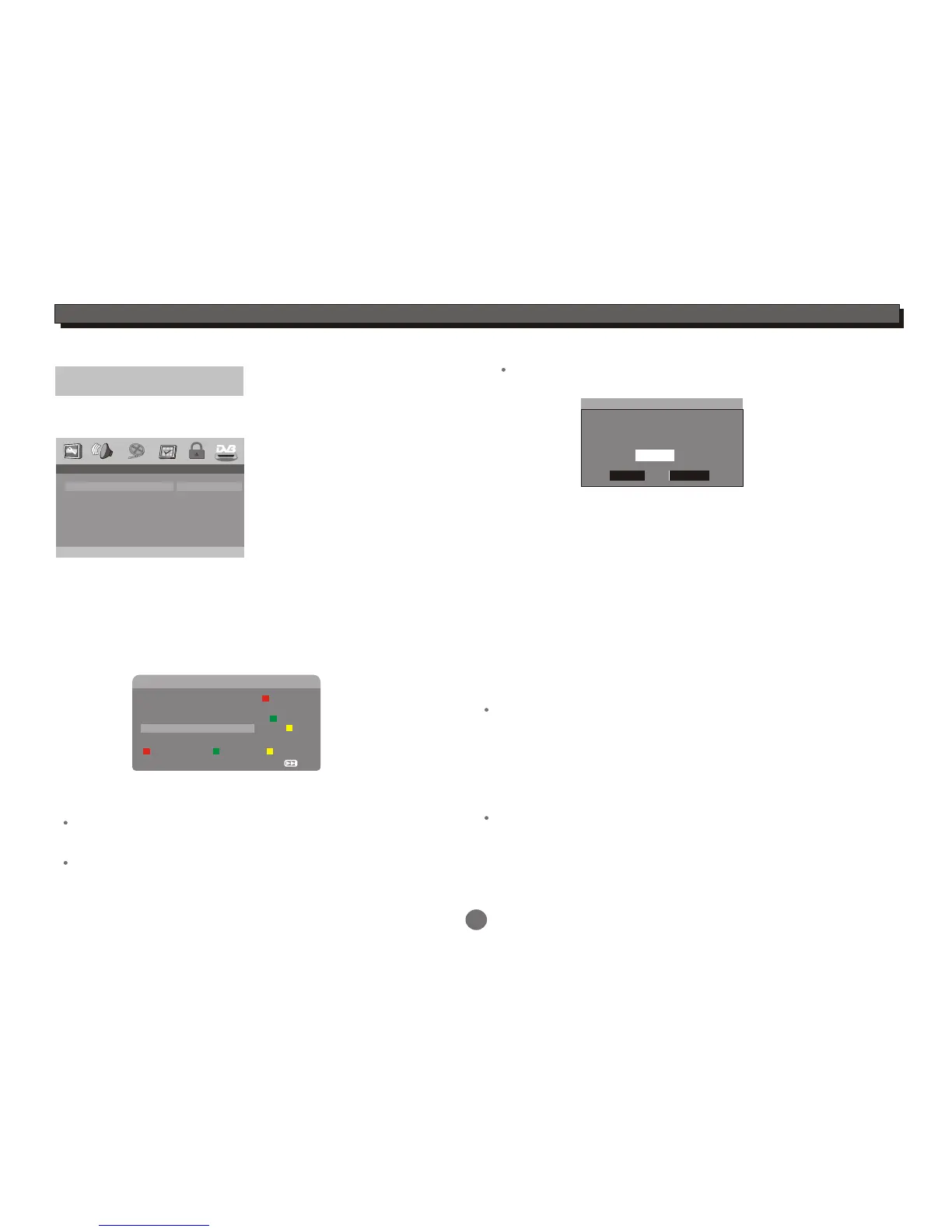
-- Channel Setup --
Auto Scan
start
Auto Scan
Manual Scan
Adjust Channel
Channel Remap
Reserve Channel
Channel Setup
Enter this menu to auto scan, manual scan,adjust channels,
remap channels and reserve channels.
For Auto scan and Manual operation details, please refer to
"DVB mode" in this manual.
Enter the Channel Setup menu, highlight the Adjust Channel,
press ENTER button to enter the setting menu.
Adjust Channel (001-006) TV
Favorite Delete Protected
Exit
NEXT
001 Digital
002 Digital 1
003 Digital 3
004 Digital 2
005 HD Digital
TV
Adjust Channel:
Press the UP or DOWN cursor button to highlight your
desired channel.
Press the Red button to set Favorite channel, and press
the button again to cancel the setting.
Press the Green button to delete channel, and press the
button again to cancel the setting.
Press the Yellow button to set protected channel, you will
be asked to input the password to set parental protection.
Parental Protected
Please input the
password to set
Parental Protection
XXXXXX
OK
Cancel
Enter the correct pin code(default pin code is 123456),select
OK to confirm,and press the button again to cancel the setting.
Press the RETURN button to return to the Channel Setup menu.
Channel Remap:
Enter the Channel Remap menu,select a channel, and press
ENTER button, the channel will be marked red. Then press the
UP/DOWN button to select a target place, and press ENTER
button,the selected channel will be moved to the target place.
Reserve Channel :
In the Channel Setup menu, highlight the Reserve Channel,
Select the Start option, press ENTER button to enter the
Reserve Programme menu.
Select your desired programme,press ENTER button, the
programme detail introduction appears. Then select Delete to
delete the programme from reserved program list. Select OK to
return to Reserved Programme menu.
Select the Notify time option, press ENTER button to enter
the setting menu.
Select the correct time, press ENTER button to confirm and
quit the menu.
DVD SETUP MENU


 To Next Page