INTRODUCTION
1
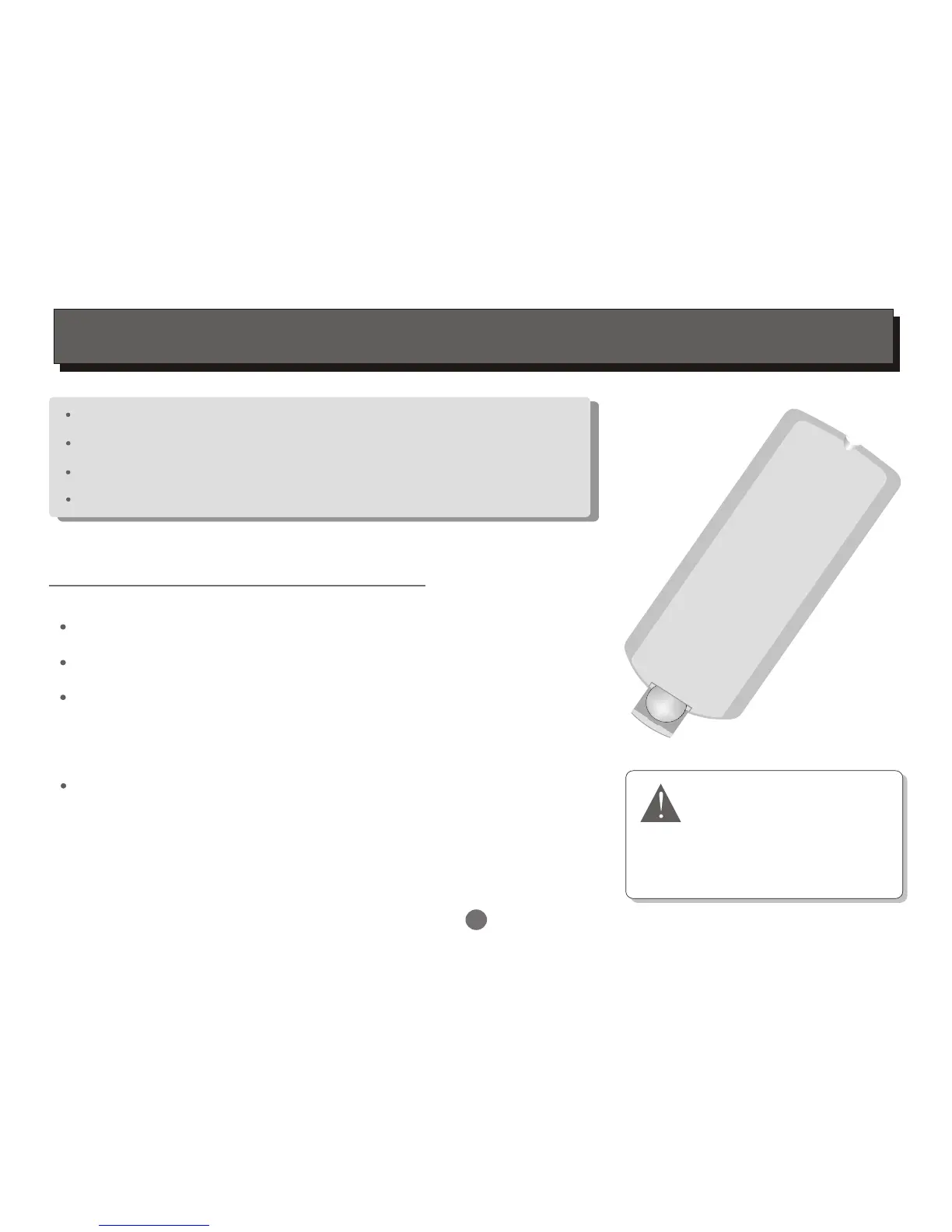
Pull the battery compartment cover.
Load a button battery into the battery compartment.
Remove the battery if the unit will not be used
for a prolonged period of time.
Make sure that the battery has been inserted in
the correct polarities matching to the symbols +, -
marked in the battery compartment. Close the
battery compartment cover.
LOADING BATTERIES INTO THE REMOTE CONTROL
Loading a battery to the remote control
Unpack the unit.
Read through this owner's manual before installation and use.
Take out the protecting plastic film of battery .
Connect the system, make sure the connections are secured.
Danger of explosion if battery is
incorrectly replaced.Replace only
with the same or equivalent type.
CAUTION
LITHIUM BATTERY


 To Next Page