FUNCTION BUTTONS
14
24
A-B
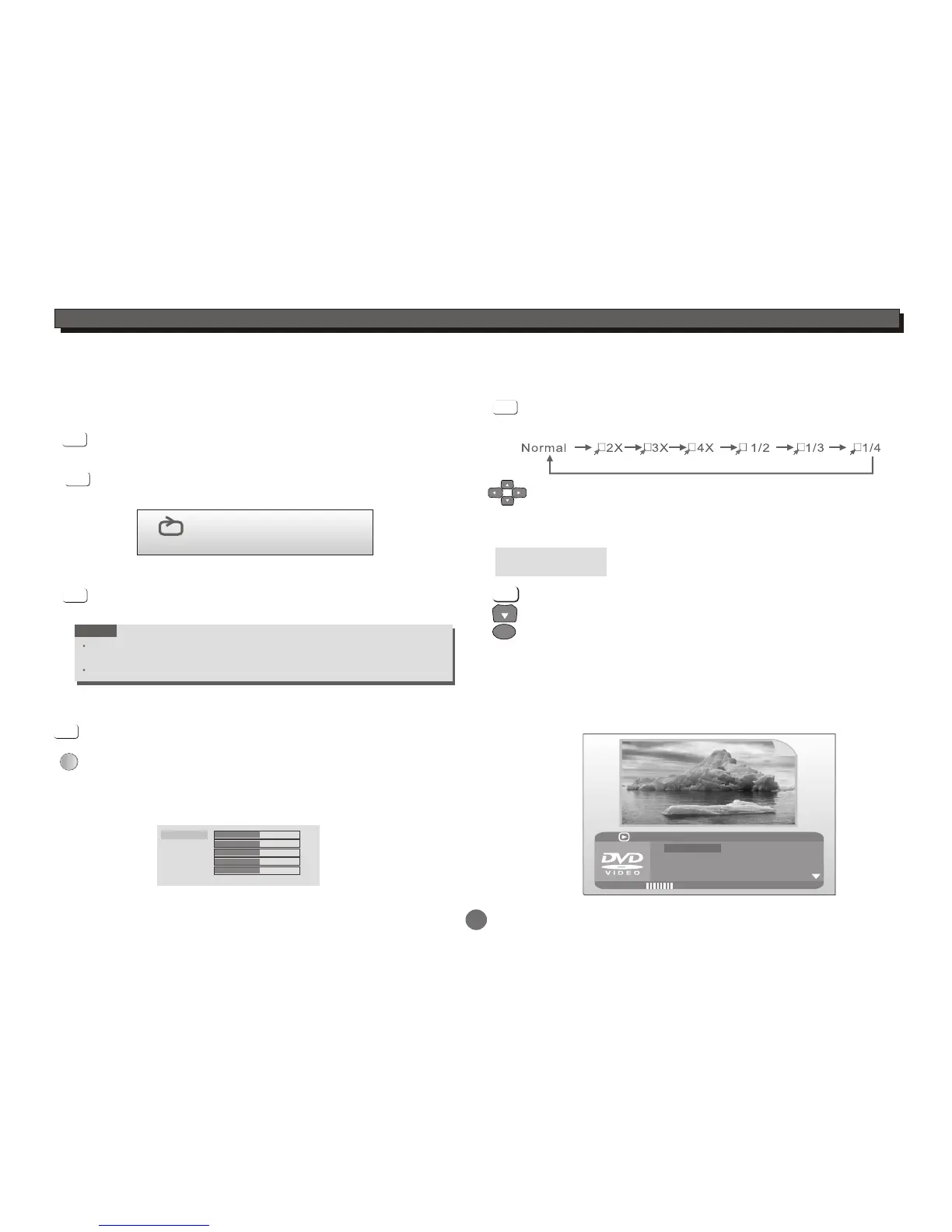
To repeat playback of a desired section:
1) Press the A-B button at the beginning of the desired
section "A".
2) Press the A-B button again at the end of the desired
section "B".
The player will repeat playback of the section from A to B.
3) Press the A-B button again to cancel the function and
return to normal play.
During playback,
NOTE
A-B repeat functionality depends on different disc's production format,
some DVD discs do not allow repeat function.
A-B repeat function does not apply to Picture CD disc.
A-B
A-B
A-B
A B
LCD Setup
Press LCD SETUP button on the remote or TFT SETUP
button on the panel to adjust Brightness,Hue,Contrast,
Saturation and Sharpness.
TFT SETUP
LCD SETUP
Press UP/DOWN button to select the desired items and
setup by the LEFT/RIGHT button.
Press LCD SETUP button again to exit.
Brightness
Hue
Contrast
Saturation
Sharpness
31
Reset
31
31
31
31
ZOOM
Press the ZOOM button to enlarge viewable picture.
Press the button repeatedly to change the zoom scale:
Press the CURSOR buttons to adjust the zooming position.
ZOOM
Press the GOTO button to select GOTO mode.
DVD disc
Press DOWN button to highlight desired item and
press ENTER button to select.
CH-
GOTO
Input title number
Input chapter number
Press the GOTO button again to exit.
Title --
Chapter --
TT TIME -:--:--
Input time h:mm:ss
(Hour : Minute : Second)
ENTER
01/23
08/28
5.1 CH English
Off
Title Elapsed 0:28:32
Bitrate 55
Menu
Title
Chapter
Audio
Subtitle
GOTO


 To Next Page