15
FUNCTION BUTTONS
CD disc
Press the GOTO button to select GOTO mode.
Input desired time of the disc
mm:ss (Minute : Second)
Input desired time of the track
mm:ss (Minute : Second)
Input desired track number
Disc Go To :--:--
Track Go To :--:--
Select Track : --
GOTO
TRACK 01/17 02:17
DISC GOTO:--:--
TRACK 01/17 02:17
TRACK GOTO:--:--
TRACK 01/17 02:17
SELECT TRACK:--/17
Select :---
Input desired titles of the disc
Input desired time of the title
h:mm:ss (hour : Minute : Second)
Select :---
Go To -:--:--
MPEG4 disc
Press the GOTO button repeatedly to enter
different GOTO modes.
GOTO
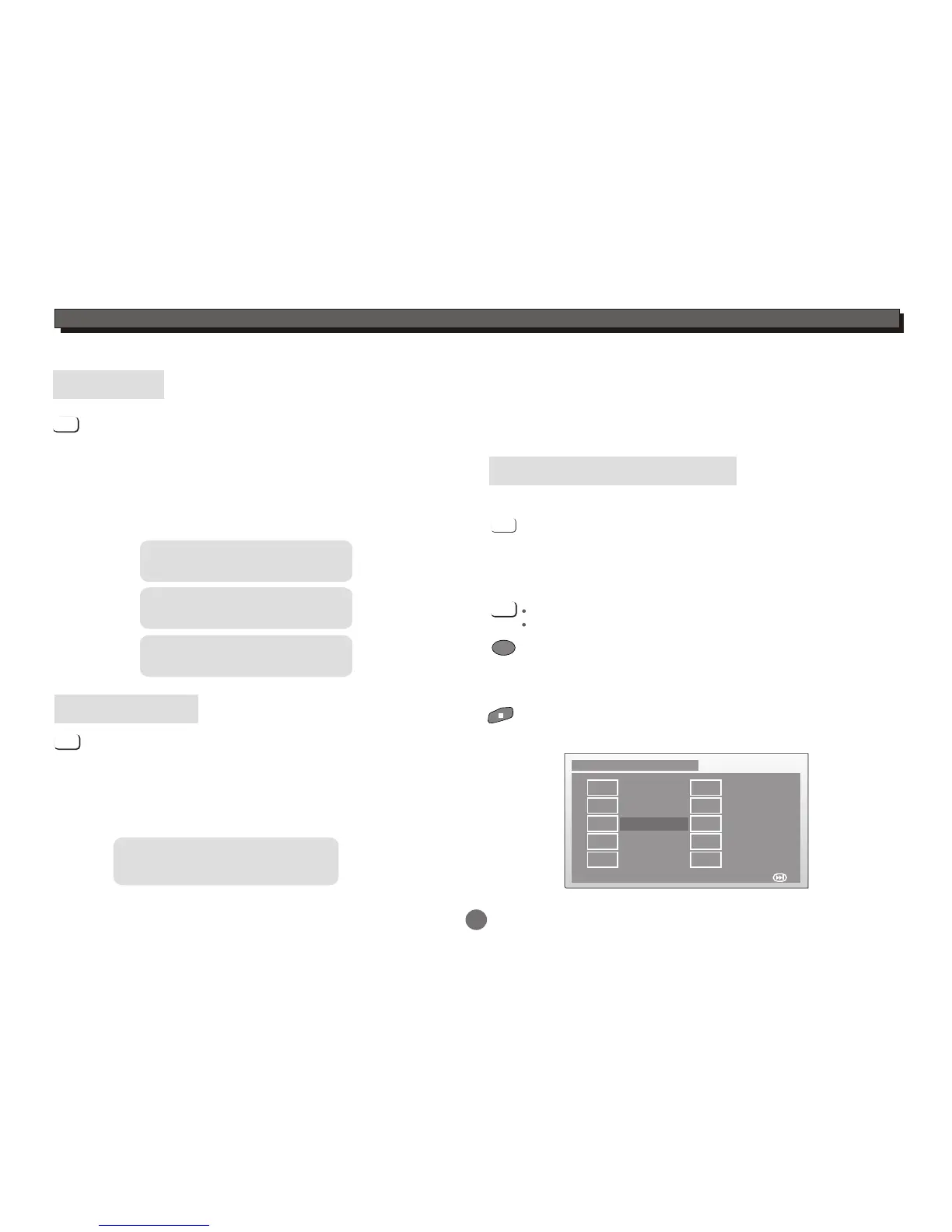
PROGRAMME
Programme to play a DVD and CD disc in a desired sequence
automatically.
Load a DVD disc.
Use numeric key to input the Title and Chapter numbers,
Repeat inputting the Title and Chapter numbers until
programming is completed.
Press PROGRAM button,
the DVD programme menu will appear.
To clear the last input, press CLEAR button.
Highlight the "NEXT" icon to enter the next page.
PROGRAM
CLEAR
ENTER
DVD programme menu
Highlight the "Start" icon to confirm.
Press ENTER button to start the programme playback.
Highlight the "EXIT" icon and press ENTER button to quit
program memenu.
Programme: TT( 23 )/CH( -- )
TT: 05 CH: 07
TT:06 CH: 08
TT:03 CH: 02
TT: CH:
TT: CH:
Exit Start NEXT
TT: CH:
TT: CH:
TT: CH:
TT: CH:
TT: CH:TT: CH:
1 6
2
3
4
5
7
8
9
10
In programme playback mode,press STOP button twice
to cancel the programme playback.


 To Next Page