17
FUNCTION BUTTONS
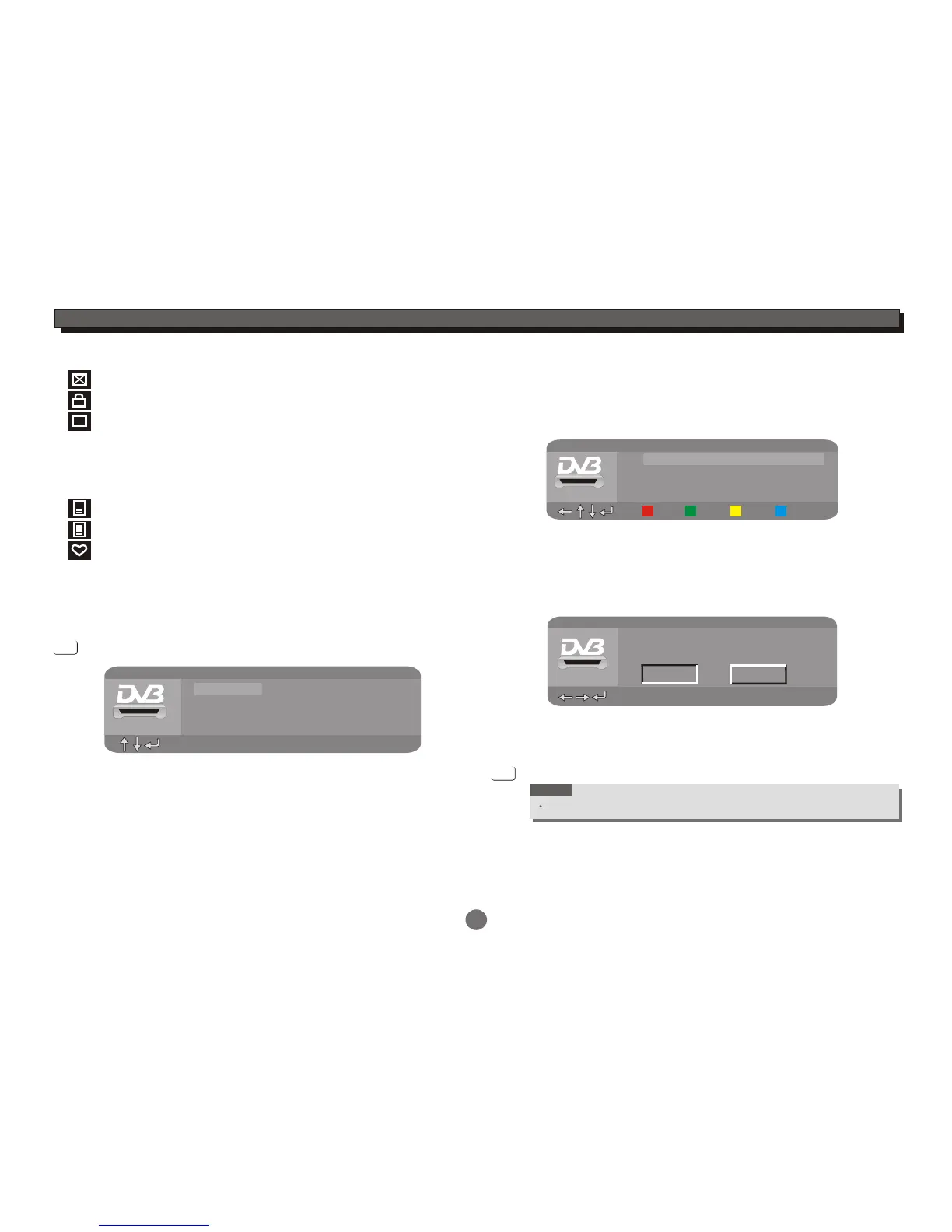
means this is a deleted channel;
+
CA
NOTE:You may not be able to watch all digital
TV channels, as some require asubscription.
If a subscription channel is selected, "CA"mark
would beshowing on the OSD and " Screambled
channel, can't play!" will be displayed.
means this is a locked channel;
means this is a screambled channel;
means this channel has subtitle;
means this channel has teletext;
means this is a favorite channel.
Accessing the Electronic Programme Guide(EPG)
Press the EPG button to enter the EPG menu.
This function is used to look at what is being broadcast on a
TV or Radio Channel later in the day.
BBC One
2006/12/19 15:52:08
001 BBC One
Terrestrial
EPG
00:00
Channel
Programme
14:00-16:00 Current
16:00-18:00 Next
EPG
Press the UP or DOWN cursor button to select a channel,
then press the ENTER button to enter the channel list.
To see what is going to be broadcast next, press
the UP or DOWN cursor button to select Programme
option, then press the ENTER button to enter the
programme menu.
After you reserve programmes, the reserve programme
list will be found in DVB-T setup/Channel setup/
Reserve channel.
Press the UP or DOWN cursor button to highlight
your desired programme, then press the ENTER
button,the Programme Reserve window will display.
Select OK icon to reserve the selected programme,
select Cancel icon to exit.
Press the EPG button to exit .
EPG
To view a different channel,press the UP or DOWN cursor
button to highlight your desired channel, then press the
ENTER button to confirm the selection.
Press the LEFT cursor button to return to the EPG menu.
NOTE
To see what is going to broadcast next is not available on all channels.
2006/04/13
Terrestrial
EPG
00:00
14:00-16:00 Golf:2006 PGA
16:00-18:00 BBC NEWS
18:00-20:00 Superbods
20:00-21:00 Starhill Ponies
Info Prev Next Detail
EPG
Reserve the programme?
11:58-13:00
OK Cancel
Terrestrial
00:00
2006/04/13
The O.C.


 To Next Page