00:00
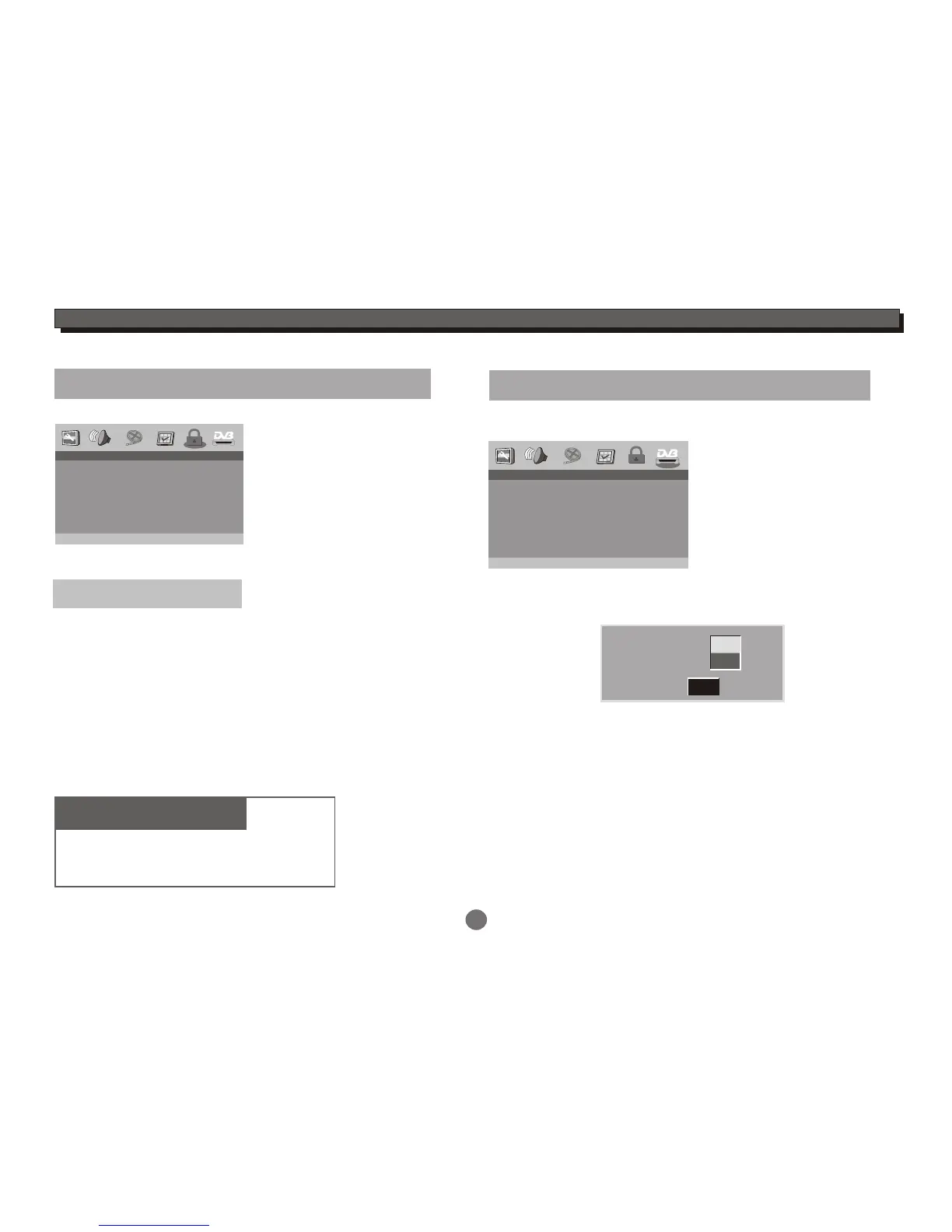
-- DVB-T Setup Page --
Area
Time Zone
Parental Age
Channel Setup
Eng
Dis
Go To DVB-T Setup Page
22
DVD SETUP MENU
Password Setup
Enter this menu to setup Password Mode On/Off.
00:00
-- Password Setup Page --
Password Mode
Password
On
Go To Password Setup Page
Password Mode: On/Off
Password
Set to change the password.
In the Password Setup menu, highlight the
Password selection and press ENTER button.
Default setting
Password Mode :On
Password :123456
Highlight the "Change" selection and press ENTER
button.
Enter 6-digits old password into the blank of
Old password. Enter 6-digits new password into the
blank of New password and confirm the new password.
Highlight the OK icon and press ENTER button.
To select the correct country code of the DVB-T.
DVB-T Setup
Enter this menu to set the Area,Time Zone,Parental Age
and Channel Setup.
Area setting:
Time Zone:
To set the correct time zone of the DVB-T.
Hour
Minute
OK
08
00
Parental Age:To set the parental age.
In the DVB-T setup menu, highlight the Parental Age menu,
press the ENTER button to enter its sub-menu.
Press the UP or DOWN cursor button to select the age you want
to set, but you are asked to enter the password(The default pin
code is 123456).
Enter the correct password and press ENTER button to complete
the setting.
Press the SETUP button to saving the setting and exit.


 To Next Page