SAFETY INFORMATION
TO REDUCE THE RISK OF FIRE AND ELECTRIC SHOCK, DO NOT EXPOSE THIS UNIT TO RAIN OR
MOISTURE.
IMPORTANT SAFEGUARDS
: To reduce the
risk of fire and electric shock, do
not remove the cover (or back) of
the unit. Refer servicing only to qualified service personnel.
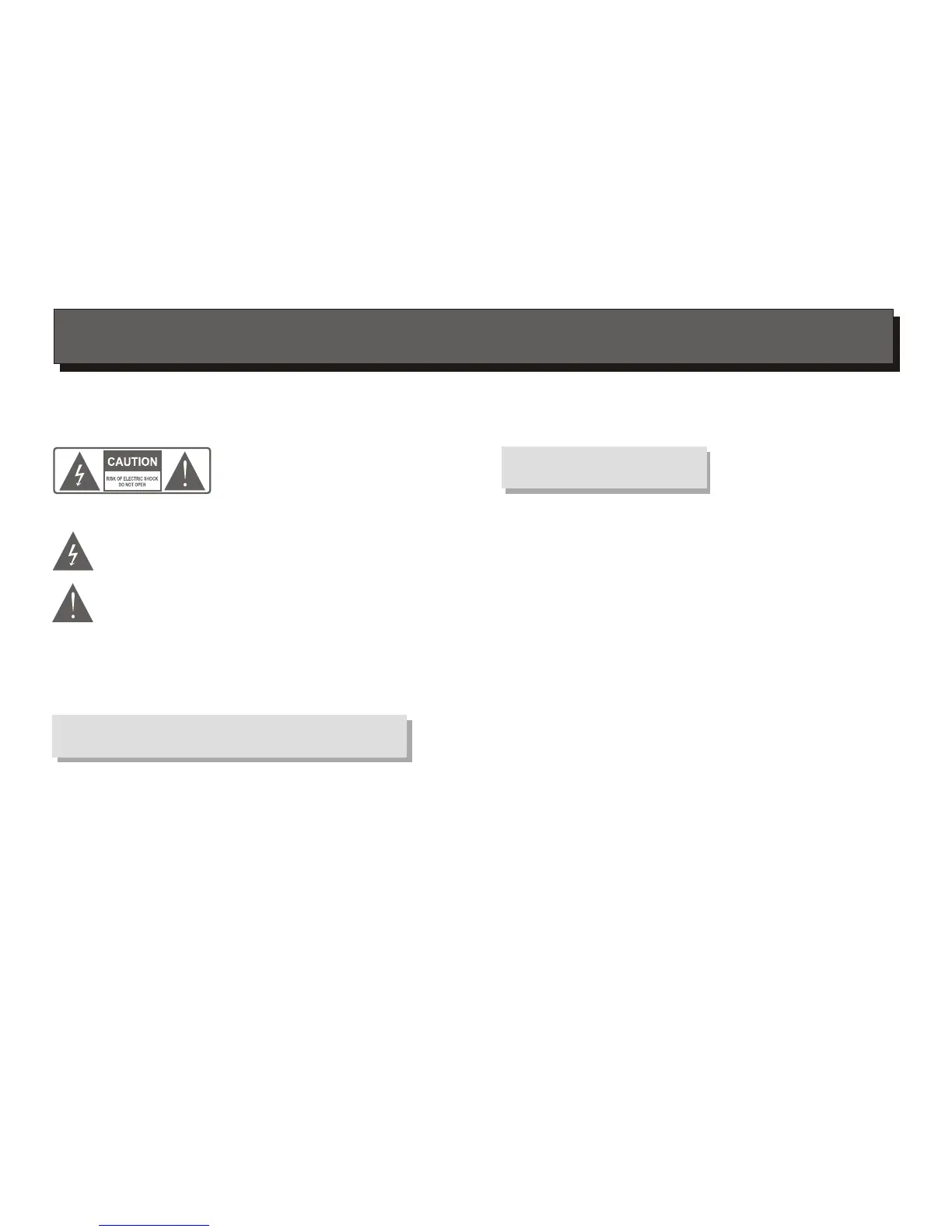
The lightning flash with arrowhead symbol, within an equilateral
triangle, is intended to alert the user to the presence of uninsulated
"dangerous voltage" within product's enclosure that may be of
sufficient magnitude to constitute a risk of electric shock.
The exclamation point within an equilateral triangle is intended to
alert the user to the presence of important operation and servicing
instructions in the literature accompanying the appliance.
WARNING: TO REDUCE THE RISK OF FIRE OR ELECTRIC SHOCK, DO
NOT EXPOSE THIS APPLIANCE TO RAIN OR MOISTURE.
CAUTION: TO PREVENT ELECTRIC SHOCK, MATCH WIDE BLADE OF
PLUG TO WIDE SLOT, FULLY INSERT.
In addition to the careful attention devoted to quality standards
in the manufacture of your video product, safety is a major factor
in the design of every instrument. However, safety is your
responsibility, too. This sheet lists important information that will
help to assure your enjoyment and proper use of the video
product and accessory equipment. Please read them carefully
before operation and using your video product.
CAUTION
1.
2.
3.
4.
5.
6.
7.
8.
Read and Follow Instructions- All the safety and operation instructions should be
read before the video product is operated. Follow all operating instructions.
Retain Instructions- The safety and operating instructions should be retained for
future reference.
Heed all Warnings-Comply with all warnings on the video product and in the
operating instructions.
Polarization- Some video products are equipped with a polarized alternating -current
line plug. This plug will fit into the power outlet, try reversing the plug. If the plug still
fails to fit, contact your electrician to replace your obsolete outlet. To prevent
electric shock, do not use this polarized plug with an extension cord, receptacle, or
other outlet unless the blades can be fully inserted without blade exposure. If you
need an extension cord, use a polarized cord.
Power Sources- This video product should be operated only from the type of power
source indicated on the marking label. If you are not sure of the type of power
supply to your home, consult your video dealer or local power company. For video
products intended to operate from battery power, or other sources, refer to the
operating instructions.
Overloading- Do not overload wall outlets or extension cords as this can result in a
risk of fire or electric shock. Overloaded AC outlets, extension cords, frayed power
cords, damaged or cracked wire insulation, and broken plugs are dangerous, They
may result in a shock or fire hazard. Periodically examine the cord, and if its
appearance indicated damage or deteriorated insulation, have it replaced by your
service technician.
Power-Cord Protection- Power-supply cords should be routed so that they are not
likely to be walked on or pinched by items placed upon or against them, paying
particular attention to cords at plugs, convenience receptacles, and the point where
they exit from the video product.
Ventilation- Slots and openings in the case are provided for ventilation to ensure
reliable operation of the video product and to protect it from overheating. These
openings must not the blocked or covered. The openings should never be blocked
by placing the video product on a bed, sofa, rug, or heat register. This video product
should not be placed in a built-in installation such as a book case or rack, unless
proper ventilation is provided or the video product manufacturer's instructions have
been followed.
Installation


 To Next Page