52
Connecting to a Computer
Connecting to Televisions, Computers and Printers
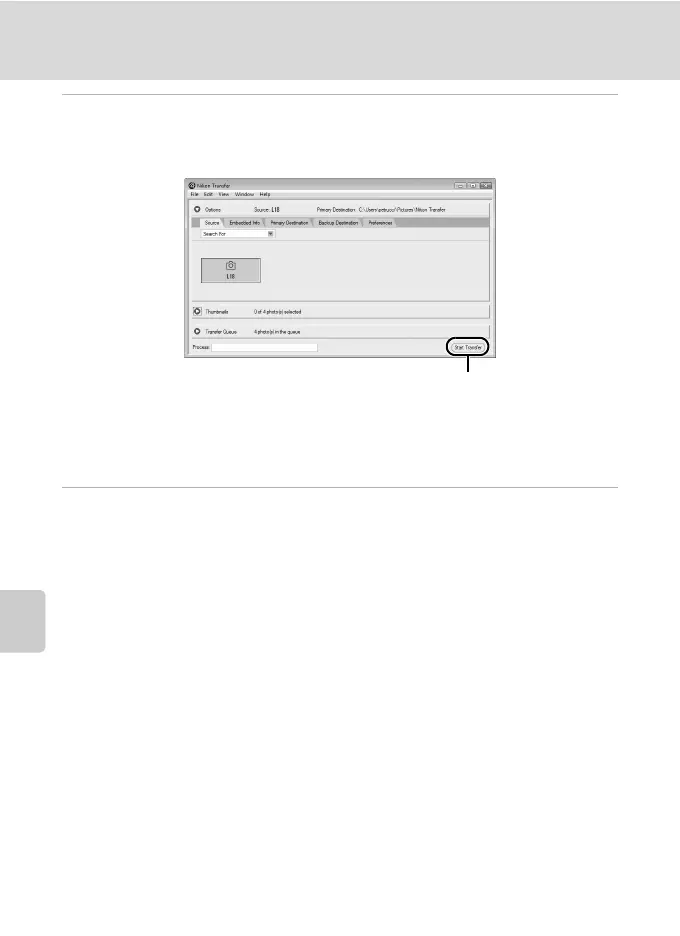
5 Transfer pictures when Nikon Transfer has finished loading.
Click Start Transfer in Nikon Transfer. At the default setting, all pictures are transferred
to the computer.
At the Nikon Transfer default setting, the folder to which pictures are transferred is
automatically opened when transfer is complete.
For more information on using Nikon Transfer, refer to help information contained in
Nikon Transfer.
6 Disconnect the camera when transfer is complete.
Turn the camera off and disconnect the USB cable.
Start Transfer button



 To Next Page