72
Playback Options: The Playback Menu
Shooting, Playback and Setup Menus
b Slide Show
Play back pictures, stored in the internal memory or on a memory card, one by one
in an automated “slide show.”
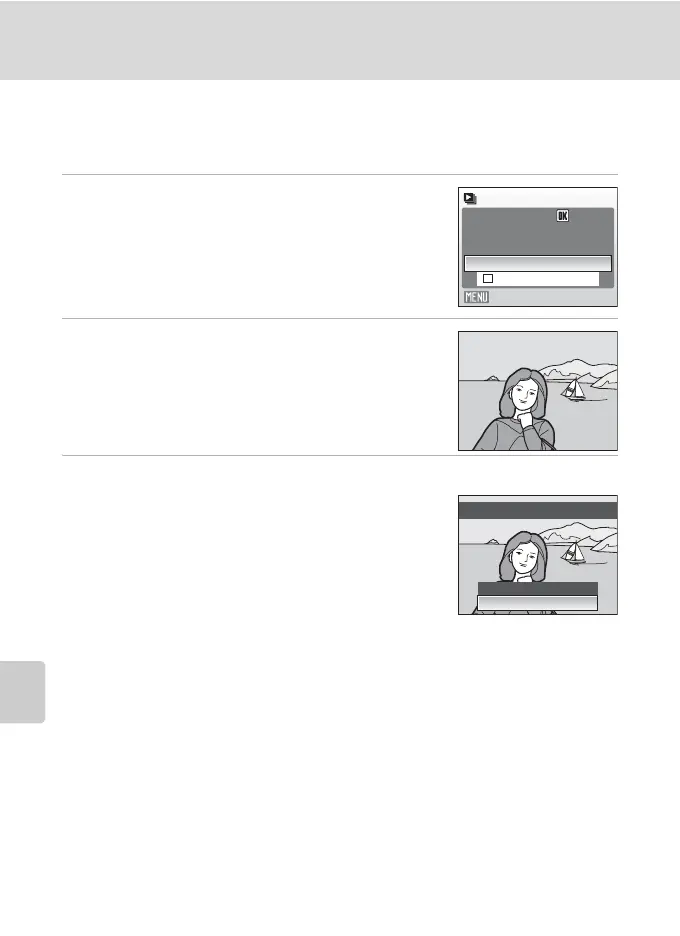
1 Use the multi selector to choose Start and
press k.
To repeat the slide show automatically, enable Loop and
press k before choosing Start. The check mark (w) will
be added to the loop option when enabled.
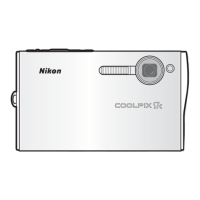
2 The slide show begins.
While the slide show is in progress, the following
operations can be performed:
• Use the multi selector to switch pictures. Hold J or K
down to fast rewind or forward.
• Press k to pause the slide show.
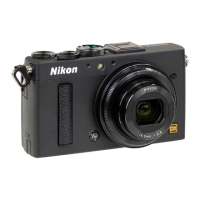
3 Choose End or Restart.
When the slide show ends or is paused, choose End and
press k to return to the playback menu, or choose
Restart to play the slide show again.
B Notes on Slide Show
• Only the first frame of movies (A 48) included in slide shows is displayed.
• Even if Loop is selected, the monitor can continuously display the Slide Show for up to 30 minutes
(A 84).
Slide show
Exit
Loop
Start
Pause:
Restart
End
Pause
Pause



 To Next Page